Account Contact
Your Cart
Pay the courier with no extra fees.
Need help? DistriNode AI can handle any task on our site.

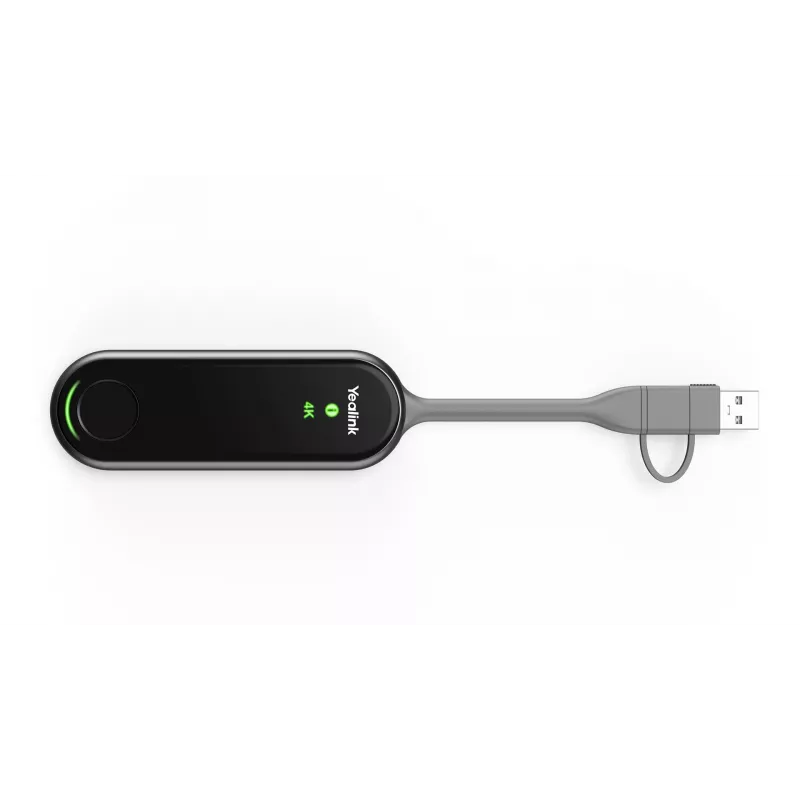
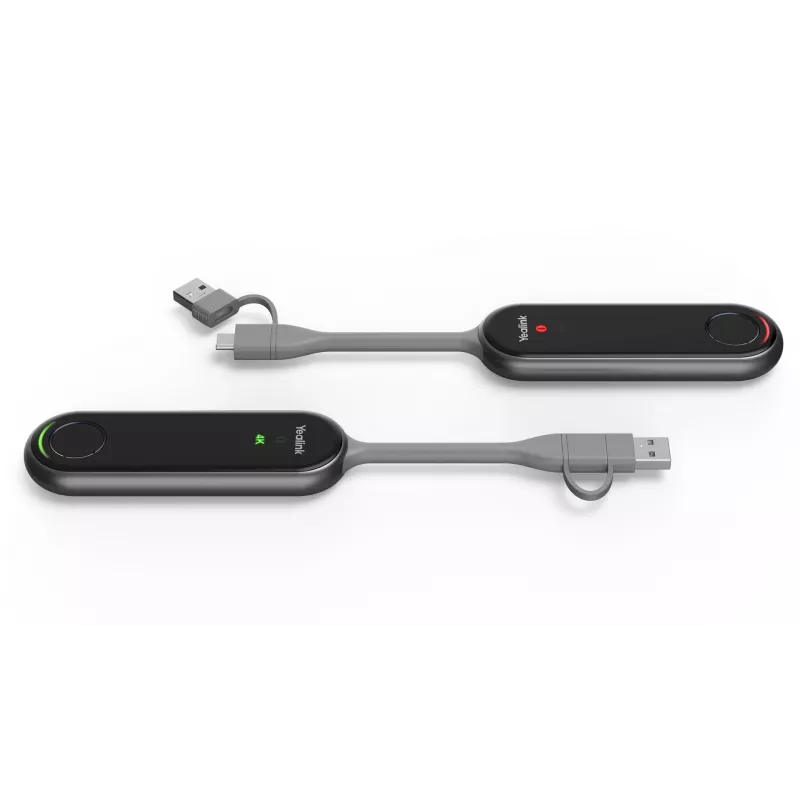
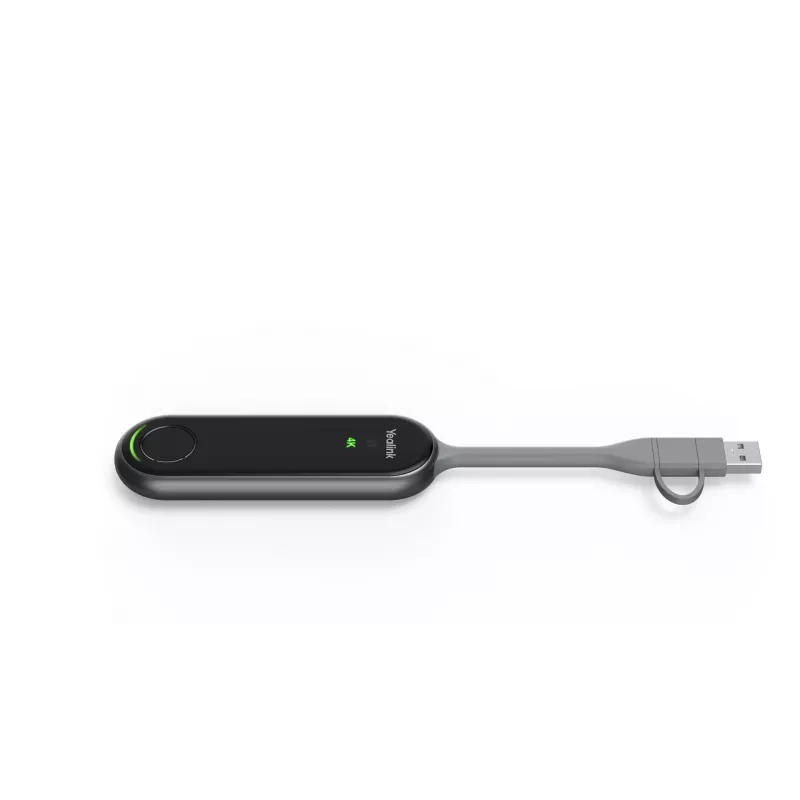
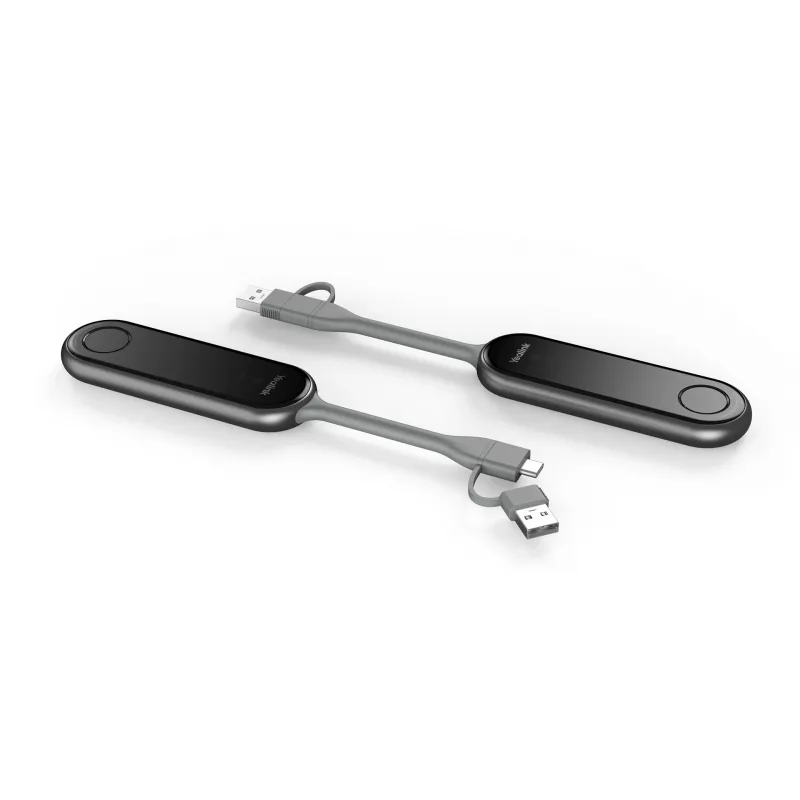
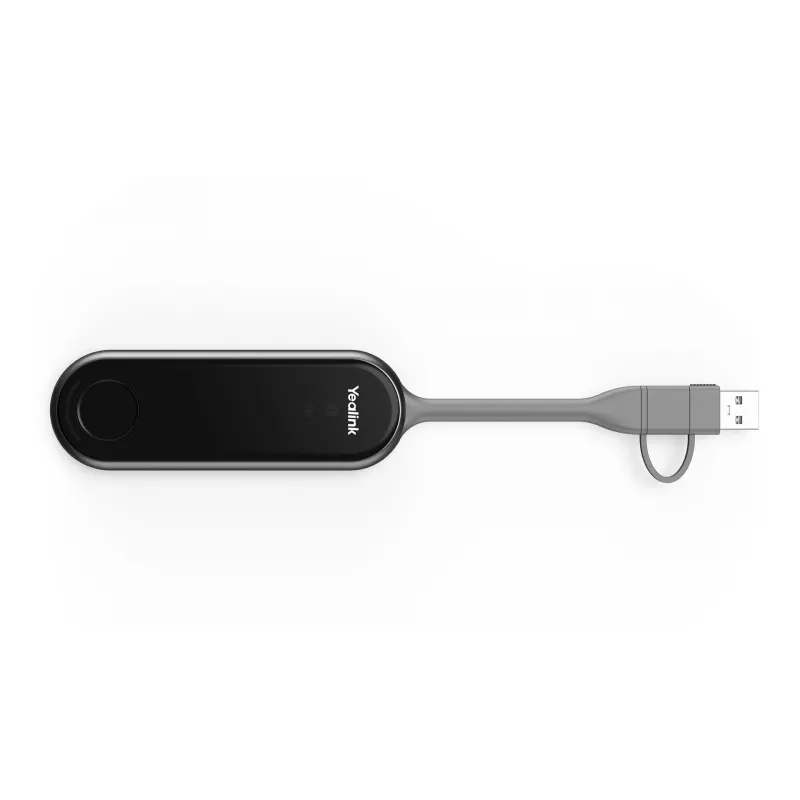
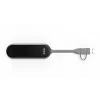
AV transmitter Yealink PA20 — HDMI and USB connectivity, black

AV transmitter Yealink PA20 — HDMI and USB connectivity, black
R5,311
Yealink PA20 is an AV transmitter designed to deliver audio and video from source devices to displays and conferencing systems using HDMI and USB connectivity in a compact black housing. The unit provides cable-based signal delivery that integrates with USB-equipped endpoints and HDMI displays, offe... Read More
Stock 8 Code 1210071 Brand Yealink Model 1303185 Warranty 2 Years

Shipping & Returns

Estimated delivery Tuesday, October 6
You will be kept updated through our detailed tracking system
Payment options
EFTPayFastBank CardSnapScanZapperGoogle PayApple PayMobicredMoreTymePay on Arrival

Yealink PA20 is an AV transmitter designed to deliver audio and video from source devices to displays and conferencing systems using HDMI and USB connectivity in a compact black housing. The unit provides cable-based signal delivery that integrates with USB-equipped endpoints and HDMI displays, offering a straightforward option for meeting rooms, lecture halls and hybrid collaboration setups.

Advantages

The PA20 supports both HDMI and USB interfaces to accommodate a variety of source devices and conferencing endpoints. Its compact, black enclosure is intended for discreet installation near source equipment or AV racks, simplifying cable routing and preserving desktop space. The transmitter focuses on stable, low-latency transmission over physical connections, reducing dependency on network bandwidth and minimizing potential wireless interference. Compatibility with common HDMI and USB standards ensures easy integration into existing AV and video-conferencing environments.

Suitable for

  • Meeting rooms and huddle spaces requiring reliable AV signal routing
  • Lecture halls and classrooms for presentation and screen sharing
  • Hybrid collaboration setups combining USB endpoints and HDMI displays
  • Small AV installations where a compact transmitter is preferred

Key specifications

  • Connectivity: HDMI input/output and USB interface for host or device connection
  • Form factor: compact, low-profile enclosure in black finish
  • Function: audio and video transmission from source device to display or conferencing endpoint
  • Latency: designed for low-latency cable-based signal transfer
  • Installation: suitable for desktop placement or mounting within AV furniture and racks

How to use

Connect the source device to the PA20 via HDMI or USB according to the source type, then connect the PA20 output to the display or conferencing endpoint using the appropriate cable. Ensure power is supplied if the transmitter requires an external power source and verify that connected devices recognize the input and output signals. Configure display resolution and audio routing on the source device or conferencing system as needed to match the receiving equipment capabilities.

Recommendations

For reliable operation, use high-quality HDMI and USB cables, place the transmitter close to source equipment to minimize cable runs, and verify firmware compatibility with connected endpoints. When integrating into larger AV systems, coordinate resolution and audio formats to avoid unsupported configurations.

Key Highlights
  • Meeting rooms and huddle spaces requiring reliable AV signal routing
  • Lecture halls and classrooms for presentation and screen sharing
  • Hybrid collaboration setups combining USB endpoints and HDMI displays
  • Small AV installations where a compact transmitter is preferred
  • Connectivity: HDMI input/output and USB interface for host or device connection
  • Form factor: compact, low-profile enclosure in black finish
  • Function: audio and video transmission from source device to display or conferencing endpoint
  • Latency: designed for low-latency cable-based signal transfer
  • Installation: suitable for desktop placement or mounting within AV furniture and racks
Specifications
Country of origin
China
Depth
38 mm
Form factor
Dongle
Height
16 mm
LED indicators
Yes
Mac operating systems supported
Mac OS X 10.10 Yosemite, Mac OS X 10.11 El Capitan, Mac OS X 10.12 Sierra, Mac OS X 10.13 High Sierra, Mac OS X 10.14 Mojave, Mac OS X 10.15 Catalina, Mac OS X 10.15.3 Catalina, Mac OS X 10.2 Jaguar, Mac OS X 10.3 Panther, Mac OS X 10.4 Tiger, Mac OS X 10.5 Leopard, Mac OS X 10.6 Snow Leopard, Mac OS X 10.7 Lion, Mac OS X 10.7.5 Lion, Mac OS X 10.8 Mountain Lion, Mac OS X 10.9 Mavericks, Mac OS X 11.0 Big Sur, Mac OS X 12.0 Monterey, Mac OS X 13.0 Ventura, Mac OS X 14.0 Sonoma, Mac OS X 15.0 Sequoia
Networking standards
IEEE 802.11a, IEEE 802.11ac, IEEE 802.11az, IEEE 802.11b, IEEE 802.11g, IEEE 802.11n
Operating relative humidity (H-H)
0 - 90%
Operating temperature (T-T)
-10 - 40 °C
Package depth
38 mm
Package height
16 mm
Package weight
87 g
Package width
220 mm
Power consumption (typical)
2.2 W
Product colour
Black
Security algorithms
WPA-PSK, WPA2-PSK
USB 3.2 Gen 1 (3.1 Gen 1) Type-C ports quantity
1
Weight
75 g
Width
220 mm
Windows operating systems supported
Windows 10, Windows 11, Windows 7, Windows 8

Leaflet

Open Leaflet
Price history over the last 6 months
AV transmitter Yealink PA20 — HDMI and USB connectivity, black
Current
R5,311
Lowest
R5,257
Highest
R6,727
Change 24H
+R4   +0%
Week
+R54   +1%
Month
+R44   +1%

Popular products in this category

WhatsApp
Hi, I’m DistriNode’s AI assistant. I can help you find products, compare options, create quote PDFs, or open support requests.