


Account Contact
Your Cart
Pay the courier with no extra fees.
Need help? DistriNode AI can handle any task on our site.

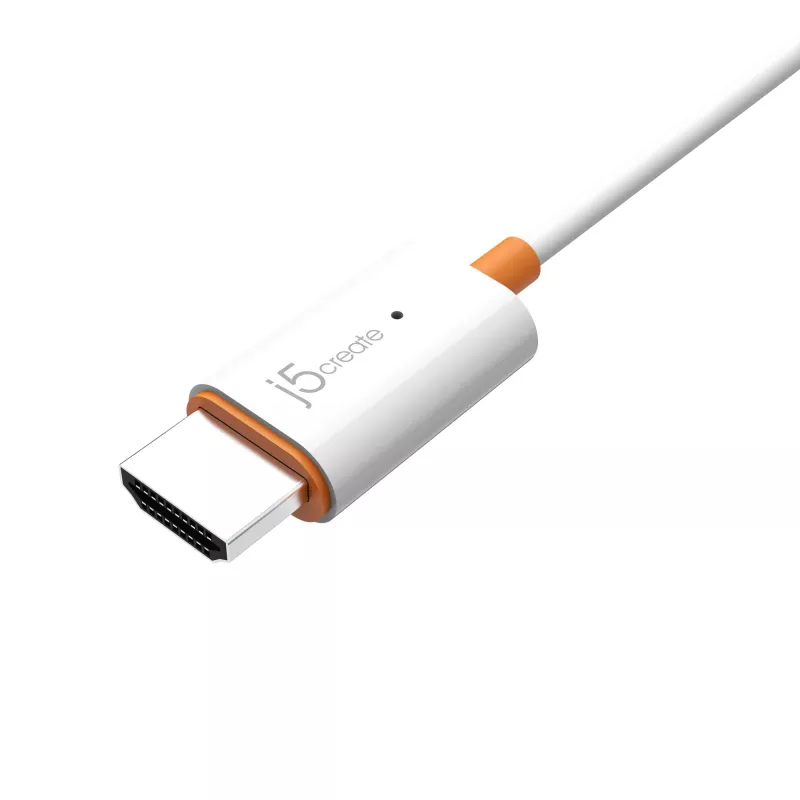
AV receiver j5create JVAW56 Wireless Display Adapter 1080p

AV receiver j5create JVAW56 Wireless Display Adapter 1080p
R1,150
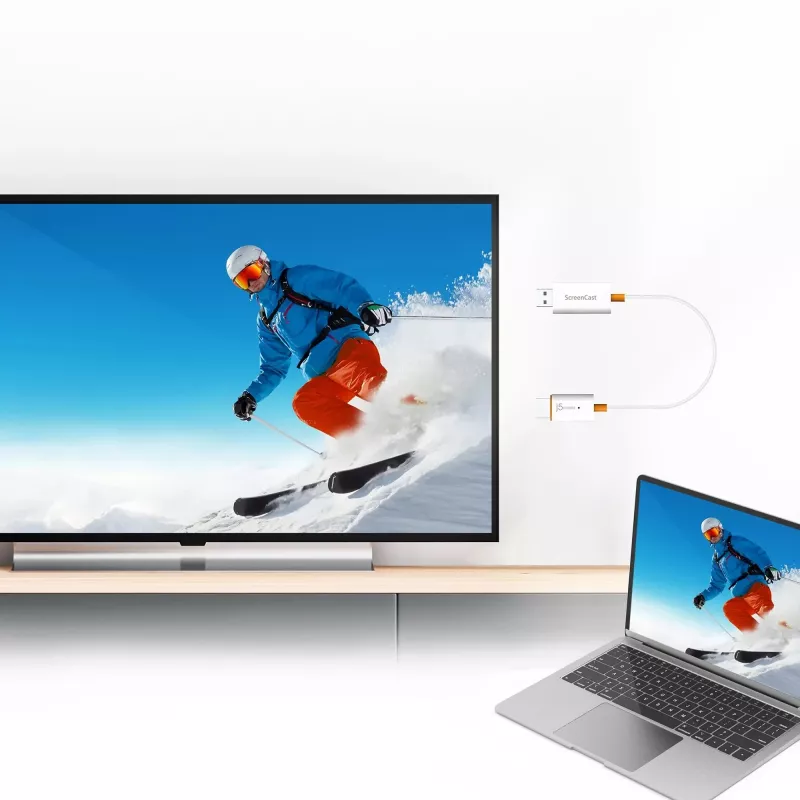
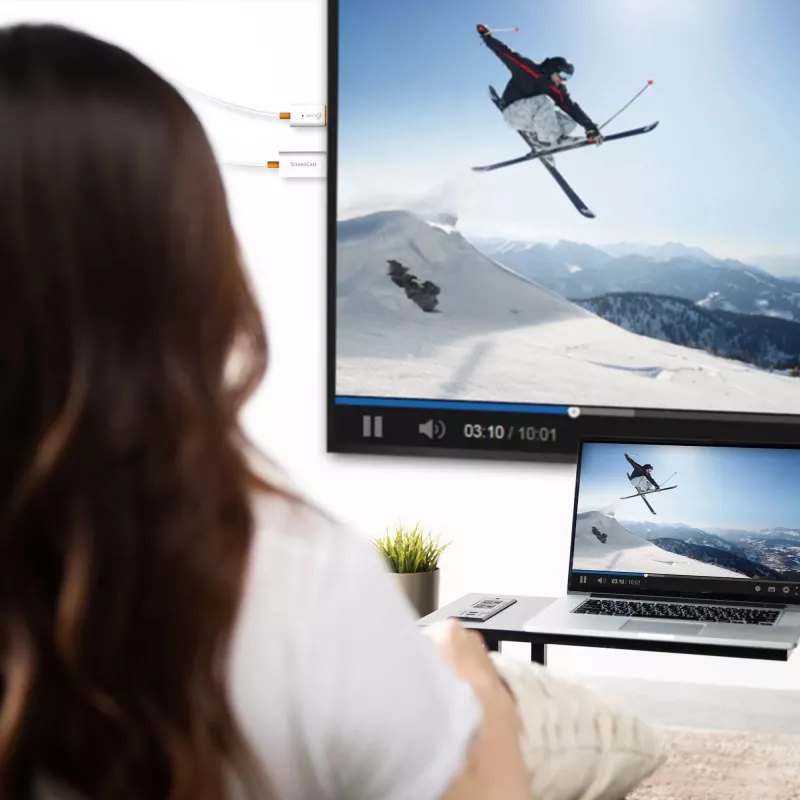
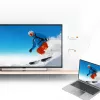
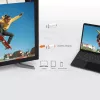
The j5create JVAW56 Wireless Display Adapter 1080p lets you mirror or extend the screen of a phone, tablet, or laptop to an HDTV or monitor. It supports multiple wireless display standards — Miracast, AirPlay and Chromecast — and output resolutions up to 1920 x 1080 (480p, 720p and 1080p). The adapt... Read More
Stock 106 Code 1181962 Brand J5CREATE Model JVAW56-N Warranty 2 Years

Shipping & Returns

Estimated delivery Tuesday, October 6
You will be kept updated through our detailed tracking system
Payment options
EFTPayFastBank CardSnapScanZapperGoogle PayApple PayMobicredMoreTymePay on Arrival

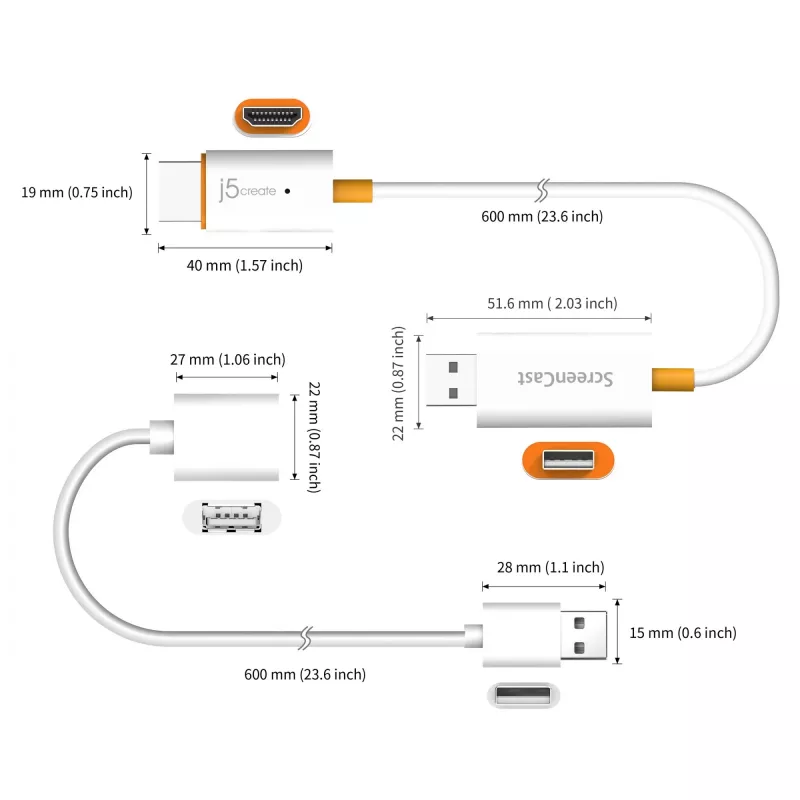
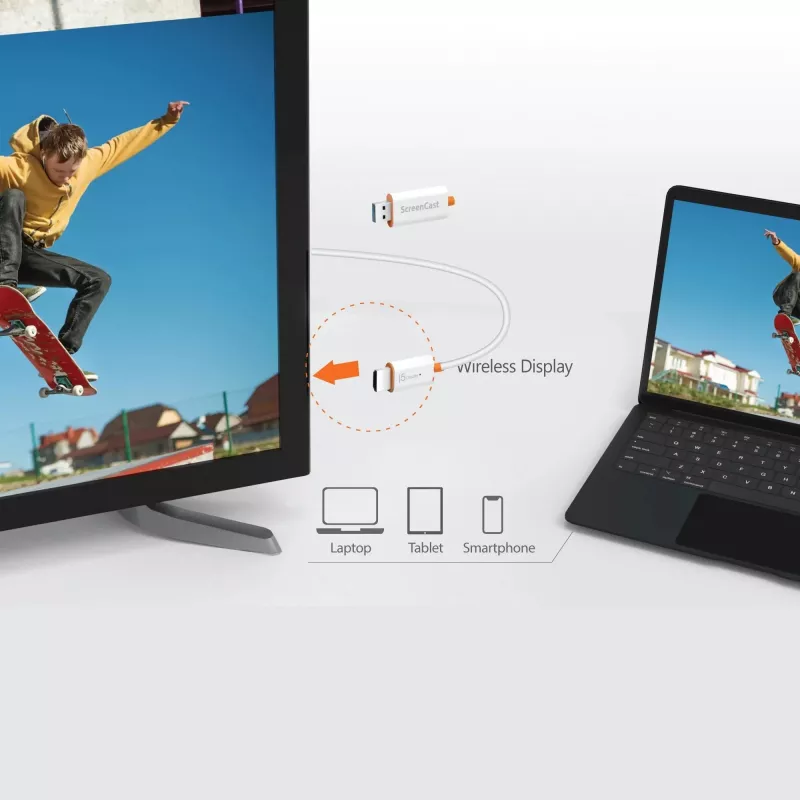
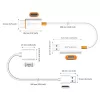
The j5create JVAW56 Wireless Display Adapter 1080p lets you mirror or extend the screen of a phone, tablet, or laptop to an HDTV or monitor. It supports multiple wireless display standards — Miracast, AirPlay and Chromecast — and output resolutions up to 1920 x 1080 (480p, 720p and 1080p). The adapter is powered via USB Type-A and includes a 0.6 m USB extension cable in the package.

Advantages

The adapter offers broad device compatibility across Windows, macOS, iOS, iPadOS and Android platforms by supporting common streaming standards. It delivers full HD output (1920 x 1080) for video and presentations, requires only a USB Type-A power source, and comes with a USB extension cable to help position the unit conveniently near the display.

Suitable for

  • Home streaming of video and photos to an HDTV
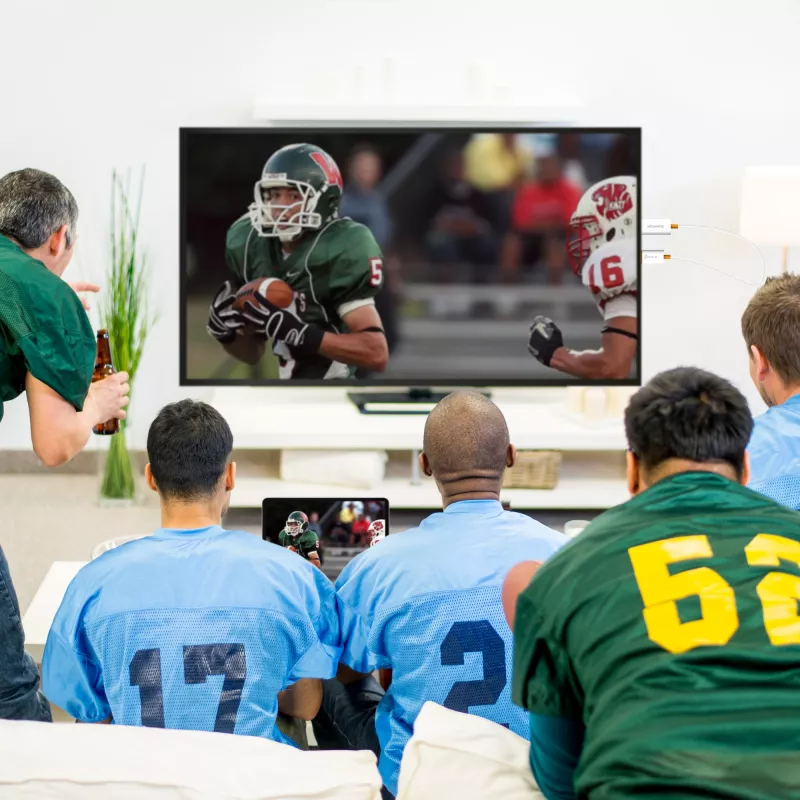
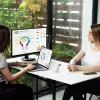
  • Wireless presentations in small offices or meeting rooms
  • Screen mirroring from phones, tablets or laptops during travel
  • Sharing apps and web content on a larger screen

Key specifications

  • Model: j5create JVAW56 (JVAW56-N)
  • Supported standards: Miracast, AirPlay, Chromecast
  • Maximum resolution: 1920 x 1080 (480p, 720p, 1080p)
  • Power: USB Type-A powered (USB extension cable included, length 0.6 m)
  • Compatible OS: Windows, macOS, iOS, iPadOS, Android
  • Package contents: Wireless display adapter, USB extension cable

How to use

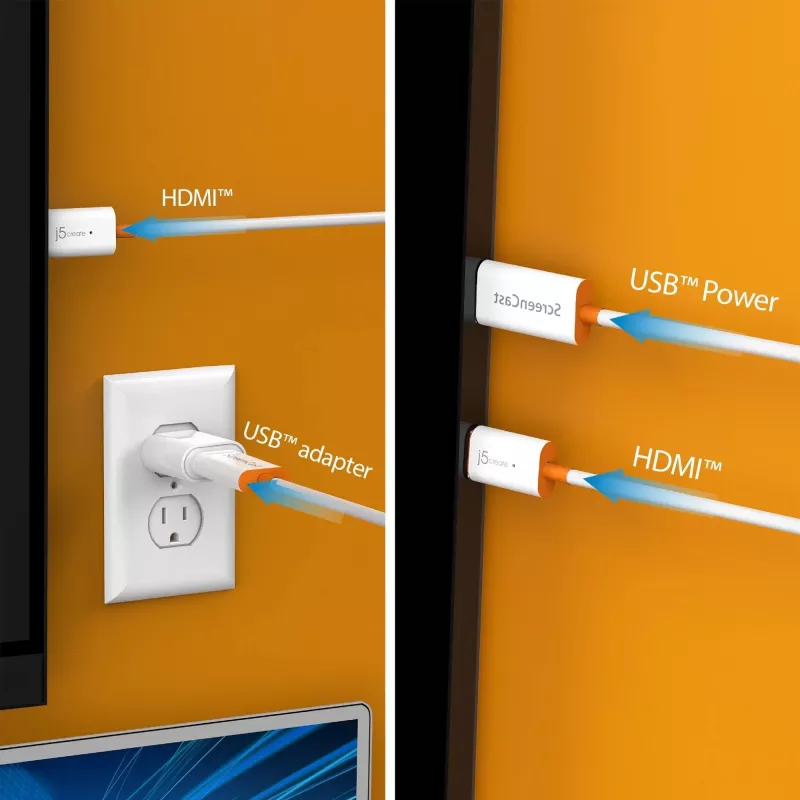
Plug the adapter into an HDMI port on the TV or monitor and connect the USB Type-A power to a USB port or USB power adapter. Use the device’s wireless display or casting function (Miracast, AirPlay or Chromecast) to detect and connect to the adapter. Follow on-screen prompts on your source device to start mirroring or casting content at up to 1080p.

Recommendations

For the best performance, place the adapter with a clear line of sight to the source device, ensure the TV or monitor HDMI input is selected, and use a stable power source. If connection issues occur, restart the adapter and the source device and verify the source device supports the chosen wireless standard.
Key Highlights
  • Home streaming of video and photos to an HDTV
  • Wireless presentations in small offices or meeting rooms
  • Screen mirroring from phones, tablets or laptops during travel
  • Sharing apps and web content on a larger screen
  • Model: j5create JVAW56 (JVAW56-N)
  • Supported standards: Miracast, AirPlay, Chromecast
  • Maximum resolution: 1920 x 1080 (480p, 720p, 1080p)
  • Power: USB Type-A powered (USB extension cable included, length 0.6 m)
  • Compatible OS: Windows, macOS, iOS, iPadOS, Android
  • Package contents: Wireless display adapter, USB extension cable
Specifications
Cable length
0.6 m
Connectivity technology
Wireless
Export Control Classification Number (ECCN)
EAR99
Firmware upgradeable
Yes
Mac operating systems supported
Mac OS X 10.15 Catalina, Mac OS X 11.0 Big Sur, Mac OS X 12.0 Monterey
Master (outer) case gross weight
3070 g
Master (outer) case GTIN (EAN/UPC)
24712795085475
Master (outer) case height
180 mm
Master (outer) case length
321 mm
Master (outer) case width
225 mm
Material
Plastic
Maximum resolution
1920 x 1080
Net weight (inner carton)
1.41 lbs
Operating temperature (T-T)
-10 - 40
Package depth
95 mm
Package height
25 mm
Package type
Box
Package weight
117.5 g
Package width
145 mm
Packaging content
1 x JVAW56 ScreenCast Wireless Display Adapter, 1 x USB™ Type-A extension cable (23.6”), 1 x Quick Installation Guide (QIG)
Plug and Play
Yes
Power source type
USB
Products per master (outer) case
20 pc(s)
Products per shipping (inner) case
5 pc(s)
Quantity per pack
1 pc(s)
Resolution
1920 x 1080
Shipping (inner) case height
160 mm
Shipping (inner) case length
150 mm
Shipping (inner) case width
105 mm
Storage temperature (T-T)
-20 - 50
Supported video modes
1080p, 720p, 480p
Type
AV receiver
USB connector type
USB Type-A
USB powered
Yes
Warranty period
2 year(s)
Wi-Fi
Yes
Windows operating systems supported
Windows 10, Windows 8.1

Manual

Open Manual

Leaflet

Open Leaflet
Price history over the last 6 months
AV receiver j5create JVAW56 Wireless Display Adapter 1080p
Current
R1,150
Lowest
R1,054
Highest
R1,150
Change 24H
+R37   +3%
Week
+R48   +4%
Month
+R44   +4%
WhatsApp
Hi, I’m DistriNode’s AI assistant. I can help you find products, compare options, create quote PDFs, or open support requests.