Account Contact
Your Cart
Pay the courier with no extra fees.
Need help? DistriNode AI can handle any task on our site.

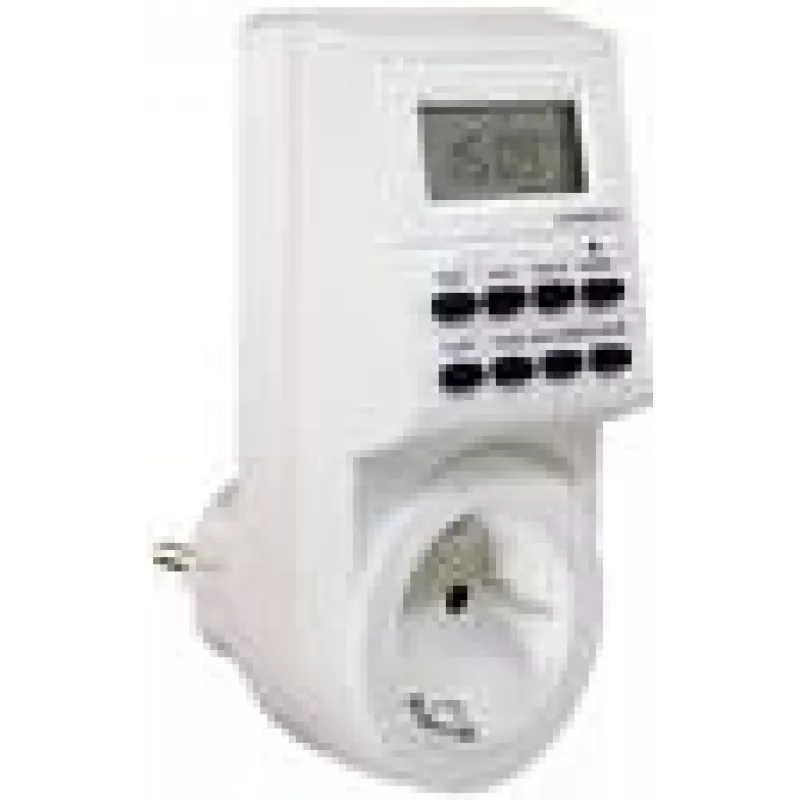
Weekly timer as-Schwabe 24032 Digital White 230V 16A

Weekly timer as-Schwabe 24032 Digital White 230V 16A
R569
The as-Schwabe 24032 Digital White weekly timer is a compact programmable timer for automatic on/off control of electrical appliances. It features a clear digital display and allows weekly scheduling with multiple switching programs. Designed for use on a 230V AC supply and capable of switching load... Read More
Stock 12 Code 2349131 Brand AS SCHWABE Model 24032 Warranty 2 Years

Shipping & Returns

Estimated delivery Tuesday, October 6
You will be kept updated through our detailed tracking system
Payment options
EFTPayFastBank CardSnapScanZapperGoogle PayApple PayMobicredMoreTymePay on Arrival

The as-Schwabe 24032 Digital White weekly timer is a compact programmable timer for automatic on/off control of electrical appliances. It features a clear digital display and allows weekly scheduling with multiple switching programs. Designed for use on a 230V AC supply and capable of switching loads up to 16 A, this timer supports precise time-based control for lighting, heating controls, pumps, and other mains-powered devices in domestic or light-commercial environments.

Advantages

The timer provides accurate weekly scheduling with a digital clock for repeatable daily and weekly programs. Its user interface combines a readable display with straightforward programming buttons, enabling quick setup of multiple on/off events. Rated for 230V AC operation and a 16 A switching capacity, the device is suitable for many common household and office circuits. The compact design and white finish allow easy integration into standard installations while retaining visible status indication for immediate verification of active programs.

Suitable for

Key specifications

How to use

Install the timer according to local electrical regulations and ensure power is switched off during wiring. After mounting and connecting to the 230V supply and the controlled load, set the current time and day on the digital display. Enter required on/off switching times for each day or for selected days of the week using the programming buttons. After programming, switch the device to automatic mode to allow the timer to control the connected appliance according to the saved schedule. Manual override options are typically available on the unit to temporarily switch the load without altering stored programs.

Recommendations

Use the timer within the specified voltage and current limits and install it in a dry, ventilated location away from direct water exposure. For inductive loads such as motors or compressors, consider the device's inrush current and consult equipment specifications to ensure compatibility. Regularly verify time settings after power interruptions and perform periodic checks of programmed schedules to maintain expected operation.

Key Highlights
  • Automatic control of indoor and outdoor lighting circuits
  • Scheduling electric water heaters and circulation pumps
  • Timed switching of ventilation and extractor fans
  • Energy management for office equipment and display lighting
  • Home automation routines where weekly schedules are required
  • Power supply: AC 230 V
  • Maximum switching current: 16 A
  • Display: digital
  • Programming: weekly schedule with multiple on/off settings
  • Housing color: white
  • Mounting: suitable for standard outlet or panel installation (dependent on local wiring)
Specifications
AC input voltage
230
Control type
Buttons
Display type
Digital
International Protection (IP) code
IP20
Maximum current
16 A
Number of programs
8
Product colour
White
Timer type
Weekly timer
Price history over the last 6 months
Weekly timer as-Schwabe 24032 Digital White 230V 16A
Current
R569
Lowest
R569
Highest
R577
Change 24H
-R5   -1%
Week
—   
Month
—   

Popular products in this category

WhatsApp
Hi, I’m DistriNode’s AI assistant. I can help you find products, compare options, create quote PDFs, or open support requests.