Account Contact
Your Cart
Pay the courier with no extra fees.
Need help? DistriNode AI can handle any task on our site.

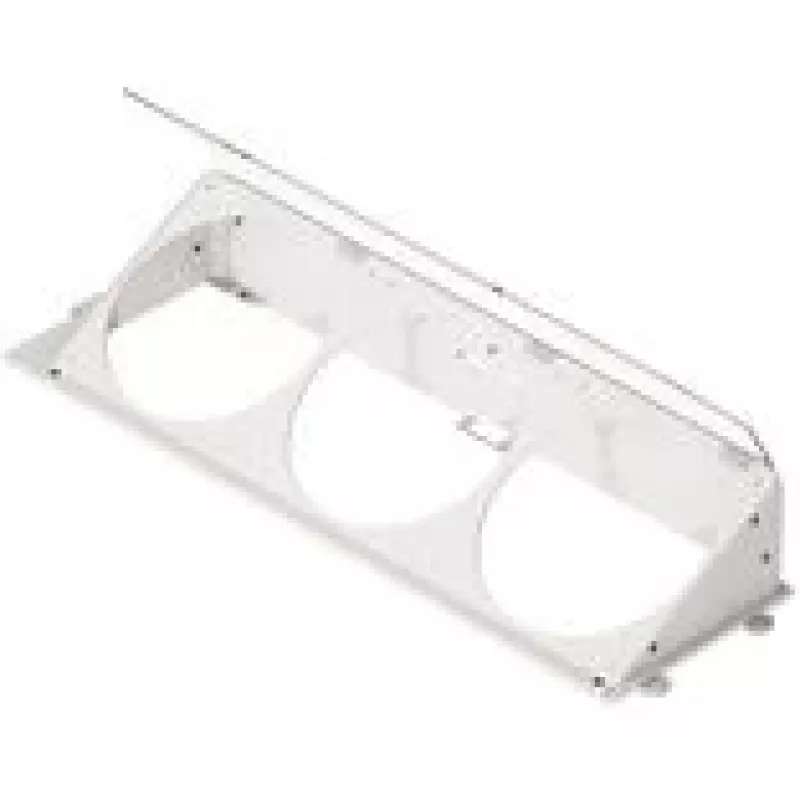
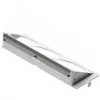
Angled bottom fan bracket HAVN HS 420 white — case fan mounting bracket for lower chassis installation

Angled bottom fan bracket HAVN HS 420 white — case fan mounting bracket for lower chassis installation
R1,410
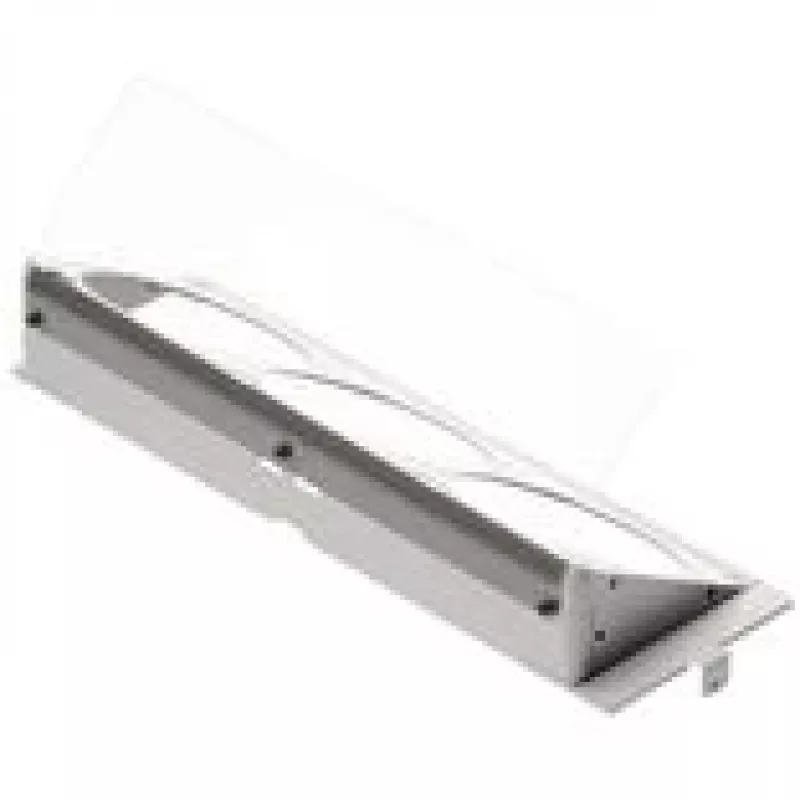
Angled bottom fan bracket HAVN HS 420 white is a mounting accessory designed to secure a case fan to the lower section of a PC chassis. The bracket sets the fan at an angled orientation to direct airflow toward specific internal components or vents, offering a practical solution for repositioning or... Read More
Stock 50 Code 312886 Brand HAVN Model GEHV-009 Warranty 2 Years

Shipping & Returns

Estimated delivery Thursday, October 1
You will be kept updated through our detailed tracking system
Payment options
EFTPayFastBank CardSnapScanZapperGoogle PayApple PayMobicredMoreTymePay on Arrival

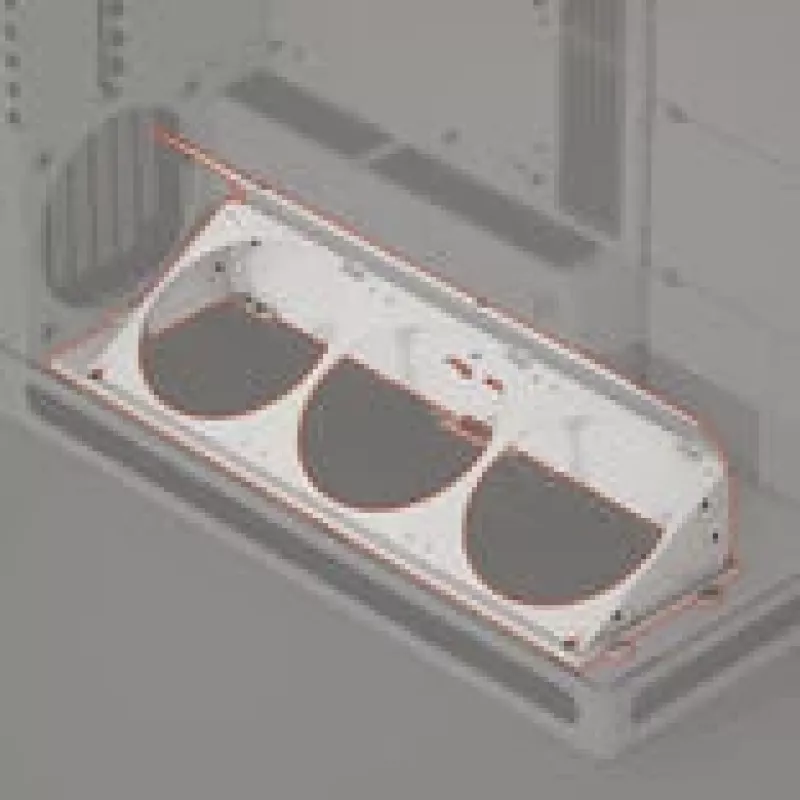
Angled bottom fan bracket HAVN HS 420 white is a mounting accessory designed to secure a case fan to the lower section of a PC chassis. The bracket sets the fan at an angled orientation to direct airflow toward specific internal components or vents, offering a practical solution for repositioning or adding a lower-mounted cooling fan. Compatible with standard case fan sizes — verify fan fit before purchase — this bracket is intended for system builders and upgraders looking to improve thermal management in compact or full-size cases without permanent modifications.

Advantages

The angled design channels airflow more precisely than a flat mount, helping to target intake or exhaust paths and improve component cooling. Constructed to fit common case fan dimensions, the bracket enables quick installation and repositioning of fans at the lower chassis area. Its white finish provides a neutral appearance that integrates with a variety of case interiors and lighting schemes. The accessory allows adding or relocating a fan without drilling or major case alterations, preserving chassis integrity.

Suitable for

  • Adding a bottom-mounted intake or exhaust fan in desktop PC chassis
  • Redirecting airflow toward graphics card, storage bays or motherboard VRM
  • System upgrades where additional lower airflow is required
  • Small form factor builds that need angled fan placement for clearance

Key specifications

  • Orientation: angled bottom mount for case fan installation
  • Color: white finish
  • Compatibility: designed for standard case fan sizes (check fan dimensions before purchase)
  • Installation location: lower section of PC chassis / bottom panel
  • Material: rigid mounting bracket designed for secure fan attachment

How to use

Position the angled bracket at the chosen lower chassis location and align the fan so its screw holes match the bracket’s mounting points. Secure the fan to the bracket using compatible screws (not included) and then fasten the bracket to the chassis according to your case layout, ensuring clearance for cables and drive bays. Connect the fan’s power cable to the appropriate header or controller and verify correct rotation and airflow direction before closing the case. Confirm that the fan size and thickness are compatible with the bracket and case interior to avoid interference.

Recommendations

Verify fan dimensions and clearance in your chassis prior to installation; use anti-vibration mounts or rubber grommets if available to reduce noise. Route cables to avoid contact with the fan blades, and periodically check mounting screws for tightness after initial operation. For optimal system cooling, consider fan direction relative to front/rear airflow and maintain unobstructed intake and exhaust paths.

Key Highlights
  • Adding a bottom-mounted intake or exhaust fan in desktop PC chassis
  • Redirecting airflow toward graphics card, storage bays or motherboard VRM
  • System upgrades where additional lower airflow is required
  • Small form factor builds that need angled fan placement for clearance
  • Orientation: angled bottom mount for case fan installation
  • Color: white finish
  • Compatibility: designed for standard case fan sizes (check fan dimensions before purchase)
  • Installation location: lower section of PC chassis / bottom panel
  • Material: rigid mounting bracket designed for secure fan attachment
Price history over the last 6 months
Angled bottom fan bracket HAVN HS 420 white — case fan mounting bracket for lower chassis installation
Current
R1,410
Lowest
R471
Highest
R1,586
Change 24H
+R688   +95%
Week
+R694   +97%
Month
+R939   +199%

Popular products in this category

WhatsApp
Hi, I’m DistriNode’s AI assistant. I can help you find products, compare options, create quote PDFs, or open support requests.