
Account Contact
Your Cart
Pay the courier with no extra fees.
Need help? DistriNode AI can handle any task on our site.

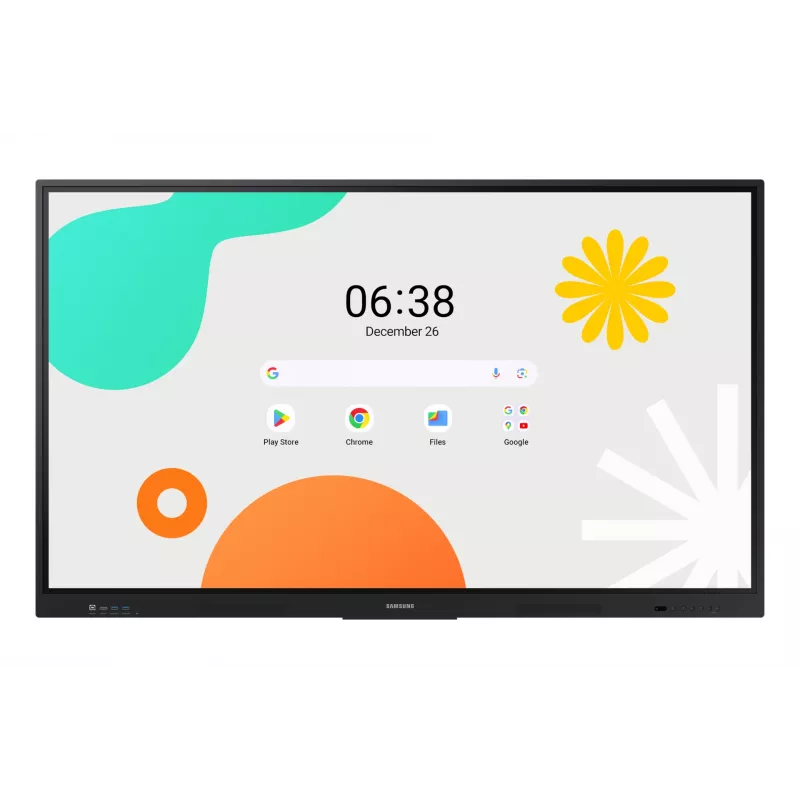
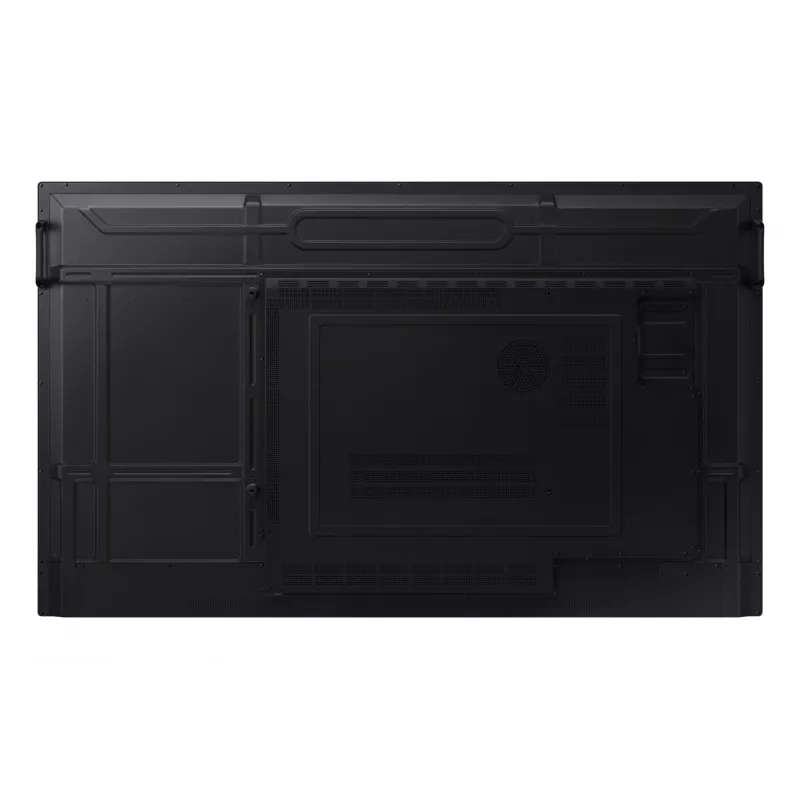
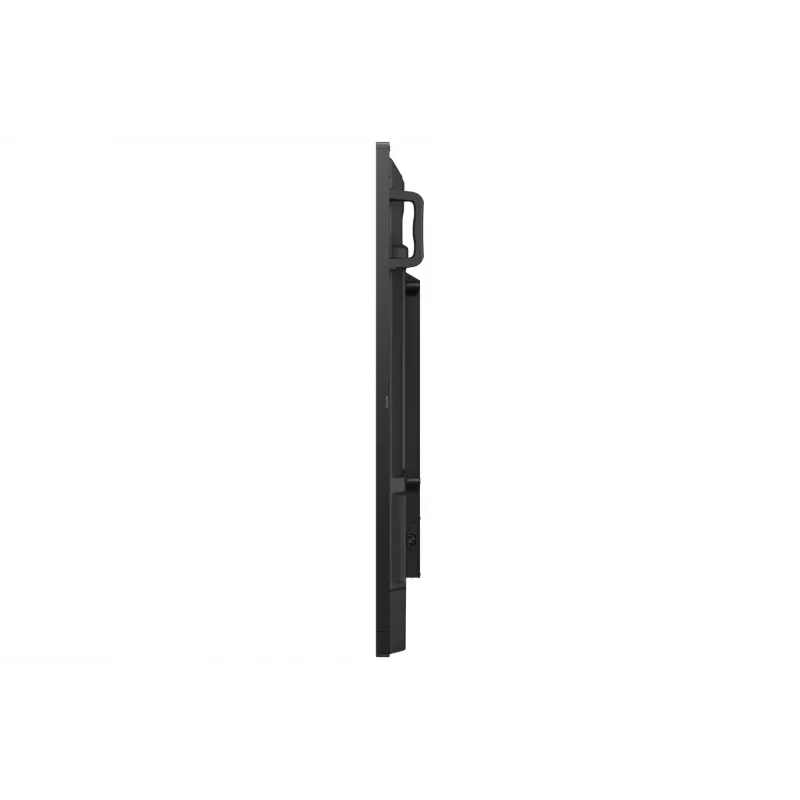
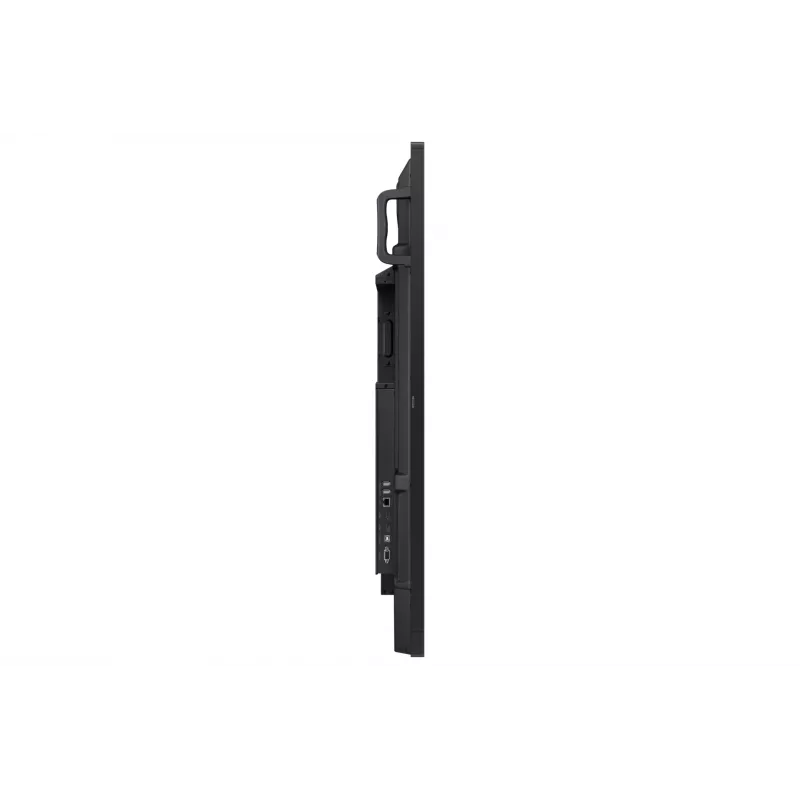
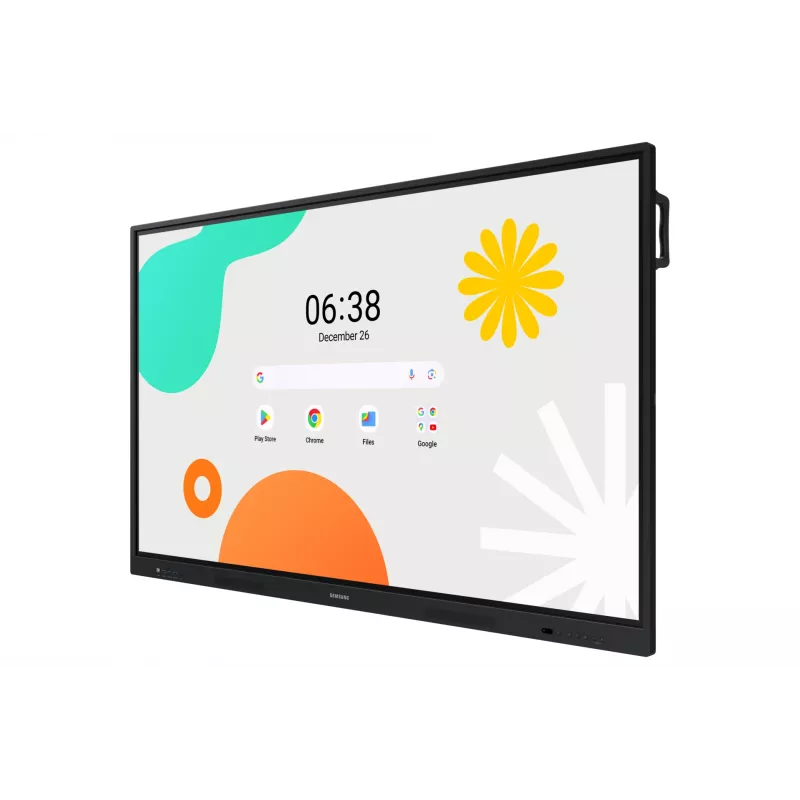
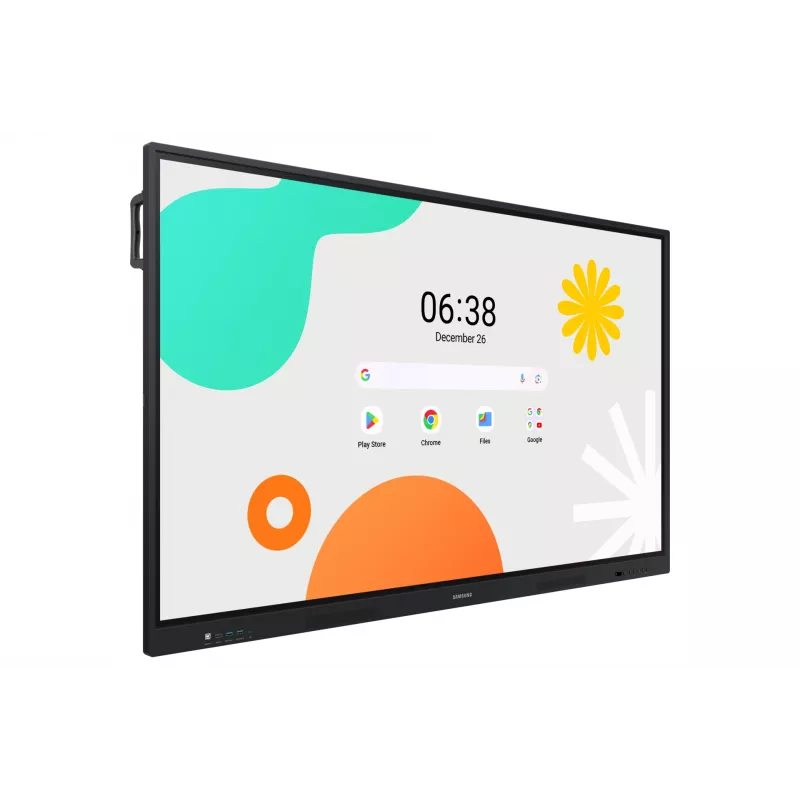
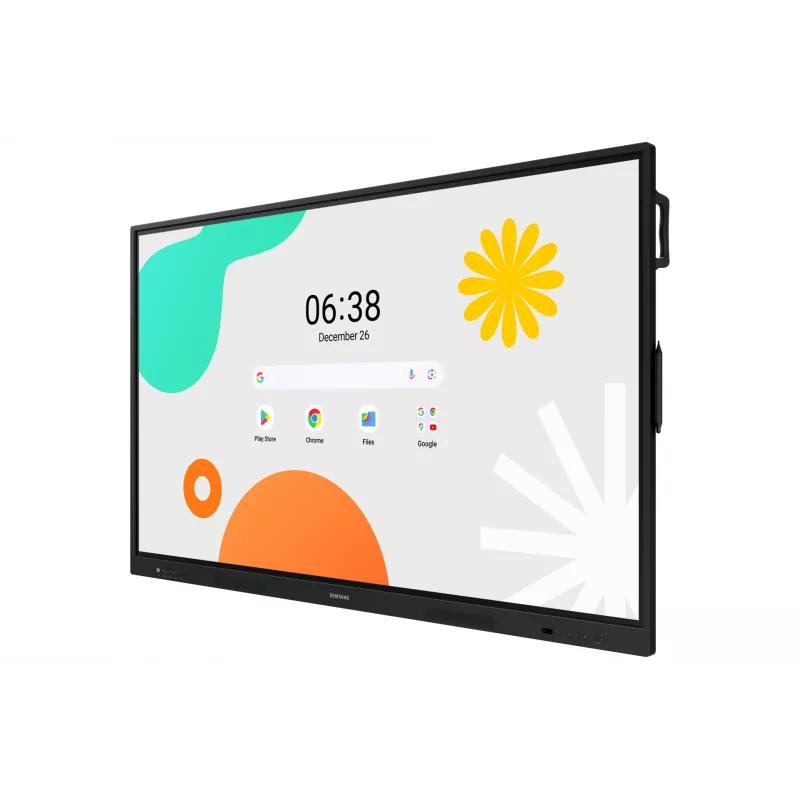
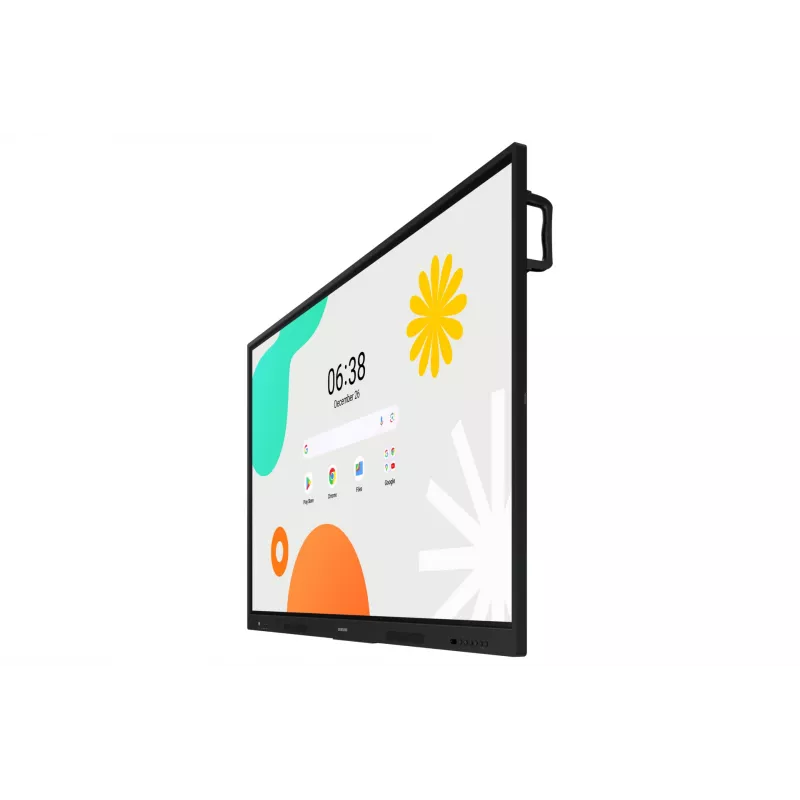
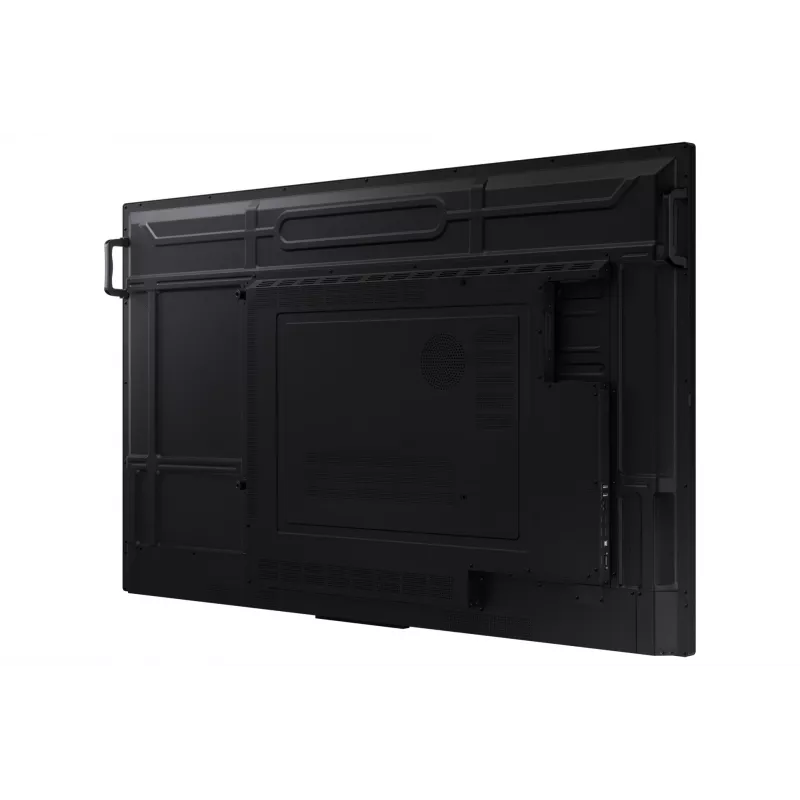
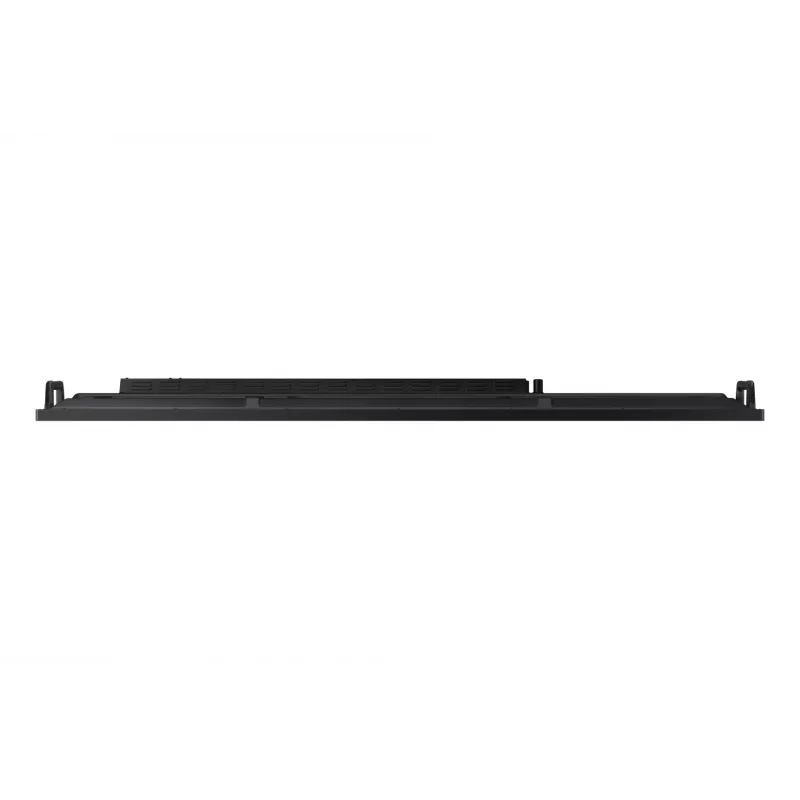
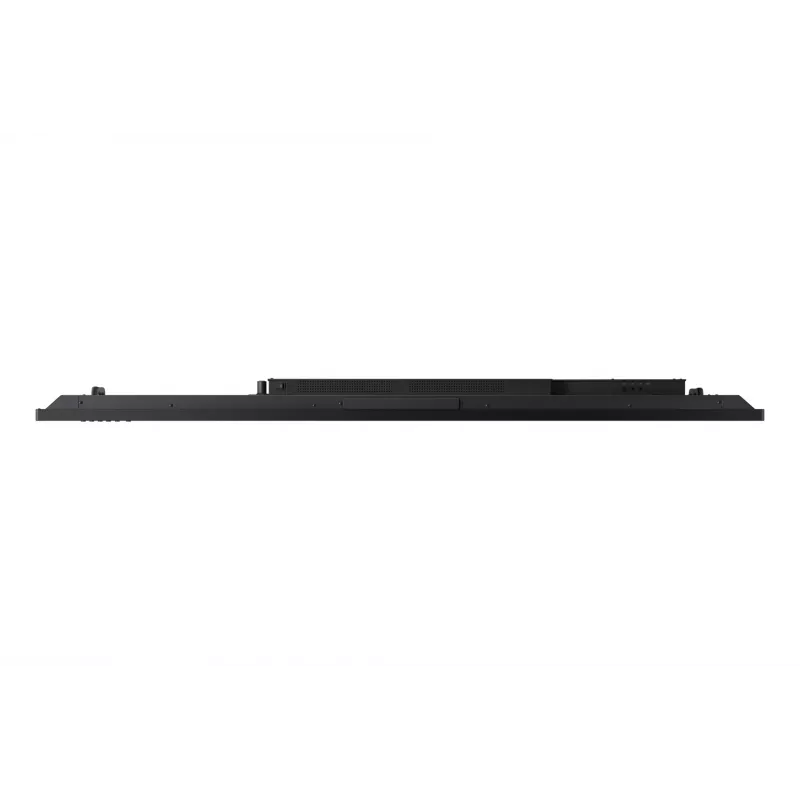
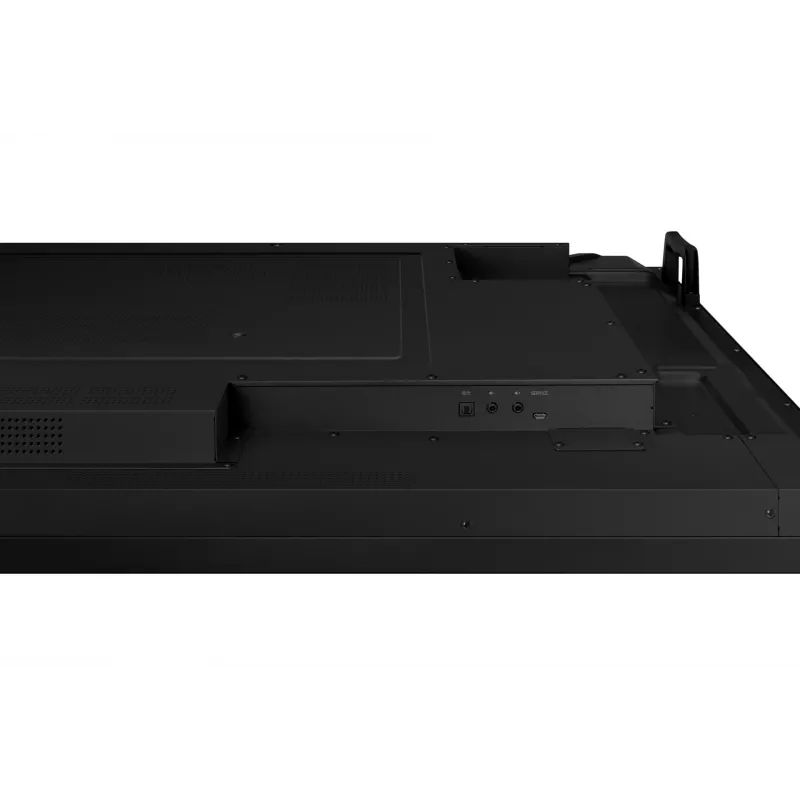
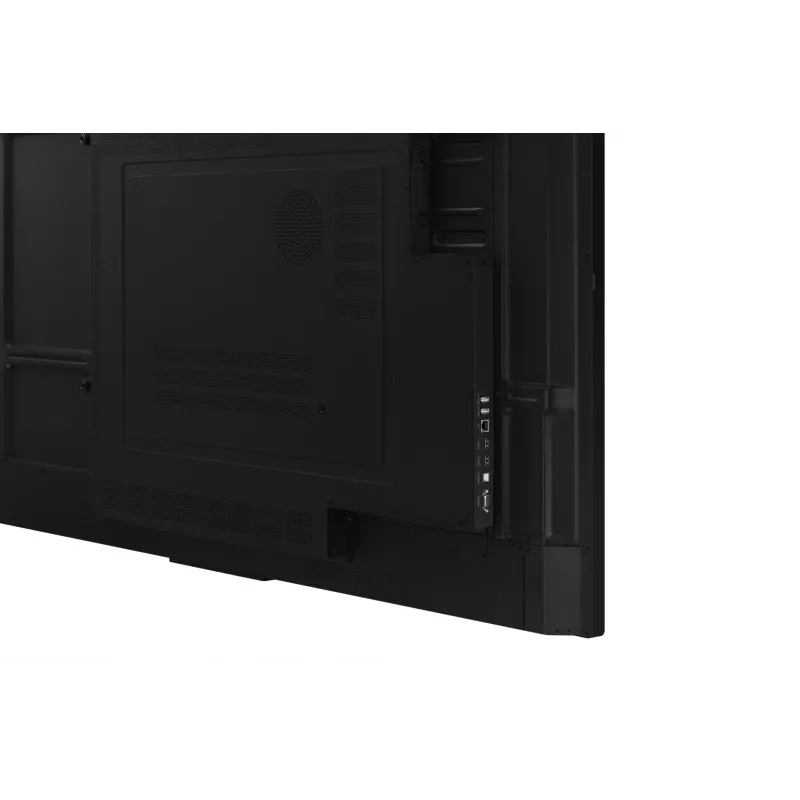
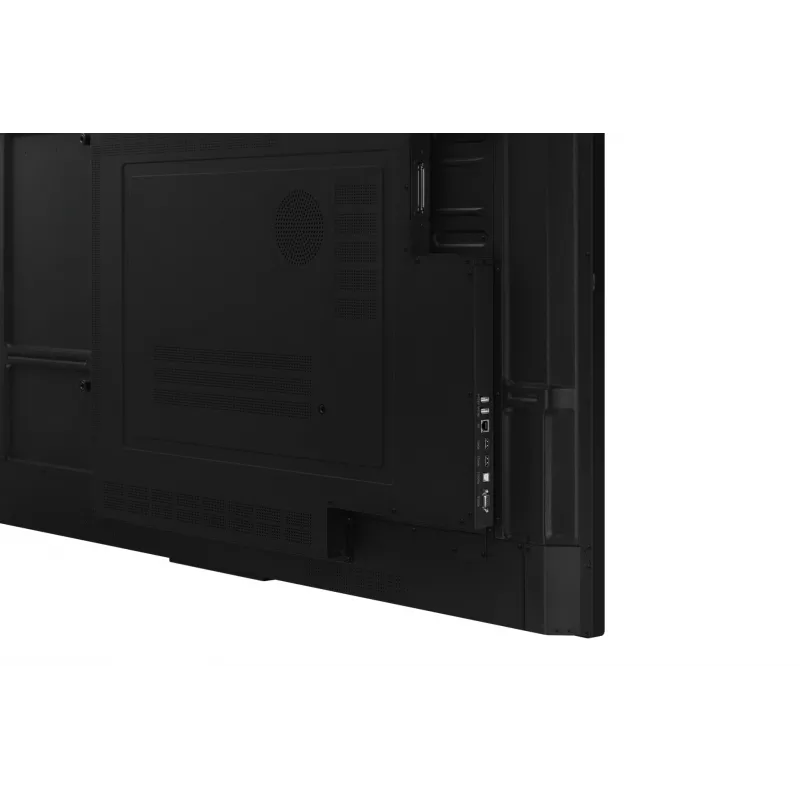
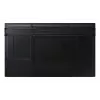
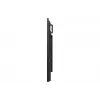
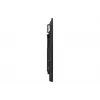
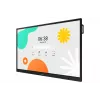
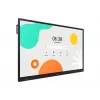
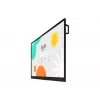
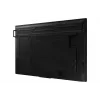
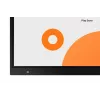
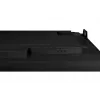
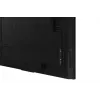
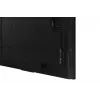
Samsung WA75F interactive whiteboard 190.5 cm (75 inch) 3840 x 2160 pixels Touchscreen Black

Samsung WA75F interactive whiteboard 190.5 cm (75 inch) 3840 x 2160 pixels Touchscreen Black
36 mo.
Samsung WA75F interactive whiteboard 190.5 cm (75 inch) 3840 x 2160 pixels Touchscreen Black
R38,198
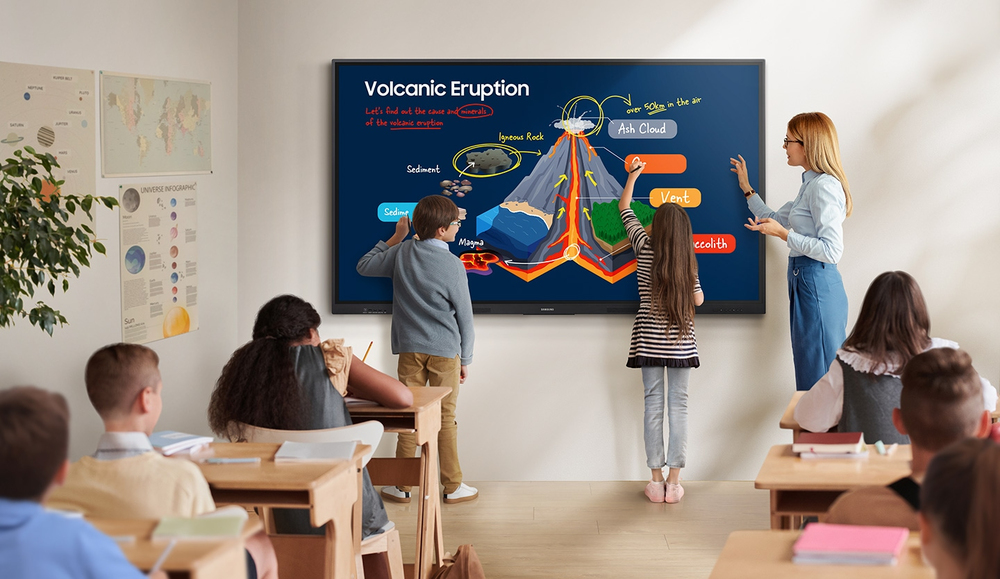
Unlimited Learning Possibilities The interactive display WAF series, powered by Android OS, enhances education with Google services and a seamless annotation function. Instantly take notes at any moment and empower students to collaborate independently in separate zones, usheri... Read More
Stock Out Of Stock Code 11115 Brand SAMSUNG Model LH75WAFWLGCXEN Warranty 3 Years

Shipping & Returns

Estimated delivery Monday, October 19
You will be kept updated through our detailed tracking system
Payment options
EFTPayFastBank CardSnapScanZapperGoogle PayApple PayMobicredMoreTymePay on Arrival
Unlimited Learning Possibilities

Unlimited Learning Possibilities

The interactive display WAF series, powered by Android OS, enhances education with Google services and a seamless annotation function. Instantly take notes at any moment and empower students to collaborate independently in separate zones, ushering in a new era of interactive education.

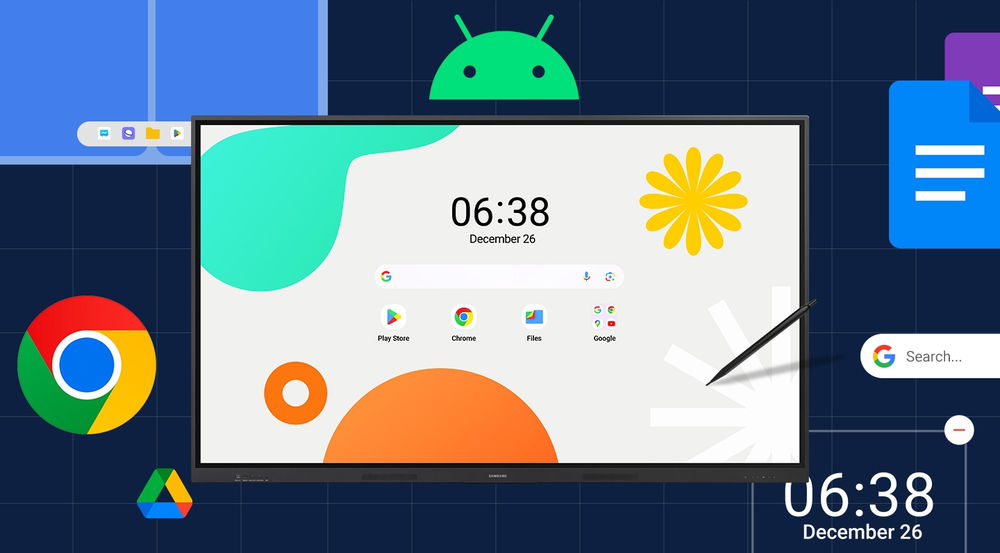
An intuitive UX that fits your needs

Powered by Android™The WAF series offers familiarity to its users. It's compatible with other Android devices and provides a variety of widgets and an easily customizable home screen. These features create more flexibility in building an environment that suits various learning needs.
An intuitive UX that fits your needs
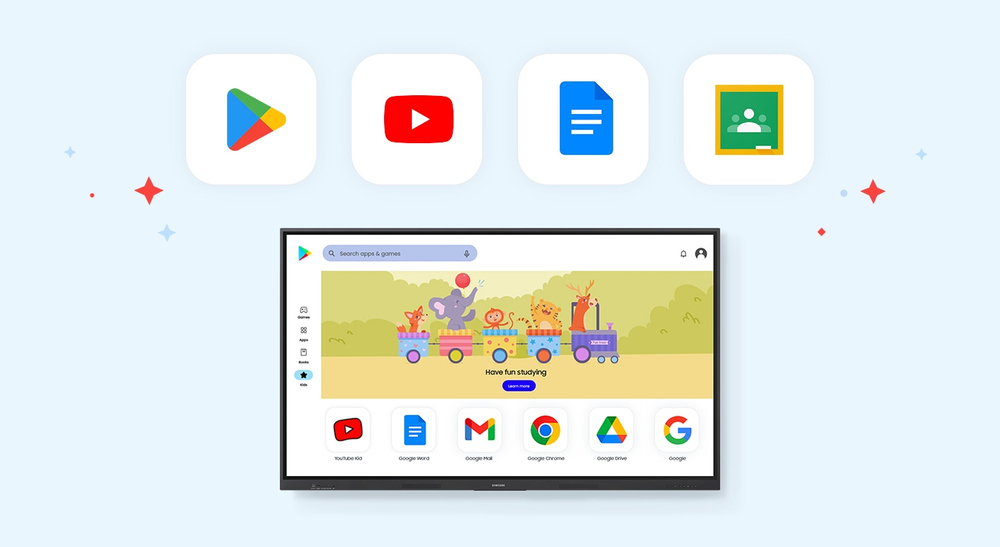
Effortless access to Google services

Effortless access to Google services

EDLA CertificationWith an EDLA certification, the WAF series supports a variety of Google services like Google Play and YouTube. This access to major educational apps like Google Classroom leads to increased efficiency and enhanced communication with students.

Take notes instantly, anywhere on the screen
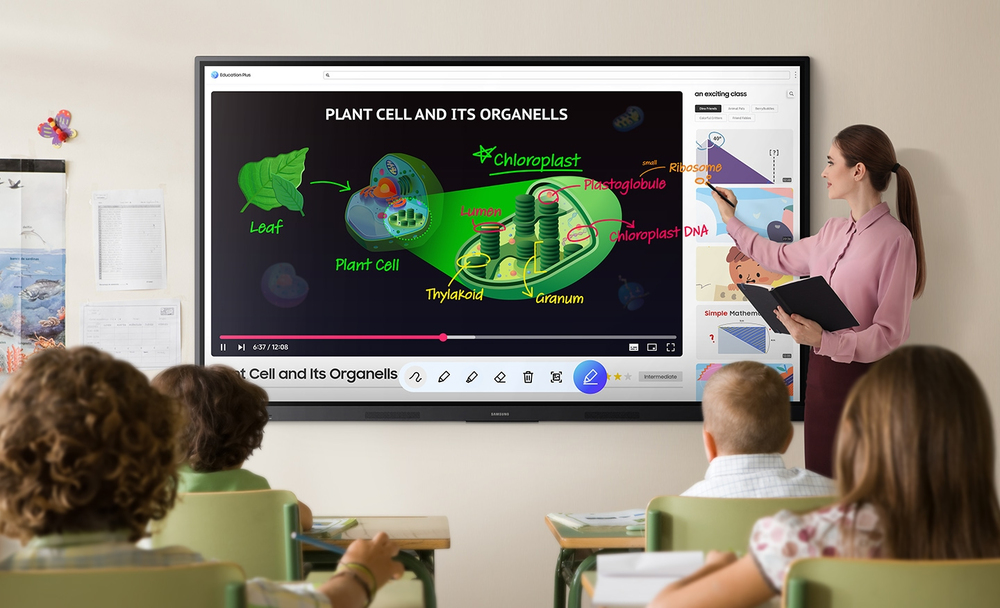
Annotation OnThe WAF series lets users take notes anytime with a simple press of the always-visible Annotation button. Whether watching a video or viewing any content, users can seamlessly annotate without interruptions, avoiding the need to capture images first and enhancing productivity.
Take notes instantly, anywhere on the screen
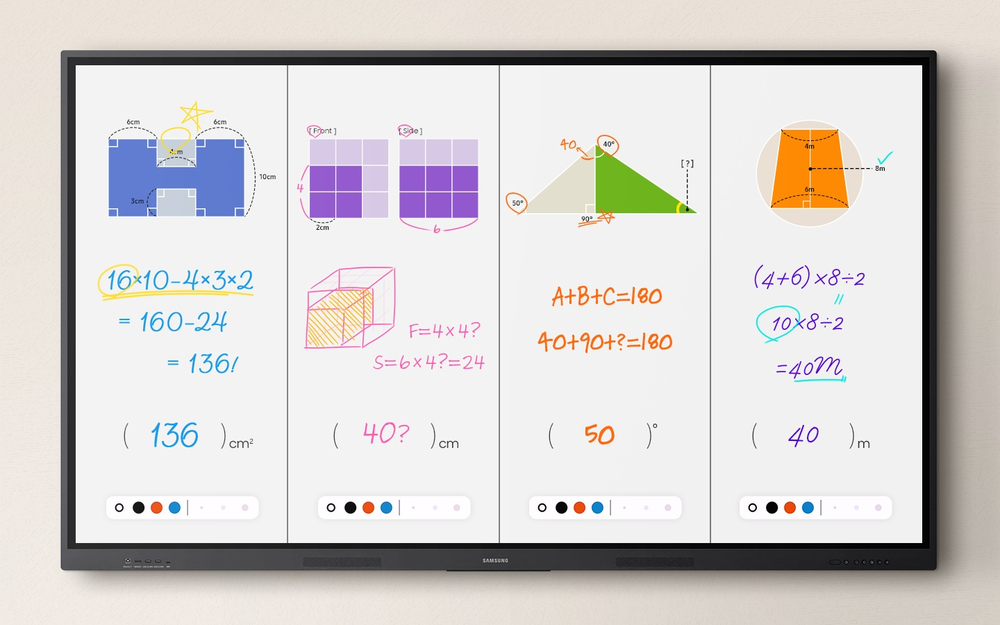
Write independently, learn together

Write independently, learn together

Split Note ModeThe upgraded Note app allows up to four independent note zones on a single page, enabling multiple students to use the whiteboard simultaneously. Students can work in their own zones without affecting others, fostering both collaboration and individual learning.

Display multiple screens simultaneously
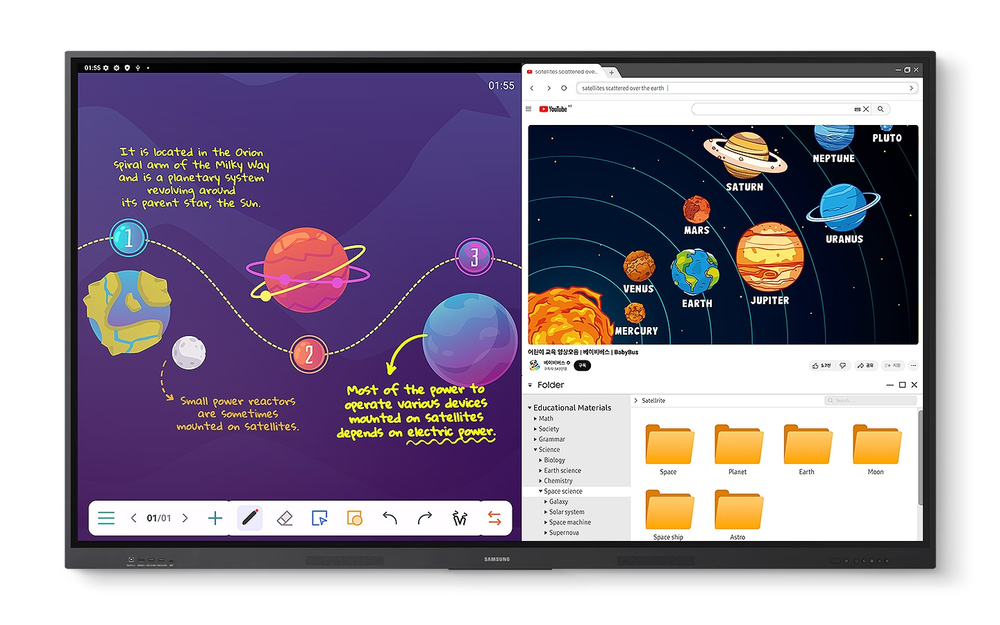
Easy MultitaskingThe split screen and multi-window, enable teachers to easily display information and multitask at the same time on the WAF series. This flexibility provides convenient access to all the screens required to create engaging learning environments.
Display multiple screens simultaneously
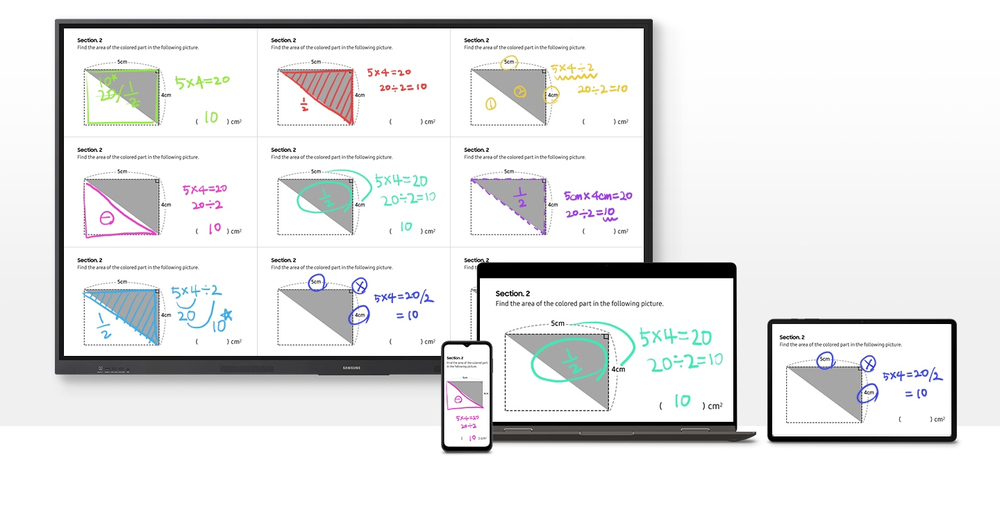
Smart, wireless sharing on multiple devices

Smart, wireless sharing on multiple devices

Powerful Screen SharingThe WAF series supports screen mirroring for up to nine devices, increasing student engagement. This feature ensures every student is included and engaged as content can be shared on both the large display and individual devices. It can be used on iOS, Mac, Windows, Android.

Better interaction with best-in-class multi-touch
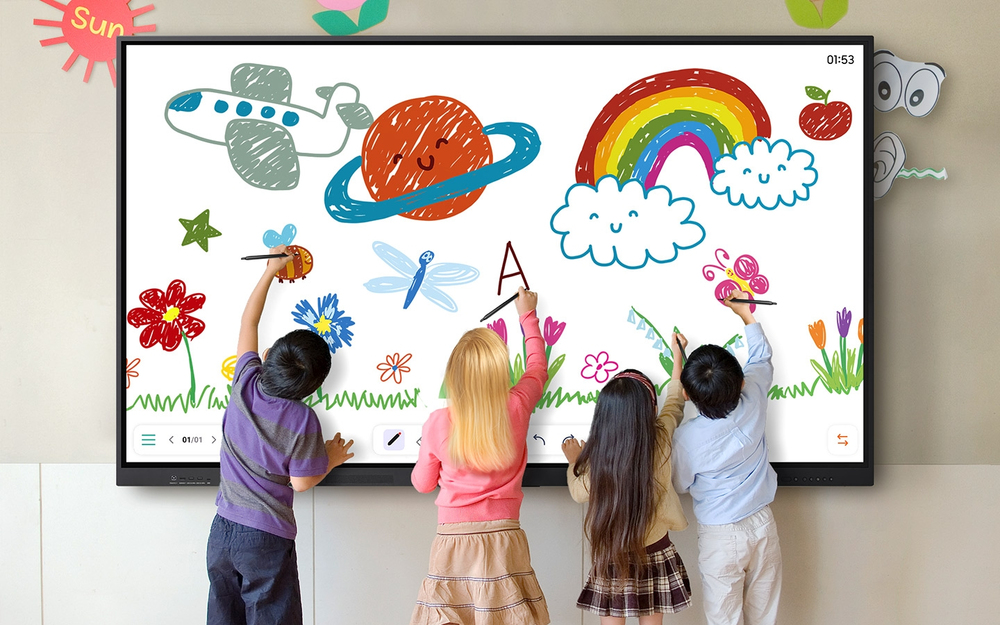
Multi-point touch drawingMultiple users can write and draw on the whiteboard at the same time with the displays advanced multi-touch capabilities. Up to 40 simultaneous touchpoints are possible, allowing large groups of students and teachers to collaborate and learn together in a fun and natural way.
Better interaction with best-in-class multi-touch
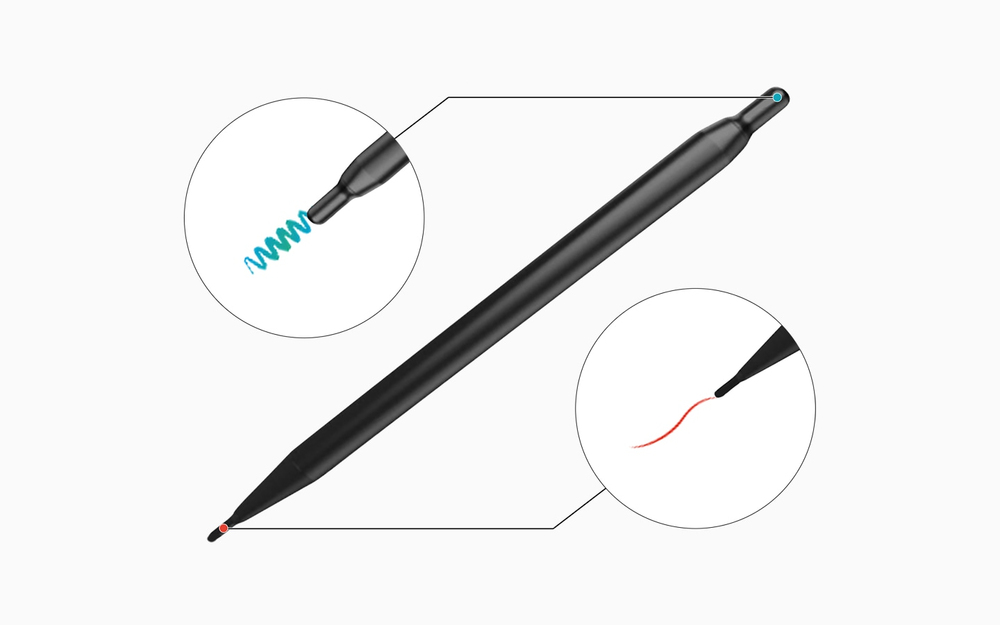
Switch pens without changing settings

Switch pens without changing settings

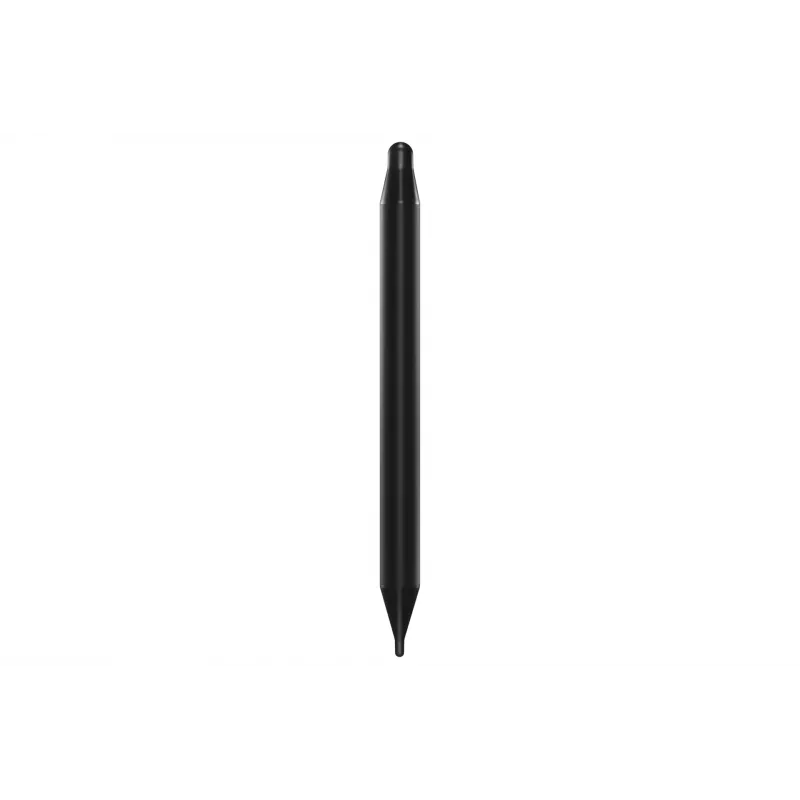
Dual PenThe dual pen function enables the use of two different writing tools with no downtime. With the double-sided nib applied, users can effortlessly switch between two different colors on the front and back side of the pen – without needing to change the settings or interrupt the flow of the lesson.

Front panel controls for intuitive navigation
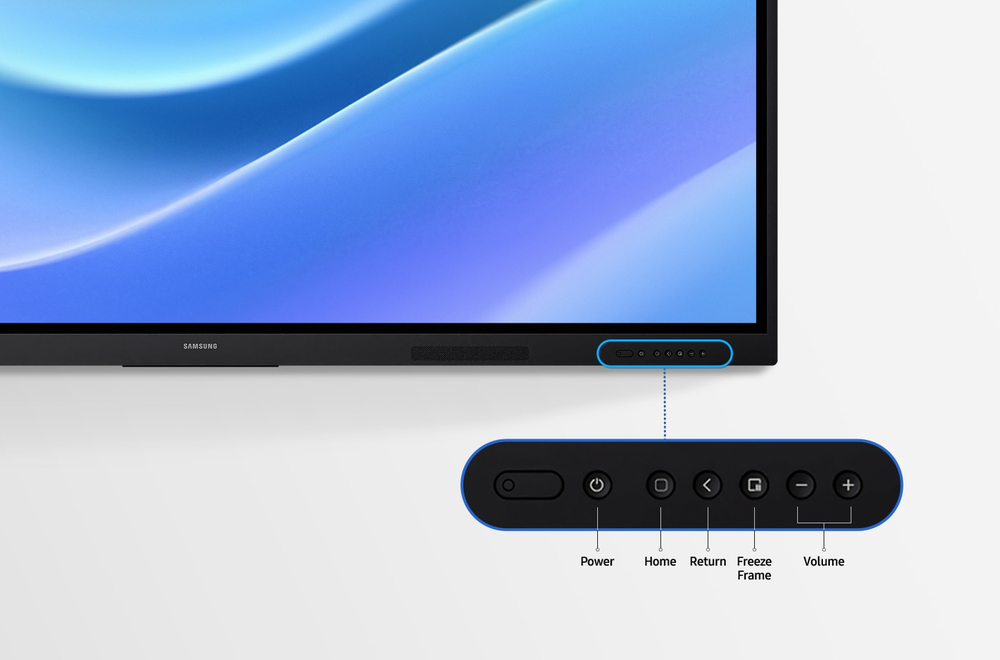
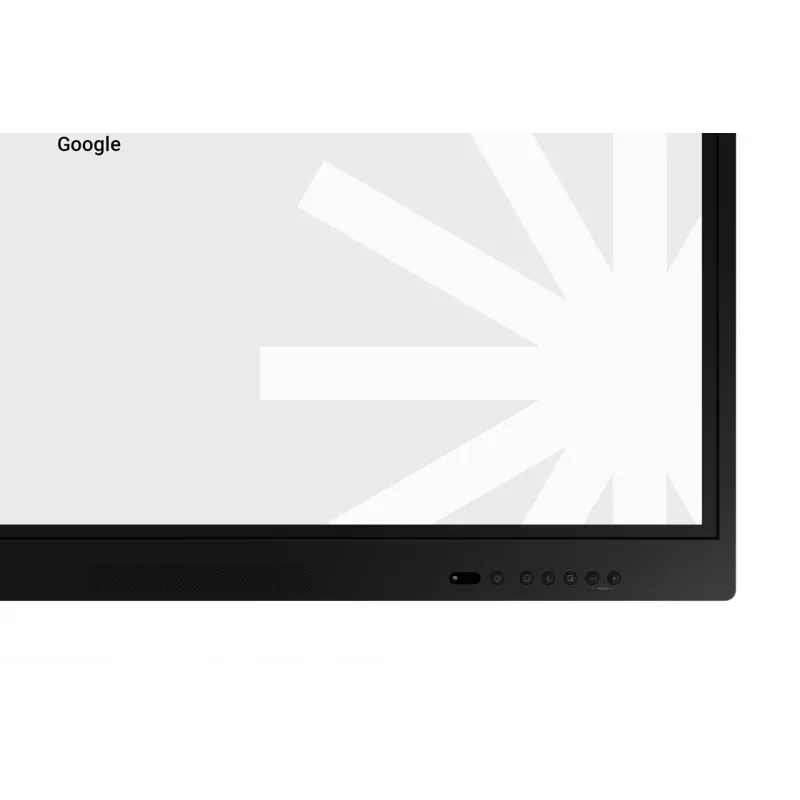
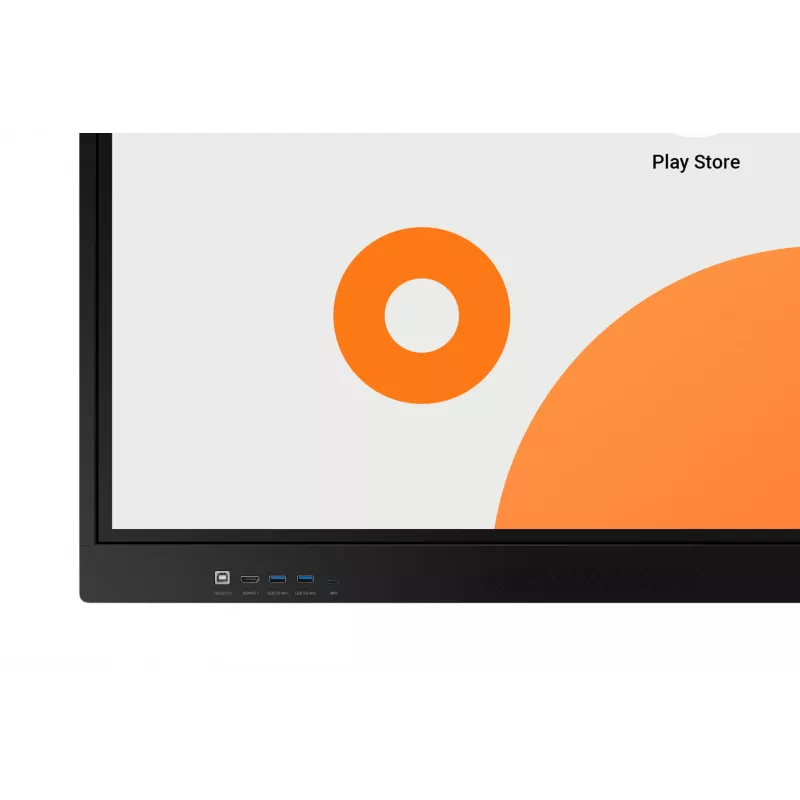
Quick Access ControlsThe WAF includes front-facing physical controls for quick access to frequently used functions. These intuitive controls allow users to operate the interactive display more efficiently, enhancing the overall user experience.
Front panel controls for intuitive navigation
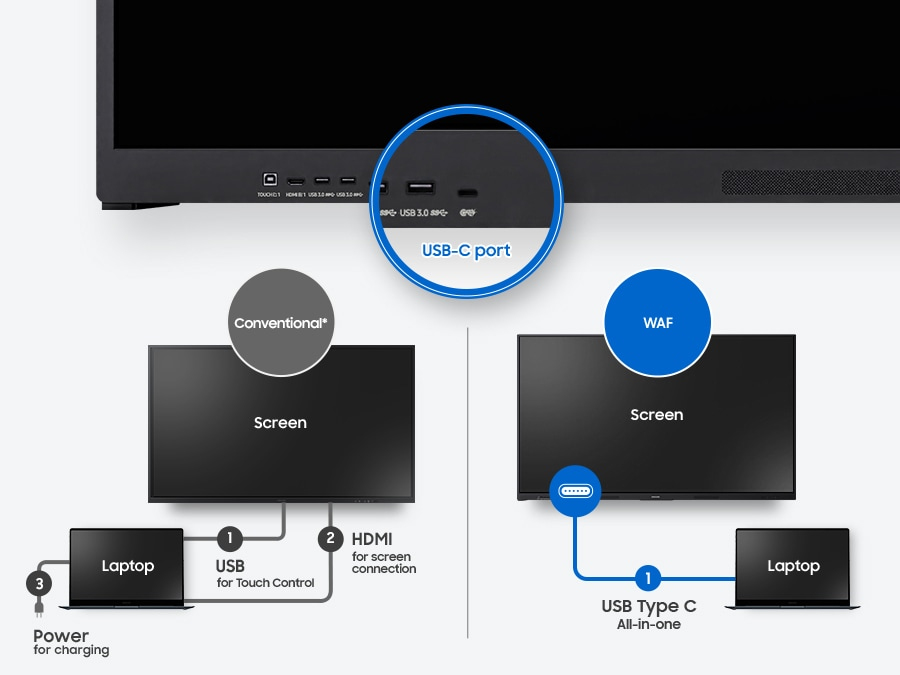
Convenient connectivity with USB-C

Convenient connectivity with USB-C

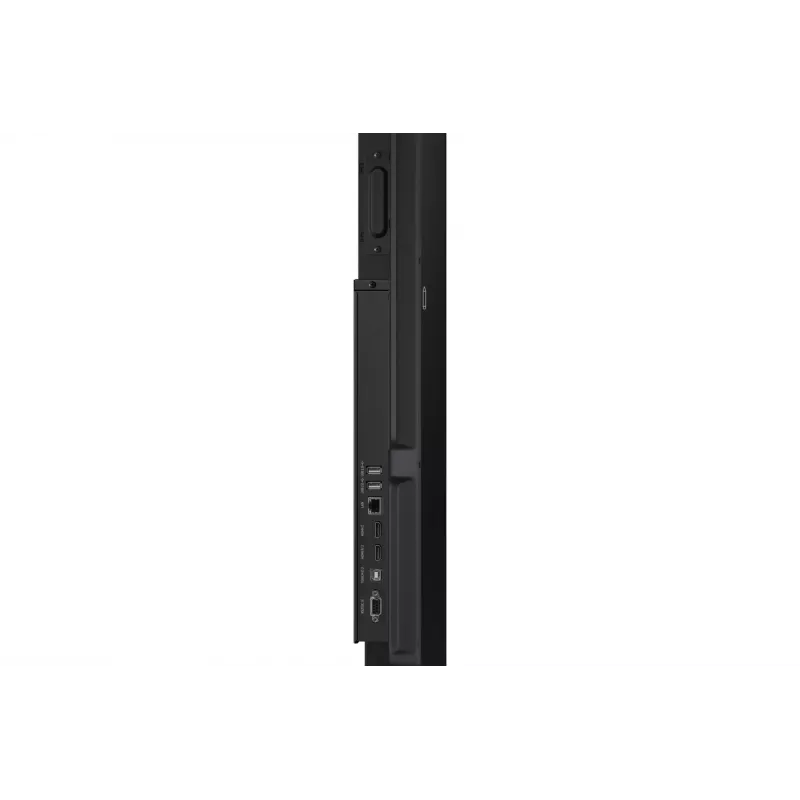
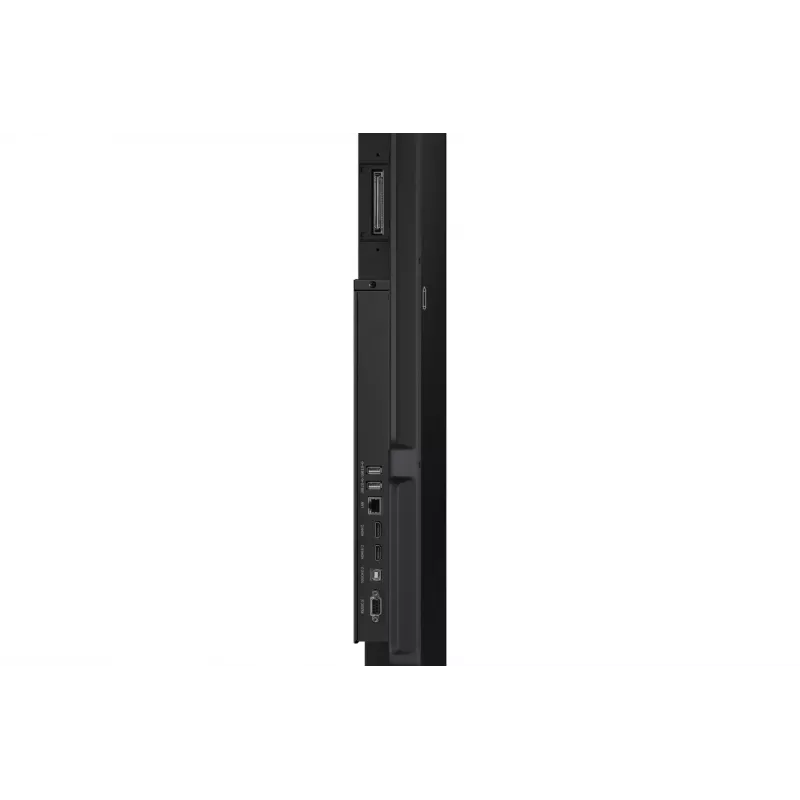
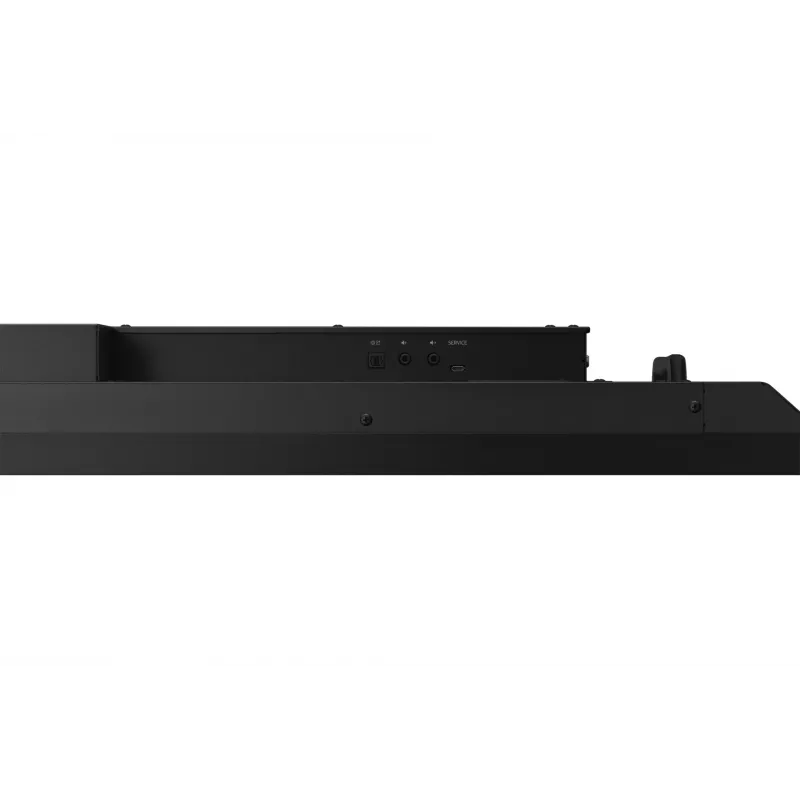
3-in-1 USB-C portConnectivity is enhanced with the 3-in-1 USB-C port, enabling screen mirroring, touch control and external device charging (max. 65W). Teachers can simply connect to the USB Type-C port, allowing them to deliver interactive and engaging lessons without any hassle.

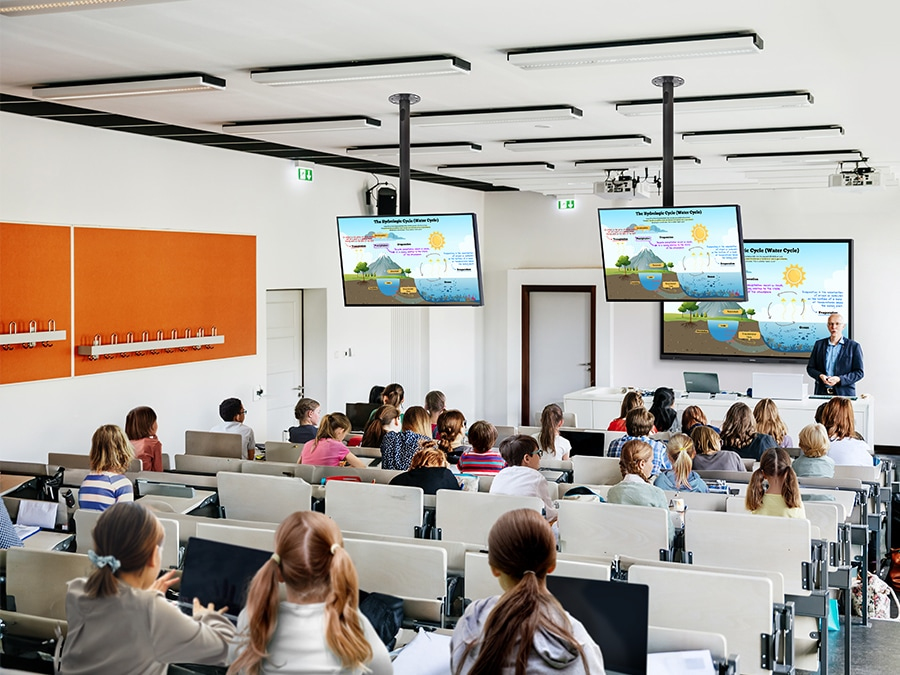
Accessible content for any class size
HDMI outWith the HDMI Out function, whiteboard screen content can be shared on a different and larger screen in the classroom. This feature ensures teachers can provide a real-time, interactive experience for students who can easily view the screen content regardless of where they sit in the classroom.
Accessible content for any class size
Use your favorite OS for the learning

Use your favorite OS for the learning

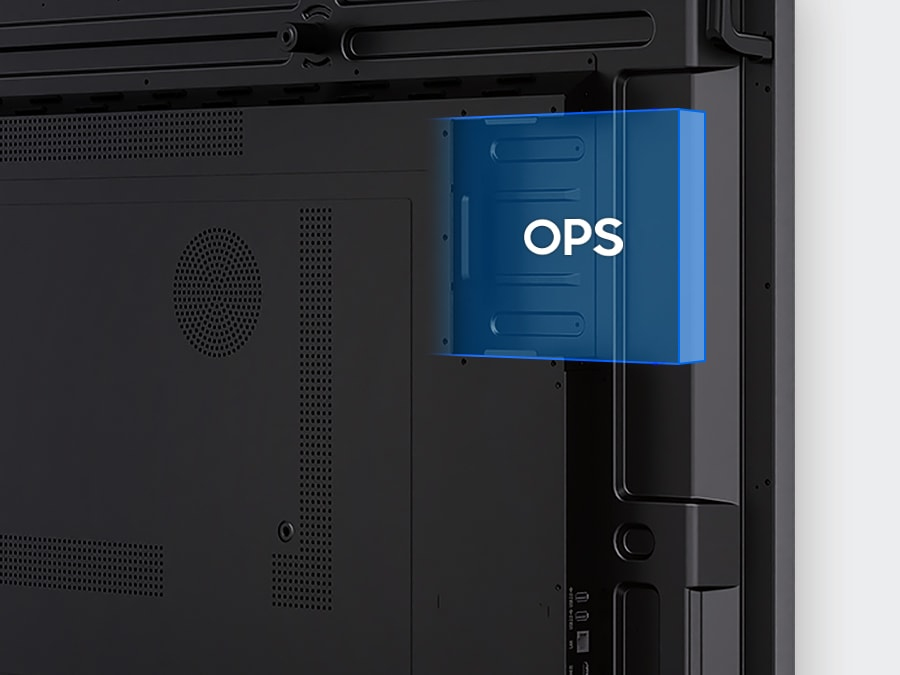
OPS (Open Pluggable Specification)The OPS slot in the WAF series can transform the interactive display into a Windows device, eliminating the need for an extra PC or devices. Users will have access to all the features and functionalities they are familiar with from a standard computer, directly on the display.

Seamless management, efficient operations
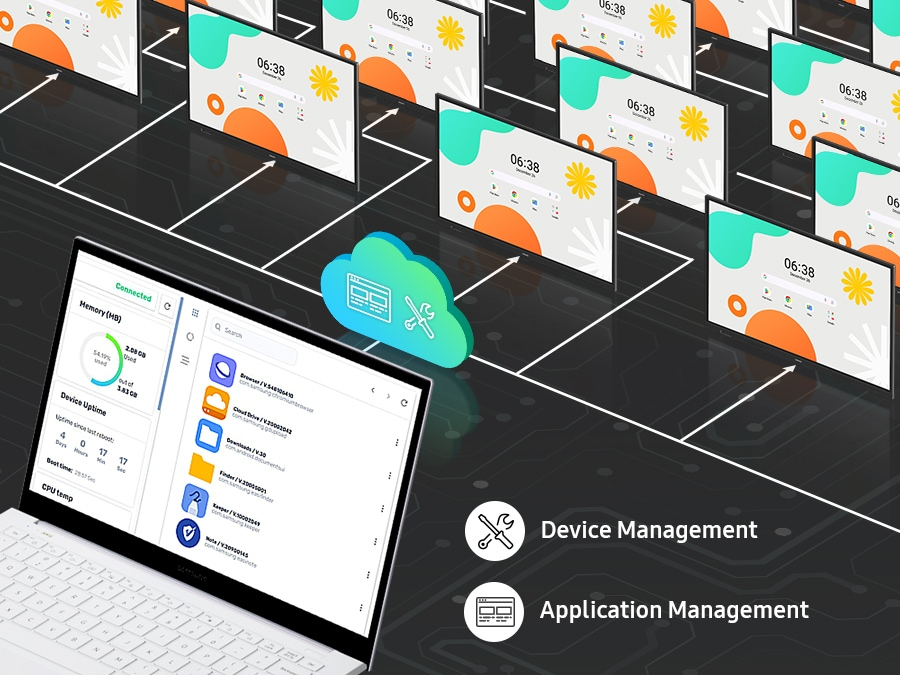
Device Management SolutionThe WAF series provides a device management solution[1] essential for advanced educational environments. This solution optimizes the remote management of whiteboard settings and applications, guaranteeing operational efficiency and stability.
Seamless management, efficient operations
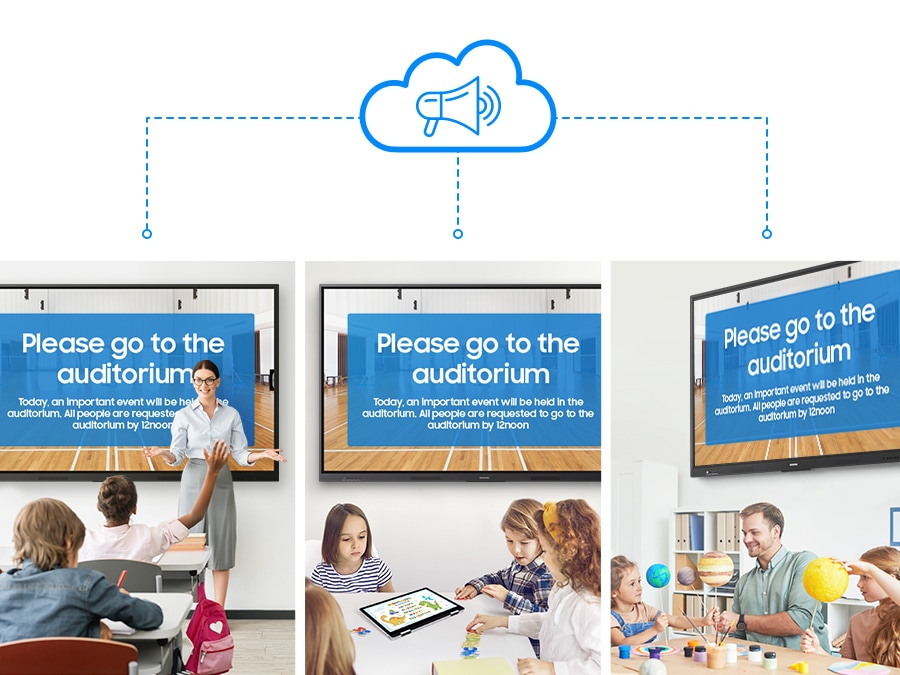
Notify across multiple devices, immediately

Notify across multiple devices, immediately

Advanced MessagingSend important messages across campuses, classrooms and public spaces immediately. Urgent communications are displayed on interactive whiteboards so students and other personnel are alerted in real time.

How to use

Use the home screen and widgets to set up the display environment suited to your lesson. Press the always-visible Annotation button to write directly over any content without interrupting playback or switching apps. Open the Note app and activate Split Note mode to create up to four independent writing zones for group activities. Use the dual pen to switch colors by flipping the pen, and rely on front-panel controls for quick access to frequently used functions. For presentations, enable screen sharing to mirror student devices or use split-screen and multi-window to show multiple sources simultaneously.

Recommendations

For classroom deployment, ensure the display is connected to a stable network to access Google services. Regularly check and maintain the front-panel controls and pens, and position the display in a location protected from extreme moisture. Use Split Note and screen sharing features to promote collaborative and independent learning activities.

Key Highlights
  • Operating system: Android (EDLA-certified)
  • Google services: Google Play, YouTube, Google Classroom support
  • Annotation: always-visible Annotation button for instant notes
  • Note app: Split Note mode with up to 4 independent zones
  • Multi-touch: Up to 40 simultaneous touchpoints
  • Screen sharing: Mirroring for up to 9 devices (iOS, Mac, Windows, Android, Chrome OS)
  • Multitasking: Split screen and multi-window support
  • Pen: Dual pen with double-sided nib (two colors)
  • Controls: Front panel physical quick-access controls
  • Durability: Glass fuse and 500V DC capacitor for surge protection; anti-humidity glue on chipset area
Specifications
AC input frequency
50/60 Hz
AC input voltage
100-240 V
Bluetooth
Yes
Certification
IEC62368-1/UL62368-1/IEC60950-1 / IS13252
Colour gamut
72%
Compliance certificates
Federal Communications Commission (FCC)
Contrast ratio (typical)
1200:1
Depth
87.7 mm
Display brightness
400 cd/m²
Display diagonal
190.5 cm (75")
Display resolution
3840 x 2160 pixels
Ethernet LAN
Yes
Ethernet LAN (RJ-45) ports
1
Haze rate
25%
HD type
4K Ultra HD
HDCP
Yes
HDCP version
2.1
HDMI ports quantity
2
HDMI version
2.1
Headphone connectivity
3.5 mm
Height
1031.9 mm
Line-in
Yes
Line-out
Yes
Operating hours (hours/days)
12/7
Operating relative humidity (H-H)
10 - 80%
Operating system installed
Android
Operating system version
14
Operating temperature (T-T)
0 - 40 °C
Package depth
185 mm
Package height
1125 mm
Package weight
58.8 kg
Package width
1860 mm
Panel mounting interface
800 x 400 mm
Panel type
IPS
Pixel frequency (max)
78 MHz
Pixel pitch
429.6 x 429.6 mm
Power consumption (sleep)
0.5 W
Power consumption (standby)
0.5 W
Power consumption (typical)
450 W
Product colour
Black
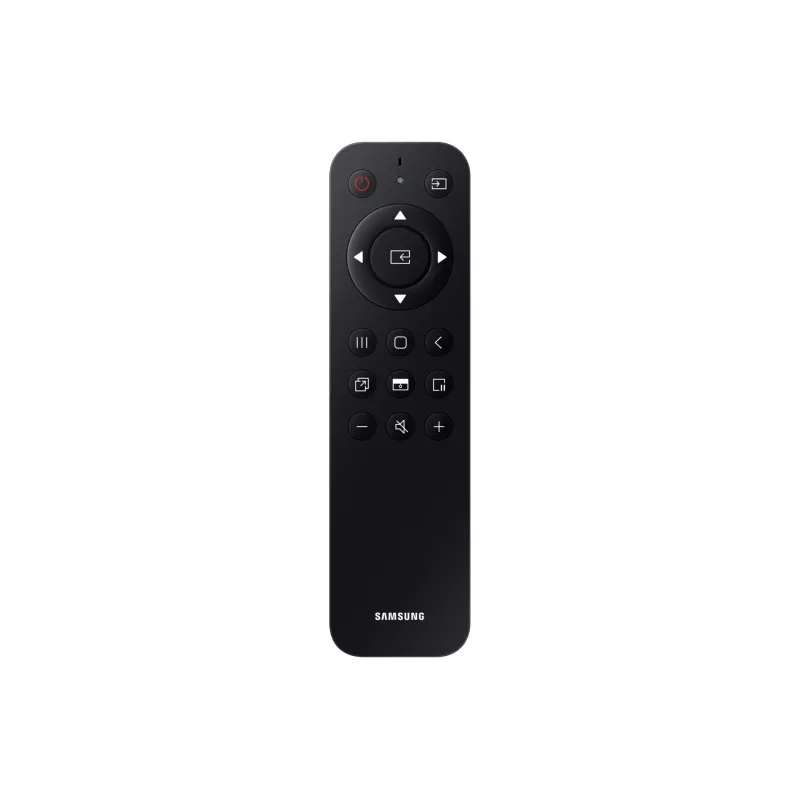
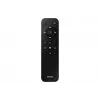
Remote control included
Yes
Response time
8 ms
RS-232 ports
1
Stylus included
Yes
Top Wi-Fi standard
Wi-Fi 5 (802.11ac)
Touchscreen
Yes
Touchscreen type
Infrared
USB 2.0 ports quantity
2
USB 3.2 Gen 1 (3.1 Gen 1) Type-A ports quantity
2
USB Type-C ports quantity
1
User memory
64 GB
VESA mounting
Yes
Video out
Yes
Viewing angle, horizontal
178°
Viewing angle, vertical
178°
Weight
49.2 kg
Wi-Fi
Yes
Wi-Fi standards
Wi-Fi 5 (802.11ac)
Width
1716.5 mm

Leaflet

Open Leaflet
Price history is not available yet
We are still collecting enough daily price data for this product.
WhatsApp
Hi, I’m DistriNode’s AI assistant. I can help you find products, compare options, create quote PDFs, or open support requests.