Account Contact
Your Cart
Pay the courier with no extra fees.
Need help? DistriNode AI can handle any task on our site.

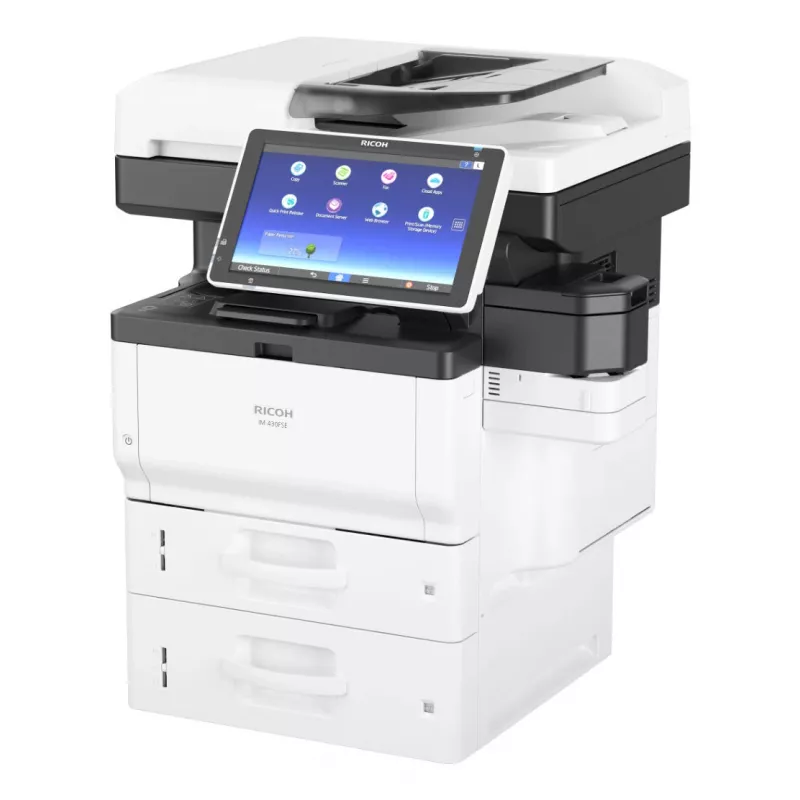
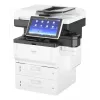
Ricoh IM 350FSE Laser A4 1200 x 1200 DPI 37 ppm

Ricoh IM 350FSE Laser A4 1200 x 1200 DPI 37 ppm
R32,148
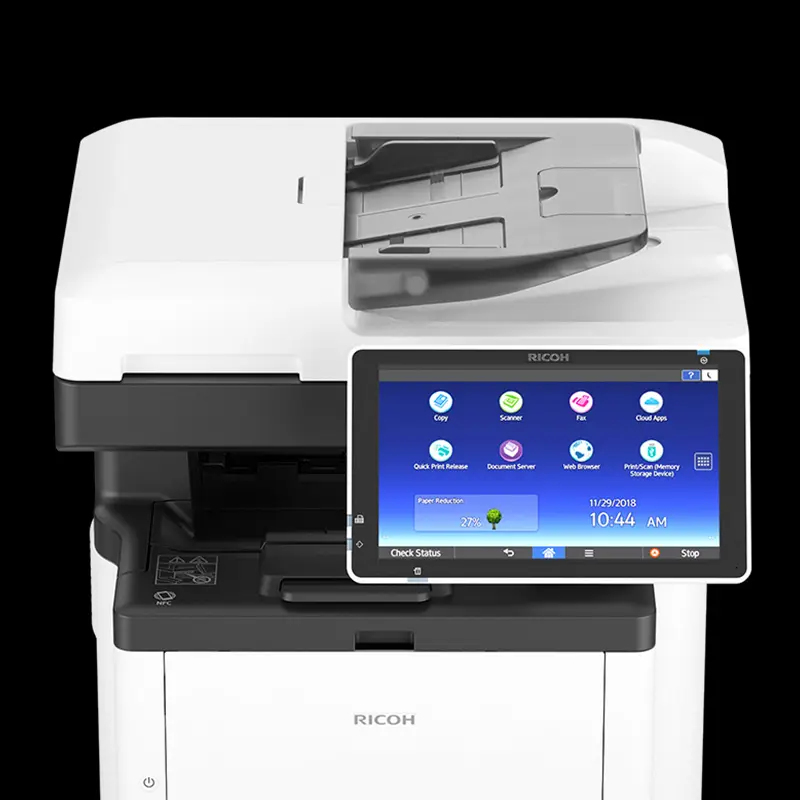
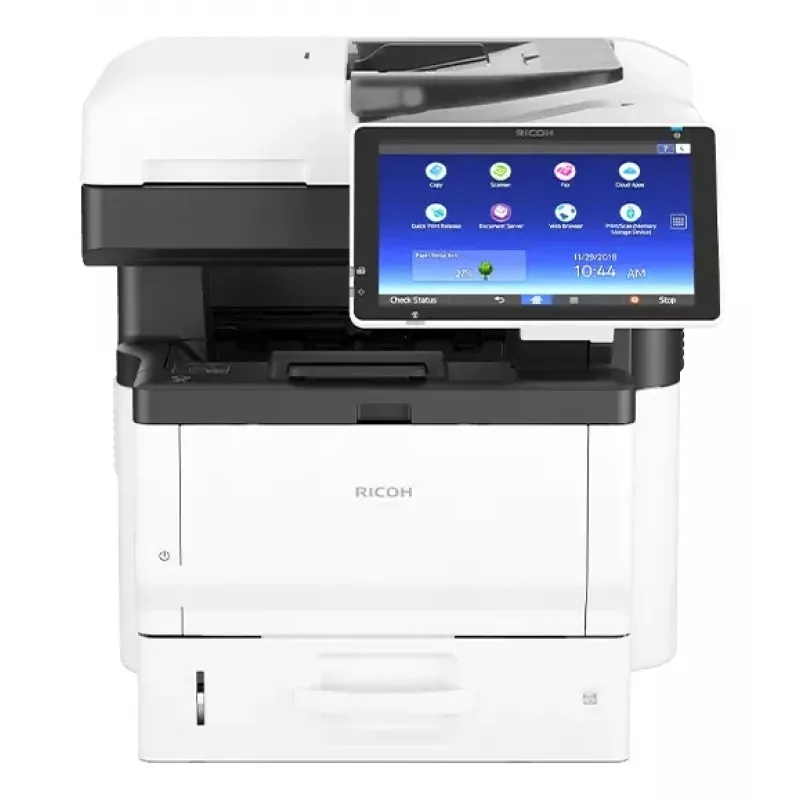
IM 350FSEBlack and White Multifunction Printer A compact printer to keep up with your needs Improve how you work without compromising where you work. The RICOH IM 350FSE MFP fits almost anywhere, so you can make the most of your workday. Use the sleek, affordable do-everythi... Read More
Stock Out Of Stock Code 1457934 Brand RICOH Model 423854 Warranty 2 Years

Shipping & Returns

Estimated delivery Monday, October 19
You will be kept updated through our detailed tracking system
Payment options
EFTPayFastBank CardSnapScanZapperGoogle PayApple PayMobicredMoreTymePay on Arrival
IM 350FSE
Black and White Multifunction Printer
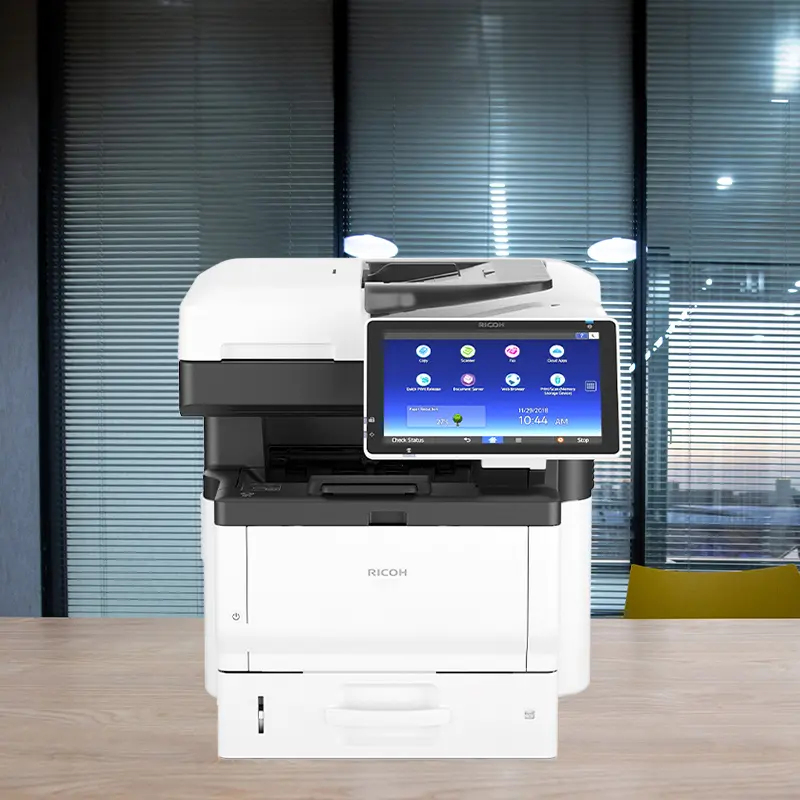
A compact printer to keep up with your needs

A compact printer to keep up with your needs

Improve how you work without compromising where you work. The RICOH IM 350FSE MFP fits almost anywhere, so you can make the most of your workday. Use the sleek, affordable do-everything device in offices, banks, pharmacies, hospitals and other locations to print up to 37 black-and-white pages per minute (ppm) and to copy, fax, scan and share documents quickly.

Amplify your print workflow

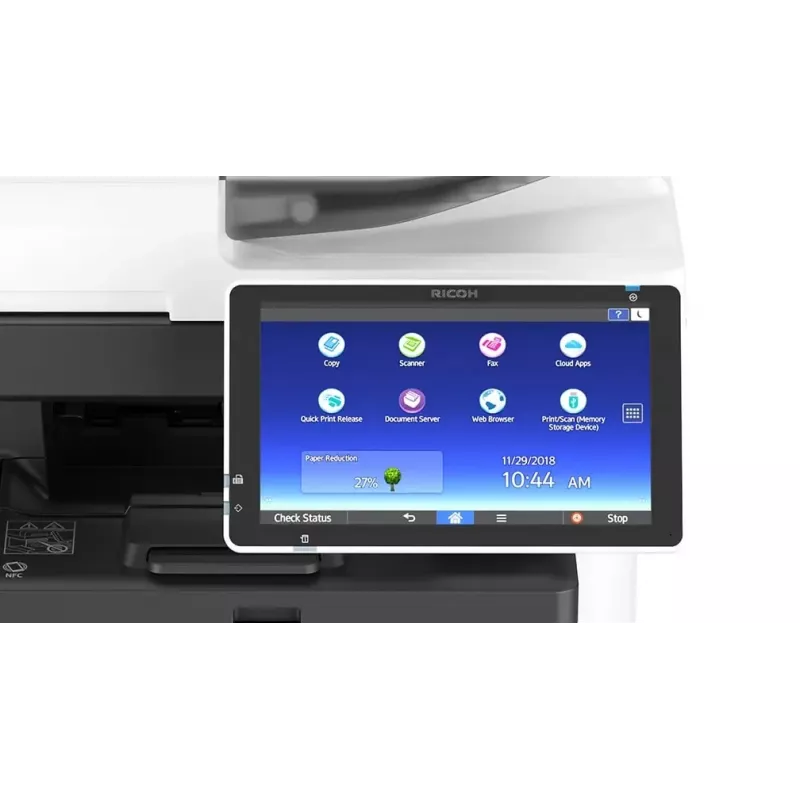
Expedite work via the touchscreen convenience of the 10.1” Smart Operation Panel. Integrate RICOH Smart Integration a cloud-based document workflow solution, or download time-saving, easy-to-use apps from the RICOH Application Site for one-touch shortcuts that automate frequently performed tasks. You can also easily preview documents prior to printing and customize the layout of the Home Screen.
Amplify your print workflow
Elevate productivity with remote printing

Elevate productivity with remote printing

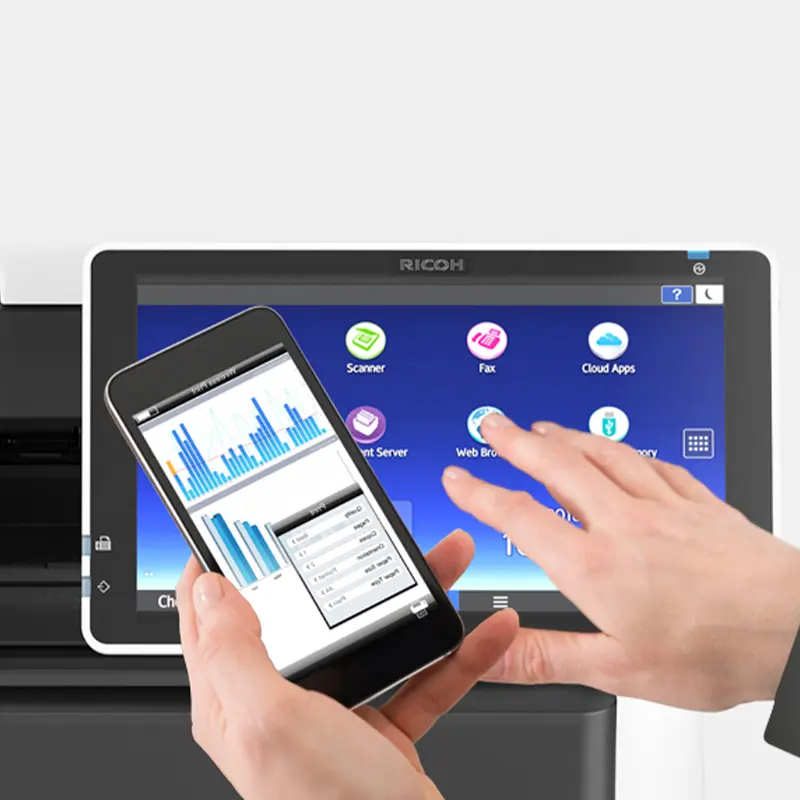
Keep information moving wherever you are. Download the RICOH Smart Device Connector app to print and share information from your smartphone or tablet without utilities, software or drivers*. You can even scan and send digital files instantly via your personal address book. Need to get information from a USB drive or SD card? Simply plug it into the IM 350FSE to print remotely without a PC.*Requires WiFi option

Expand document storage and finishing capabilities
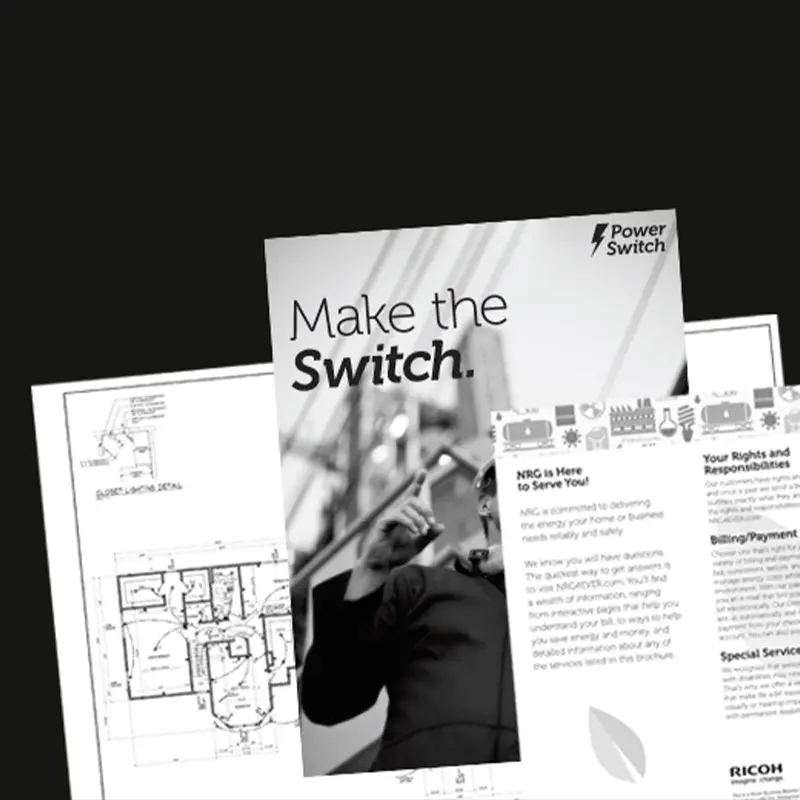
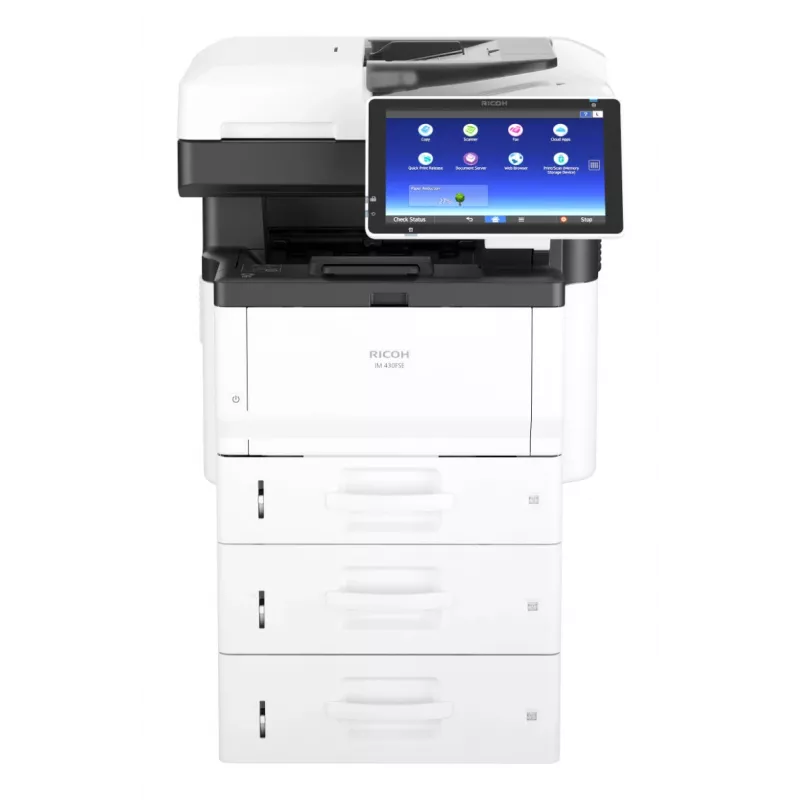
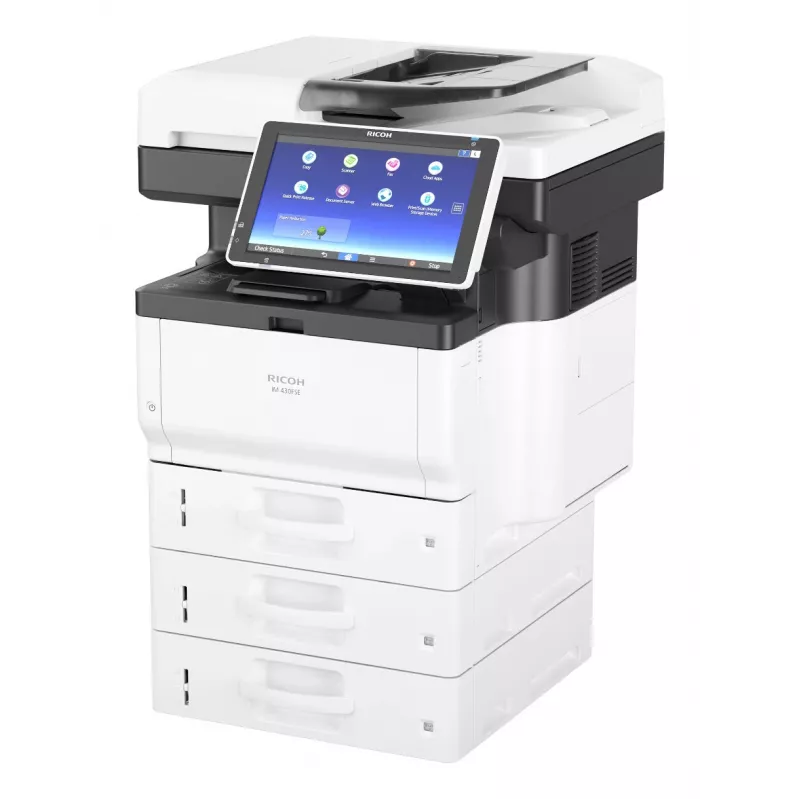
Add optional paper trays to increase paper capacity up to 2,100 sheets and accommodate a wide range of paper sizes and stocks, including labels, spreadsheets, envelopes, statements and more. The built-in Hard Disk Drive lets you store and access up to 3,000 frequently-used documents on the Document Server. Use the optional offline stapler to organize and present document sets with confidence.
Expand document storage and finishing capabilities

The Smart Operation Panel simplifies maintenance

The Smart Operation Panel simplifies maintenance

The IM 350FSE is designed specifically to minimize maintenance for the user. How-to videos and FAQs available on the Smart Operation Panel allow for quick problem-solving and issue remediation. Use convenient Smart Assist offline tutorials to troubleshoot everyday tasks. In addition, with Ricoh's toner cartridge/container take-back program, you can return all empty Ricoh branded toner containers and cartridges to our recycling vendor.

Advanced scanning features improve workflows
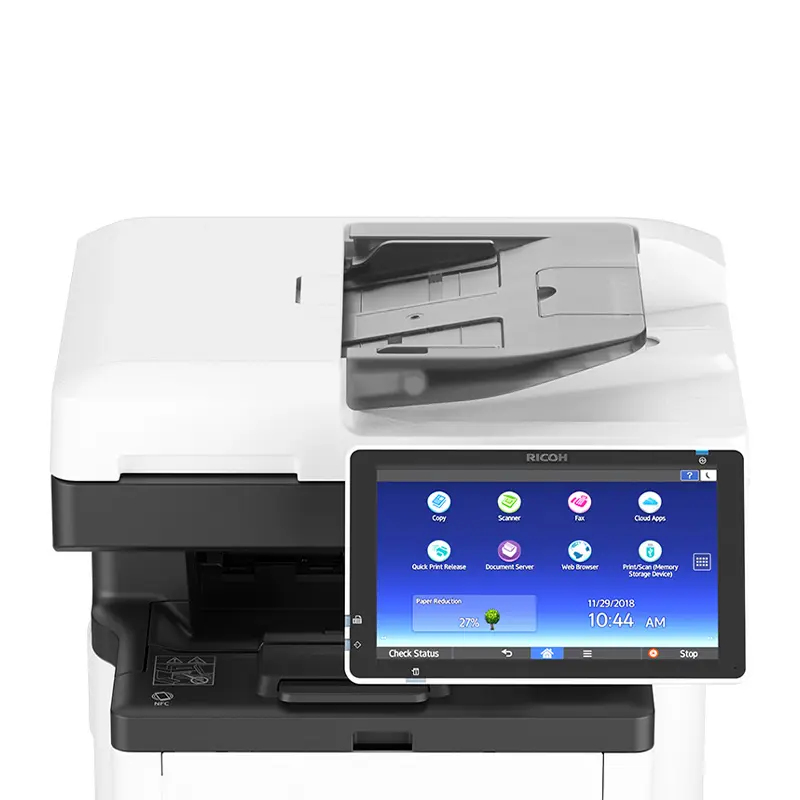
Keep information moving with the Single Pass Document Feeder and scan up to 40 images per minute (ipm), then distribute those files via multiple Scan-to-Email/Folder/URL/USB/SD/FTP destinations. With optional Optical Character Recognition (OCR), you can scan files for fast, easy keyword searching. Share contracts and other forms quickly and economically with the Cloud Fax app.
Advanced scanning features improve workflows
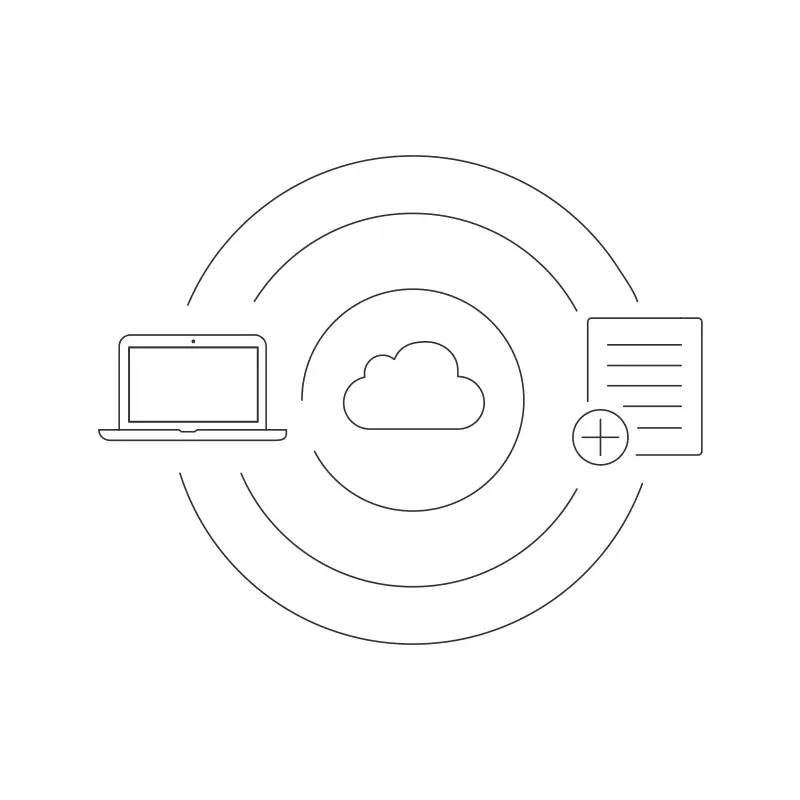
Easily access information with cloud-based storage

Easily access information with cloud-based storage

Use the embedded web browser to access information online or from your favorite cloud-based services and storage sites. Send and retrieve critical data securely in the cloud with RICOH Smart Integration Solutions, SharePoint® or other enterprise content management systems. Download other optional third-party apps at any time to customize and streamline workflows even more.

Safeguard your data

Keep critical information safe and in the hands of rightful owners via multiple security tools. With the embedded Hard Disk Drive, you can use encryption to help protect stored and transmitted data. The DataOverwriteSecurity System (DOSS) automatically overwrites latent data left on the hard drive. Standard or optional Locked Print software ensures only authorized users print and retrieve documents.
Safeguard your data
Environmentally conscious printing

Environmentally conscious printing

Save space and energy with the compact IM 350F. It's ENERGY STAR® certified, meets EPEAT® Silver rating* and offers a low Typical Electricity Consumption (TEC) value of only 0.46 kWh/week. The device powers up quickly for faster first print times and recovery time from Sleep Mode is less than 10 seconds. Plus, default duplex printing helps reduce paper usage.*EPEAT Silver rating is applicable only in the USA.

How to use

Place the device on a stable surface with adequate clearance for airflow and access to the paper trays and output area. Connect the MFP to the local network via Ethernet or directly to a workstation via USB according to the installation guide. Load paper into the input tray and configure default settings through the touchscreen, including duplex preferences and network setup. Use the supplied drivers or built-in network driver support on client machines to enable printing and scanning. For scanning, select the destination (email, network folder, or USB) from the device interface and adjust scan resolution and file format as needed.

Recommendations

To maintain reliable performance, use recommended weight paper and keep consumables such as the toner cartridge and imaging components in line with the maintenance schedule. Regularly update device firmware and drivers for security and compatibility improvements. For high-volume periods, monitor paper and toner levels and ensure proper ventilation around the unit to prevent overheating.

Key Highlights
  • Prints up to 37 ppm, copy, scan, fax
  • 1200 x 1200 dpi max print resolution
  • Paper capacity up to 2,100 pages
  • Single Pass Document Feeder (SPDF) for quick digital delivery
  • Home & office Laser Colour printing
  • 1200 x 1200 DPI
  • A4 37 ppm
  • Mono copying Colour scanning Mono faxing
  • Apple AirPrint, Google Cloud Print, Mopria Print Service
  • USB port Ethernet LAN Near Field Communication (NFC)
  • Internal memory: 2048 MB Built-in processor Intel Atom® 1460 MHz
  • 30.5 kg
Specifications
AC input frequency
60 Hz
AC input voltage
120 - 127 V
Auto document feeder (ADF)
Yes
Auto document feeder (ADF) input capacity
50 sheets
Built-in display
Yes
Built-in processor
Yes
Cabling technology
10/100/1000Base-T(X)
Control type
Touch
Copier resize
25 - 400%
Copying
Mono copying
Custom media length
127 - 900 mm
Custom media width
60 - 216 mm
Depth
442 mm
Display diagonal
25.6 cm (10.1")
Document formats supported
PDF
Duplex copying
Yes
Duplex functions
Print, Scan
Duplex media weight
52 - 162 g/m²
Duplex printing
Yes
Energy Star Typical Electricity Consumption (TEC)
0.461 kWh/week
Ethernet LAN
Yes
Ethernet LAN data rates
10,100,1000 Mbit/s
Fax coding methods
JBIG, MH, MMR, MR
Fax memory
4 MB
Fax resolution (black)
200 x 200 DPI
Fax transmission speed
2 sec/page
Faxing
Mono faxing
Height
510 mm
ID-card copy function
Yes
Image formats supported
JPEG, TIFF
Internal memory
2048 MB
Internal storage capacity
320 GB
ISO A-series sizes (A0...A9)
A4, A5, A6
ISO B-series sizes (B0...B9)
B5, B6
Mac operating systems supported
Mac OS X 10.10 Yosemite, Mac OS X 10.11 El Capitan, Mac OS X 10.12 Sierra, Mac OS X 10.13 High Sierra, Mac OS X 10.14 Mojave
Market positioning
Home & office
Maximum copy resolution
600 x 600 DPI
Maximum input capacity
2100 sheets
Maximum internal memory
2048 MB
Maximum ISO A-series paper size
A4
Maximum number of copies
990 copies
Maximum resolution
1200 x 1200 DPI
Mobile printing technologies
Apple AirPrint, Google Cloud Print, Mopria Print Service
Modem speed
33.6 Kbit/s
Multi-Purpose Tray media weight
52 - 256 g/m²
Near Field Communication (NFC)
Yes
Optical scanning resolution
600 x 600 DPI
Optional connectivity
Wireless LAN
Page description languages
PCL 5e, PCL 6, PDF, PostScript 3
Paper tray media types
Envelopes, Labels, Letterhead, Plain paper, Pre-printed, Recycled paper
Paper tray media weight
52 - 220 g/m²
Power consumption (average operating)
566 W
Power consumption (max)
1380 W
Power consumption (ready)
91 W
Power consumption (sleep)
0.7 W
Print speed (black, normal quality, A4/US Letter)
37 ppm
Print technology
Laser
Printing
Colour printing
Processor family
Intel Atom
Processor frequency
1460 MHz
Product colour
Black, Grey
Scan speed (black)
45.7 ppm
Scan speed (colour)
45.7 ppm
Scan to
E-mail, Memory card, USB
Scanner type
Flatbed scanner
Scanning
Colour scanning
Server operating systems supported
Windows Server 2008, Windows Server 2008 R2, Windows Server 2012, Windows Server 2012 R2, Windows Server 2016
Supported network protocols (IPv4)
TCP/IP
Supported network protocols (IPv6)
TCP/IP
Time to first page (black, normal)
5.4 s
Total input capacity
500 sheets
Total number of input trays
3
Total output capacity
250 sheets
Touchscreen
Yes
USB 2.0 ports quantity
1
USB connector
USB Type-A
USB port
Yes
Warm-up time
24 s
Weight
30.5 kg
Width
476 mm
Windows operating systems supported
Windows 10, Windows 7, Windows 8.1

Leaflet

Open Leaflet
Price history over the last 6 months
Ricoh IM 350FSE Laser A4 1200 x 1200 DPI 37 ppm
Current
R32,148
Lowest
R24,437
Highest
R32,148
Change 24H
+R7,625   +31%
Week
—   
Month
—   
WhatsApp
Hi, I’m DistriNode’s AI assistant. I can help you find products, compare options, create quote PDFs, or open support requests.