

















Account Contact
Your Cart
Pay the courier with no extra fees.
Need help? DistriNode AI can handle any task on our site.

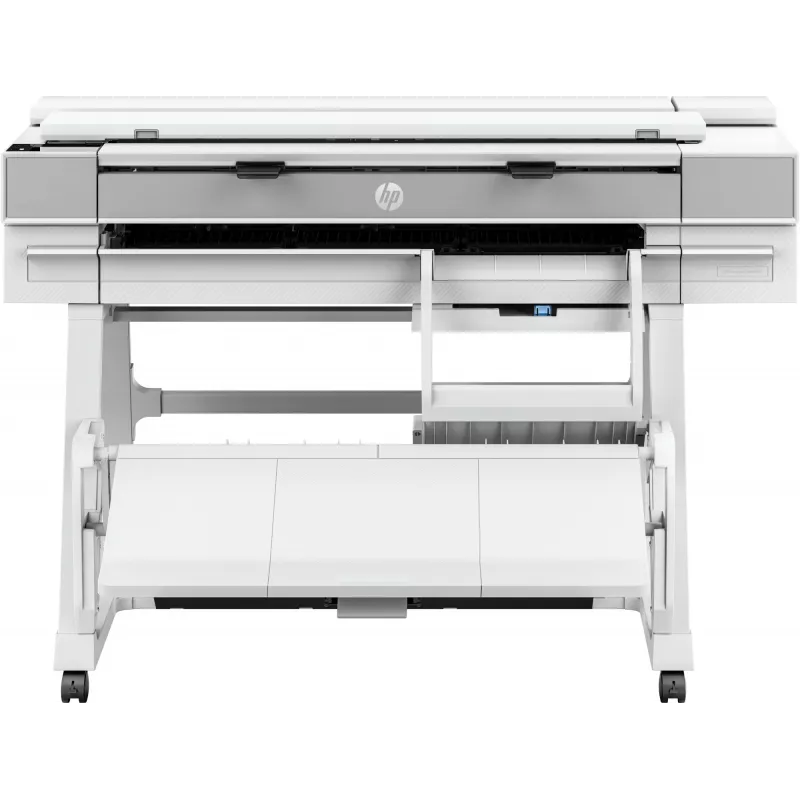
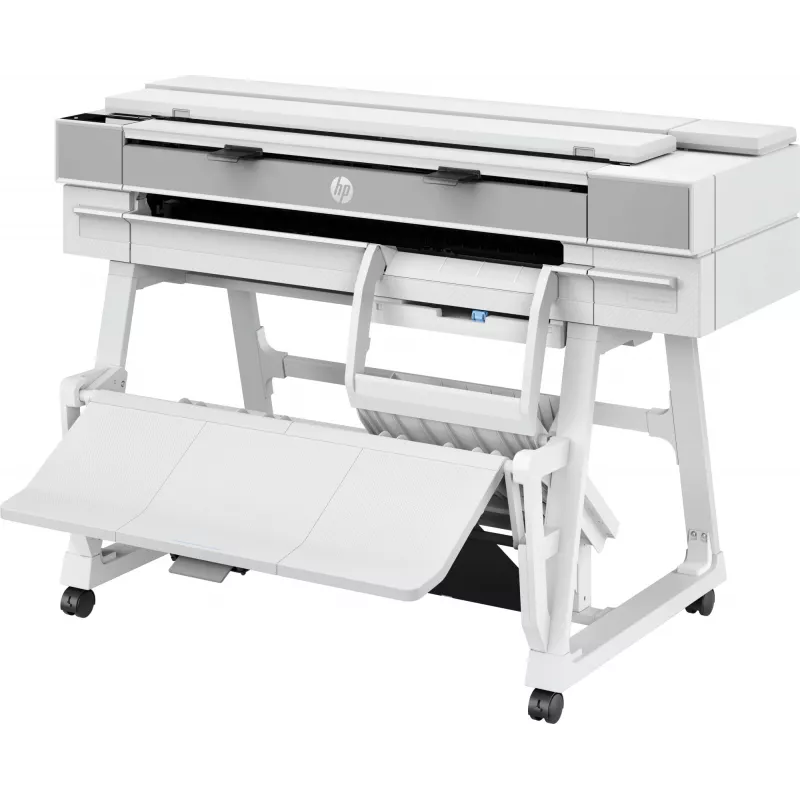
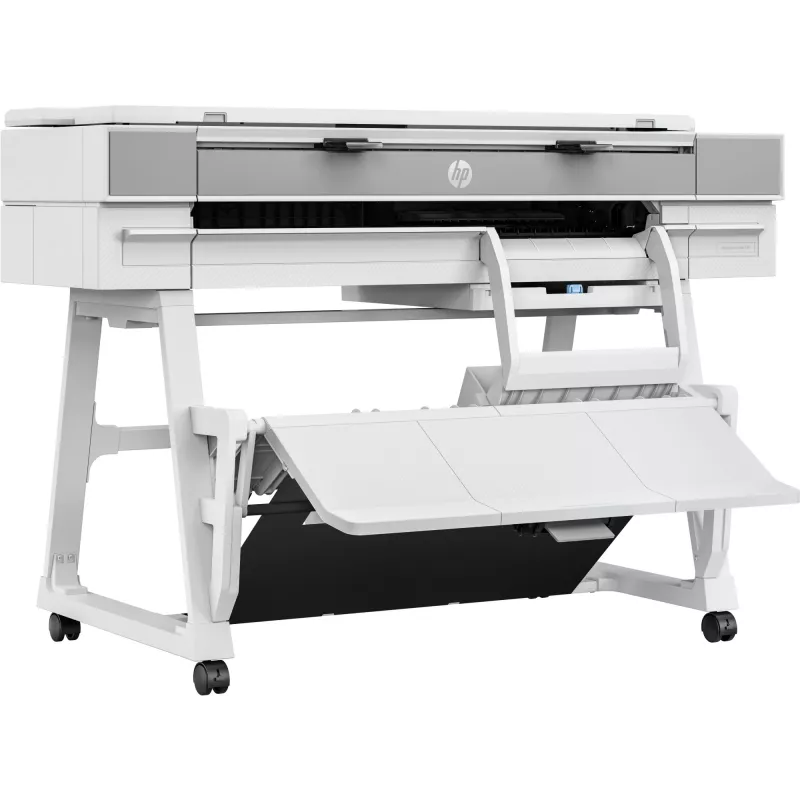
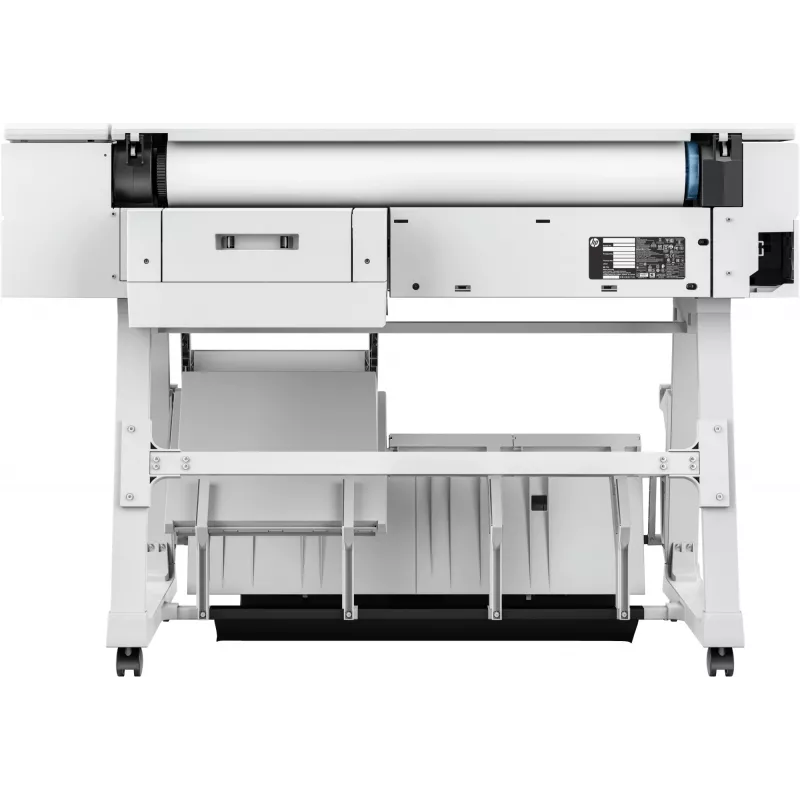
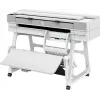
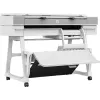
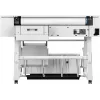
Multifunction Printer HP Designjet T950 36-in Thermal Inkjet 2400x1200 DPI

Multifunction Printer HP Designjet T950 36-in Thermal Inkjet 2400x1200 DPI
R154,844
The HP Designjet T950 36-in Thermal Inkjet 2400x1200 DPI is a multifunction plotter designed for professional environments that need high-quality large-format printing, copying and scanning up to A0 (841 x 1189 mm). This compact 36-inch device uses thermal inkjet technology to deliver detailed print... Read More
Stock Out Of Stock Code 1506585 Brand HP Model 2Y9H3A#B19 Warranty 2 Years

Shipping & Returns

Estimated delivery Monday, October 19
You will be kept updated through our detailed tracking system
Payment options
EFTPayFastBank CardSnapScanZapperGoogle PayApple PayMobicredMoreTymePay on Arrival

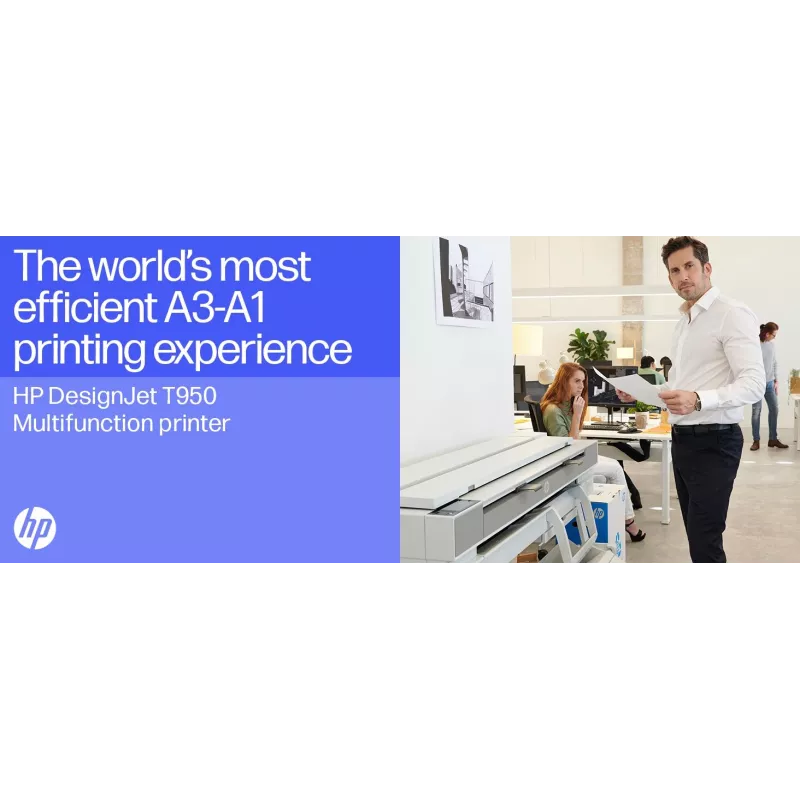
The HP Designjet T950 36-in Thermal Inkjet 2400x1200 DPI is a multifunction plotter designed for professional environments that need high-quality large-format printing, copying and scanning up to A0 (841 x 1189 mm). This compact 36-inch device uses thermal inkjet technology to deliver detailed prints at a maximum resolution of 2400 x 1200 DPI and supports a range of media types while maintaining a white exterior and a robust build.

Advantages

The HP Designjet T950 provides an integrated input/output tray for handling multi-size CAD drawings and rendered images, offering efficient workflow for mixed media jobs. It includes HP Click software for simplified print management and mobile printing options for faster job submission. The device is compact for its class, built for continuous professional use, and includes dynamic security features that require cartridges with genuine or reused HP chips or electronic circuitry.

Suitable for

Key specifications

How to use

Load media into the integrated input tray according to the paper type and size, then send print jobs from a connected workstation or mobile device using the included HP Click software or supported drivers. For scanning and copying, place originals on the scanner area and select the desired settings on the control panel or via software. Follow on-screen prompts for media alignment and maintenance routines to ensure consistent print quality.

Recommendations

Use genuine or properly reconditioned HP cartridges with compatible HP chips or electronic circuitry to ensure proper operation and maintain dynamic security compatibility. Keep firmware up to date to preserve device functionality and security measures. For best results, store media in a dry, temperature-controlled environment and perform regular maintenance checks as described in the user manual.

MOST EFFICIENT[1]—Save time, get through more jobs

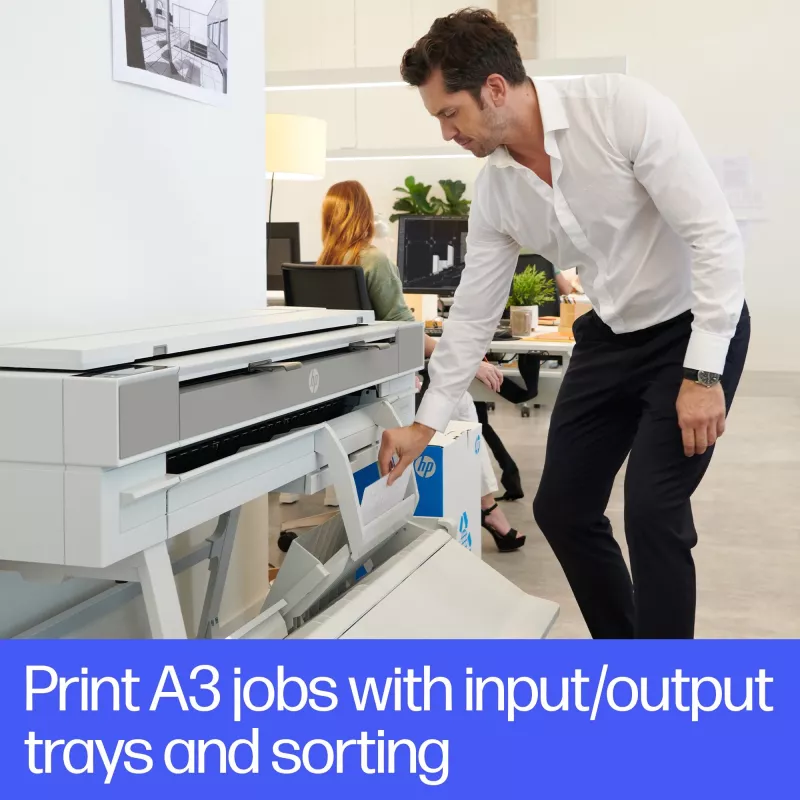
Pick up your jobs quickly and simply—stacker holds up to 40 pages flat for easy collection.[2]Do it all—seamlessly print your A4 jobs with integrated input and output trays, keeping pages sorted by size.Move projects forward with fast print speeds, 300-ft roll, and high image quality with HP Flex Tech Inks.Simplify scan and copy workflows with personalized one-click shortcuts from the front panel.

CONNECTED—Secure and seamless collaboration

Save time with HP Click—print in fewer steps and avoid reprinting with print preview.Protect your printer and data from cyberthreats without any effort thanks to HP Wolf Pro Security.Stay on task with HP app[3]—manage your device and print from virtually anywhere using your mobile or tablet.Share drawings and collaborate with colleagues wherever they are with the easy-to-use front-loading scanner.

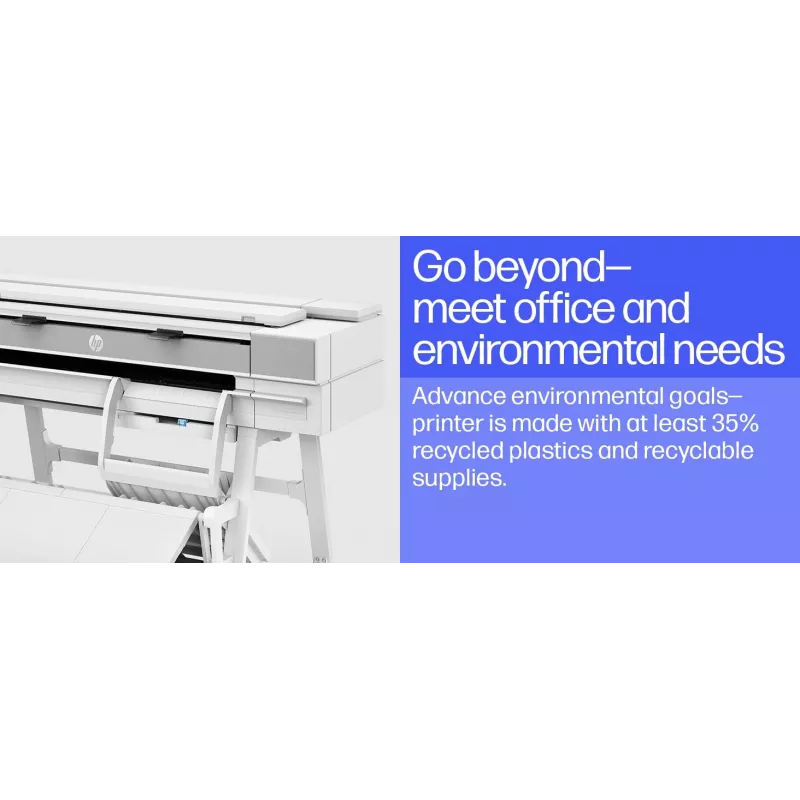
GO BEYOND—Meet office and environmental needs

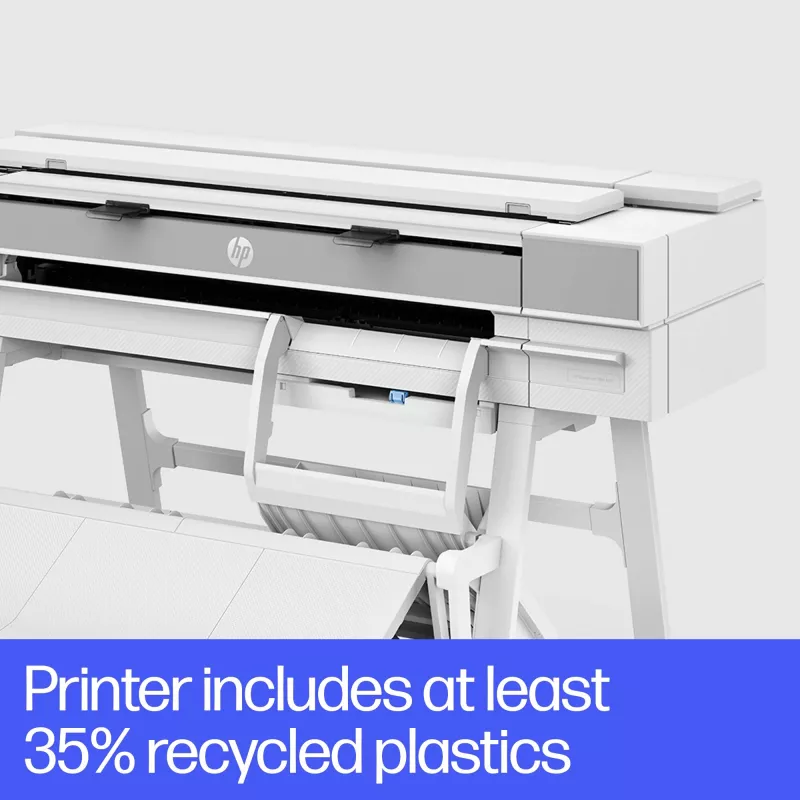
Advance environmental goals—printer is made with at least 35% recycled plastics[4] and recyclable supplies[5].Invest in a robust and compact plotter that’s designed to last.Reduce energy and ink waste—auto schedule printer on/off usage and enjoy efficient ink maintenance routines.
Key Highlights
  • Printing multi-size CAD drawings and technical plans
  • Producing large-format renders and presentation graphics
  • Colour copying and scanning of architectural or engineering documents
  • Office and studio environments requiring reliable large-format output
  • Maximum resolution: 2400 x 1200 DPI
  • Maximum print size: A0 (841 x 1189 mm)
  • Product type: 36-inch multifunction printer (print/copy/scan)
  • Technology: Thermal inkjet
  • Weight: 71 kg
  • Product colour: White
  • Manufacturer part number (MPN): 2Y9H3A#B19
Specifications
AC input frequency
50/60 Hz
AC input voltage
100 - 240 V
All-In-One-multitasking
Yes
Box contents
HP DesignJet T950 MFP, printhead, introductory ink cartridges, printer stand, spindle, guide, warranty flyer, power cord
Built-in display
Yes
Bundled software
HP Click App, HP Click Driver for Windows 11, HP app for Windows, macOS, Android, and iOS
Certification
Compliant with Class B requirements, including: USA (FCC rules), Canada (ICES), EU (RED Directive), Australia (ACMA), New Zealand (RSM), China (CCC), Japan (VCCI); Korea (KCC)
Colour
Yes
Compliance certificates
CE, REACH, RoHS, WEEE
Control type
Touch
Copier resize
25 - 400%
Copying
Colour copying
Country of origin
China, Thailand, Switzerland
Custom media sizes
Front-loading input tray: 210 x 279 to 305 x 457 mm; Manual feed: 210 x 279 to 914 x 1676 mm
Cut sheets
Yes
Depth
720 mm
Direct printing
Yes
Electromagnetic compatibility
Compliant with Class B requirements, including: USA (FCC rules), Canada (ICES), EU (RED Directive), Australia (ACMA), New Zealand (RSM), China (CCC), Japan (VCCI); Korea (KCC)
Ethernet LAN
Yes
Height
967 mm
HP Dynamic security
Yes
HP segment
Business
Internal memory
2048 MB
ISO A-series sizes (A0...A9)
A0, A1, A2, A3, A4
Line accuracy
±0.1%
Maximum media thickness
0.8 mm
Maximum media width
914 mm
Maximum print size
A0 (841 x 1189 mm)
Maximum resolution
2400 x 1200 DPI
Maximum roll diameter
14 cm
Maximum roll width
91.4 cm
Maximum scan length
2.77 m
Maximum scan size
914 x 2770 mm
Maximum scan width
91.4 cm
Media thickness
0.3 mm
Minimum scan size
127 x 127
Mobile printing technologies
Apple AirPrint, HP ePrint
Non-printable area (imperial cut-sheet)
0.2 x 0.2 x 0.2 x 0.2
Number of print cartridges
4
Operating altitude
0 - 3000 m
Operating relative humidity (H-H)
20 - 80%
Operating temperature (T-T)
5 - 40 °C
Optical scanning resolution
600 x 600 DPI
Package depth
630 mm
Package height
780 mm
Package weight
97 kg
Package width
1575 mm
Page description languages
PDF, HP-GL/2, TIFF, JPEG, HP-RTL, CALS G4, URF
Paper tray media types
Coated paper, Plain paper, Bond paper, Photo paper, Matte paper, Banner, Heavy paper, Satin paper
Power consumption (off)
0.1 W
Power consumption (sleep)
3.5 W
Power consumption (standby)
0.1 W
Power consumption (typical)
35 W
Print resolution colour
2400 x 1200 DPI
Print speed (normal quality, A1)
120 pph
Print technology
Thermal inkjet
Printing colours
Cyan, Matte black, Magenta, Yellow
Product colour
White
Recommended media weight
60 - 280 g/m²
Roll maximum input
1
Roll weight (rear roll)
13 kg
Scan technology
CIS
Scan to
Cloud, E-mail, Network folder, PC, USB
Scanner type
Sheet-fed scanner
Scanning
Colour scanning
Stacker
Yes
Storage relative humidity (H-H)
0 - 95%
Storage temperature (T-T)
-25 - 55 °C
Sustainability certificates
ENERGY STAR
Sustainability compliance
Yes
UNSPSC-code
43212104
USB port
Yes
Weight
71 kg
Wi-Fi
Yes
Wi-Fi Direct
Yes
Width
1407 mm

Leaflet

Open Leaflet

Document

Open Document
Price history over the last 6 months
Multifunction Printer HP Designjet T950 36-in Thermal Inkjet 2400x1200 DPI
Current
R154,844
Lowest
R114,700
Highest
R154,844
Change 24H
+R39,737   +35%
Week
—   
Month
—   
WhatsApp
Hi, I’m DistriNode’s AI assistant. I can help you find products, compare options, create quote PDFs, or open support requests.