




Account Contact
Your Cart
Pay the courier with no extra fees.
Need help? DistriNode AI can handle any task on our site.

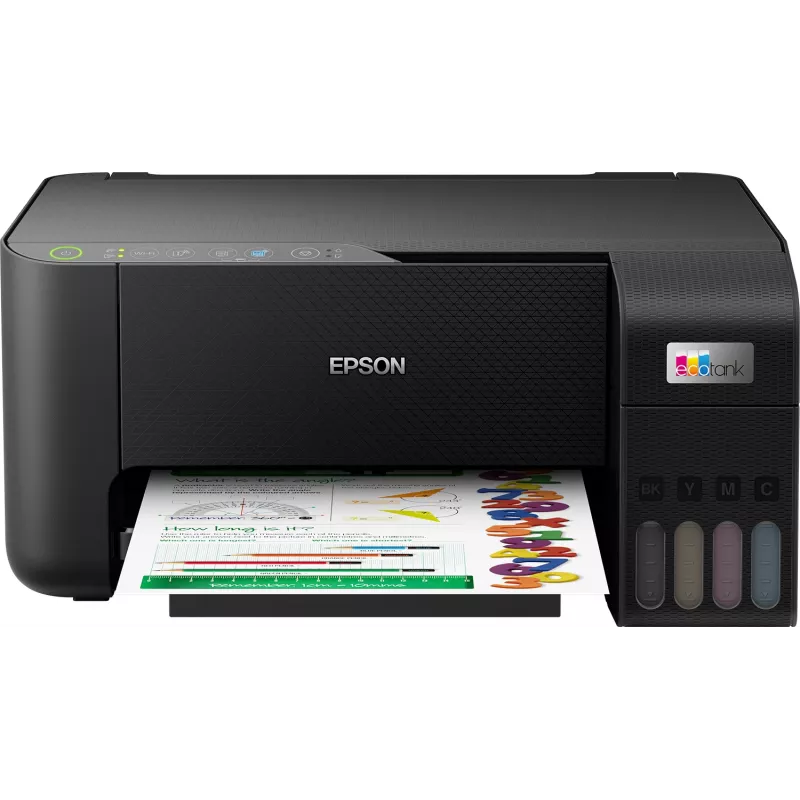
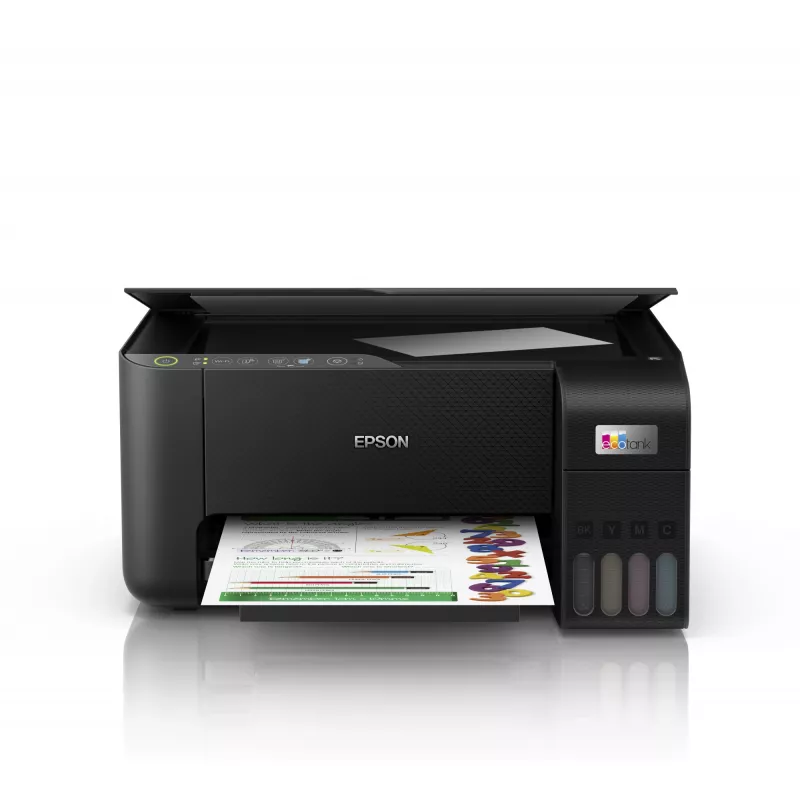
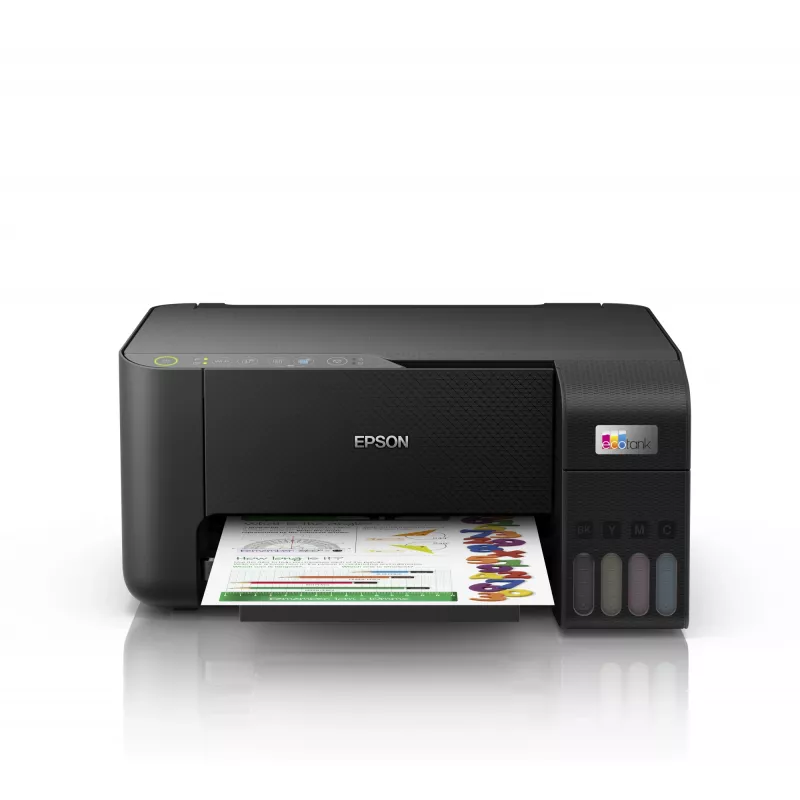
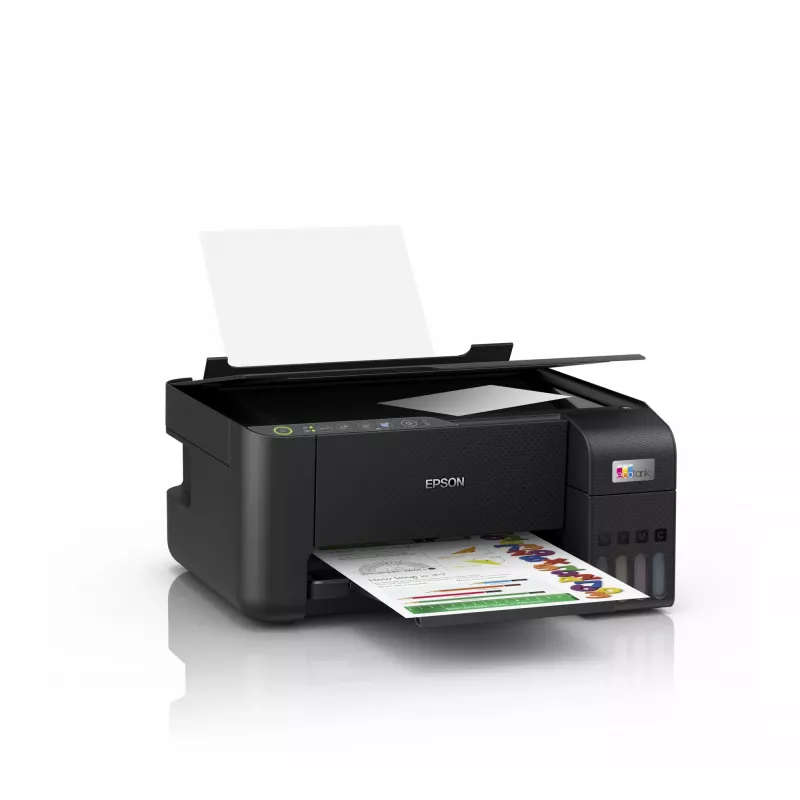
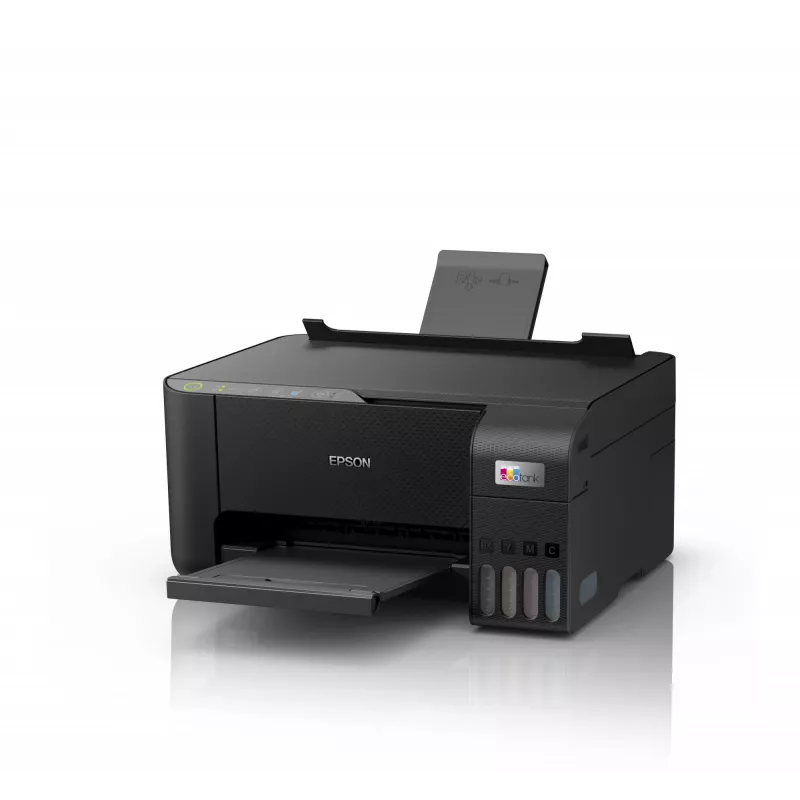
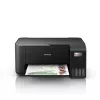
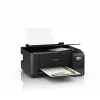
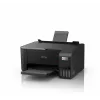
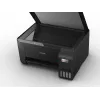
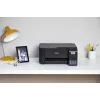
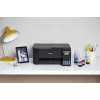
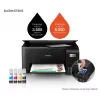
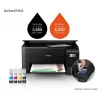
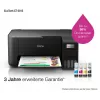
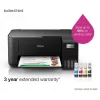
Multifunction Printer Epson EcoTank ET-2815 Inkjet Colour Printing

Multifunction Printer Epson EcoTank ET-2815 Inkjet Colour Printing
R5,611
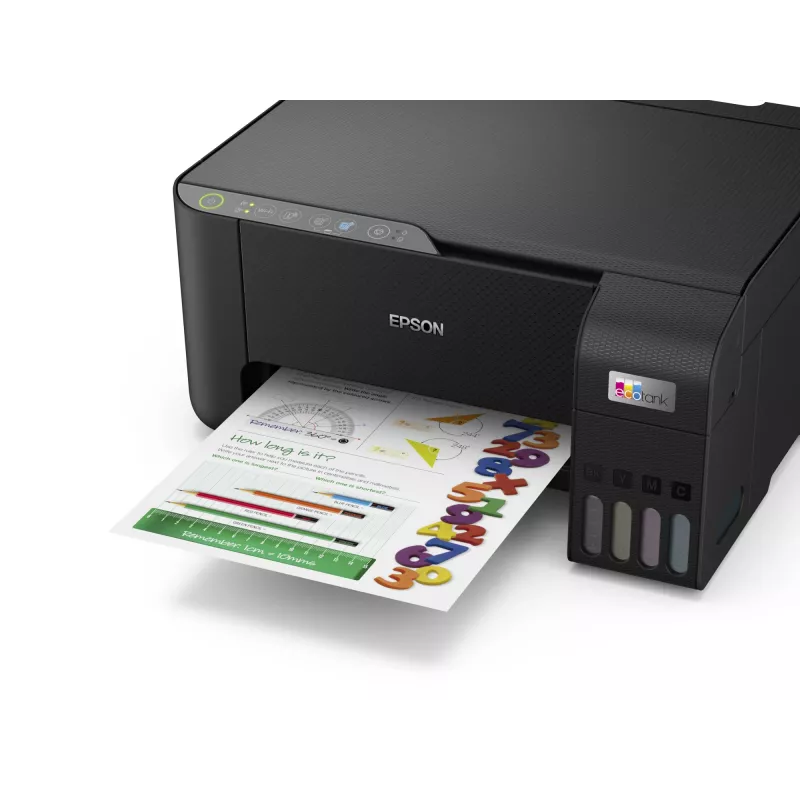
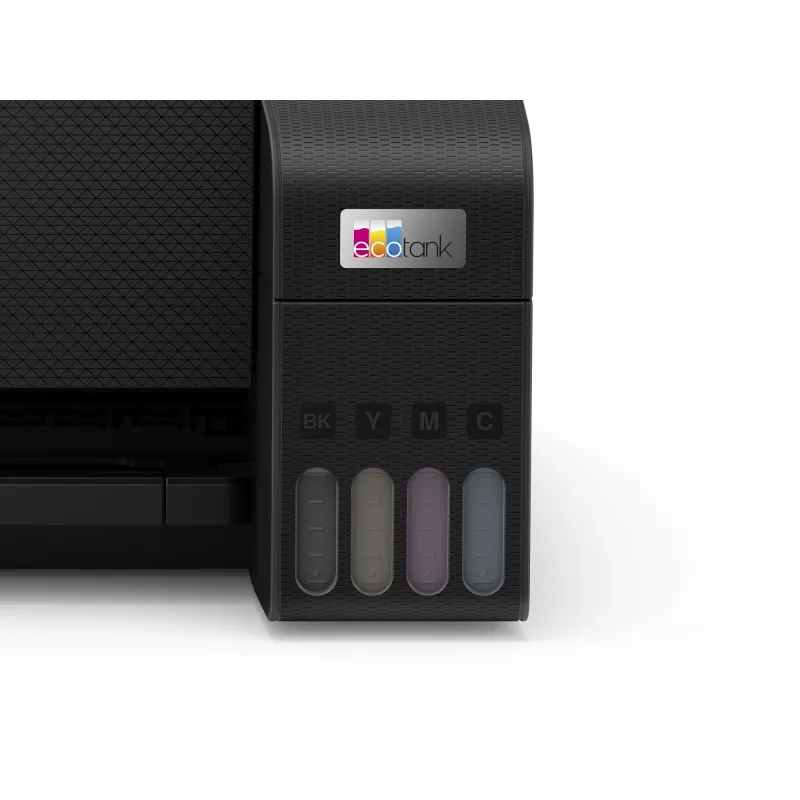
The Epson EcoTank ET-2815 is a compact A4 multifunction inkjet printer designed for home use. It uses ultra-high-capacity refillable ink tanks to reduce running costs and avoid cartridge replacements. The front ink level display and keyed ink bottles make refilling orderly and reduce the chance of i... Read More
Stock Out Of Stock Code 1501979 Brand EPSON Model C11CJ67417 Warranty 2 Years

Shipping & Returns

Estimated delivery Monday, October 19
You will be kept updated through our detailed tracking system
Payment options
EFTPayFastBank CardSnapScanZapperGoogle PayApple PayMobicredMoreTymePay on Arrival

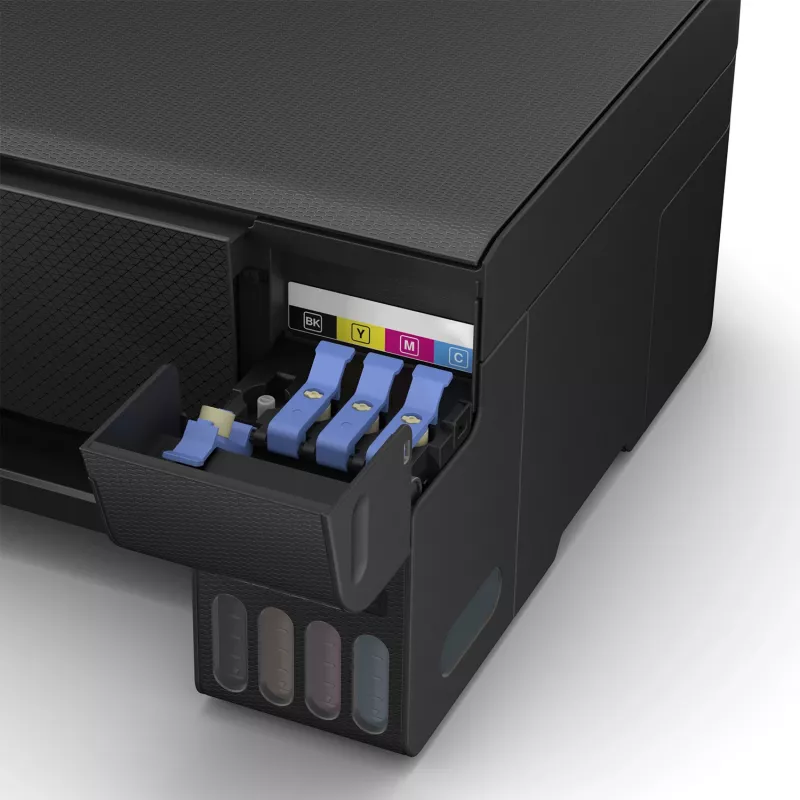
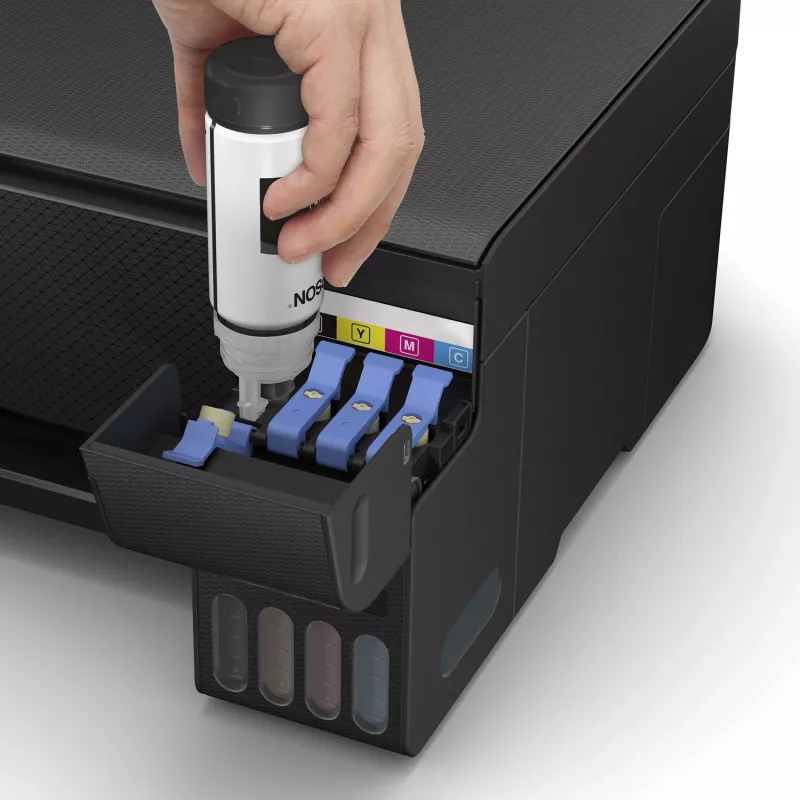
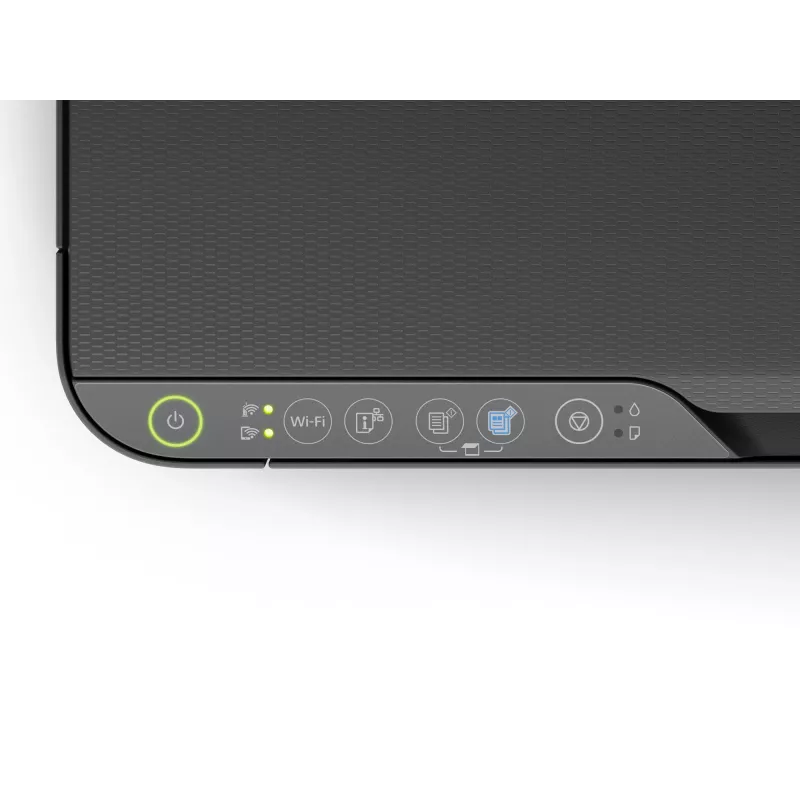
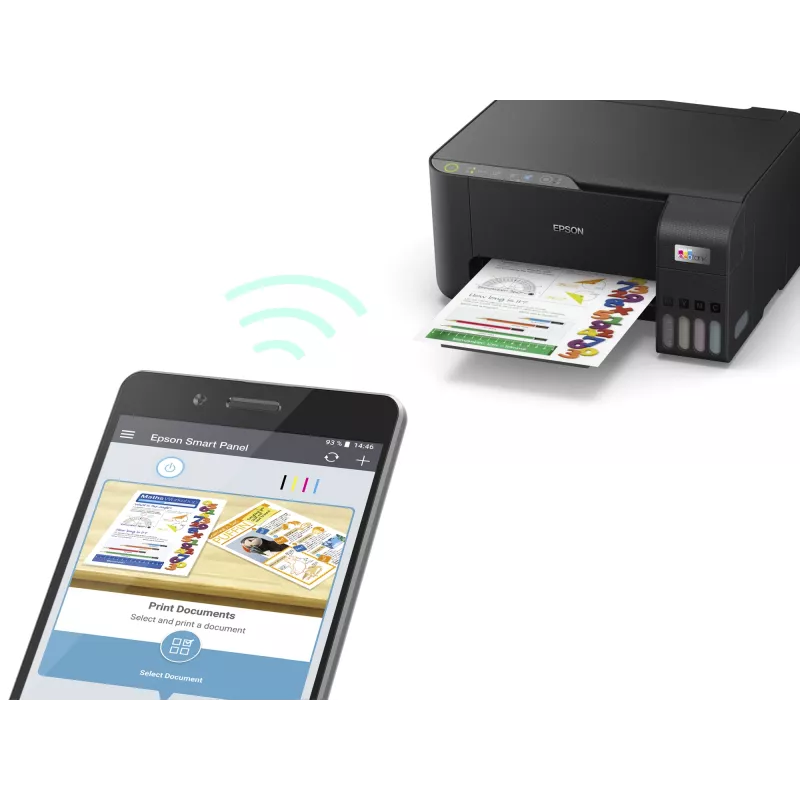
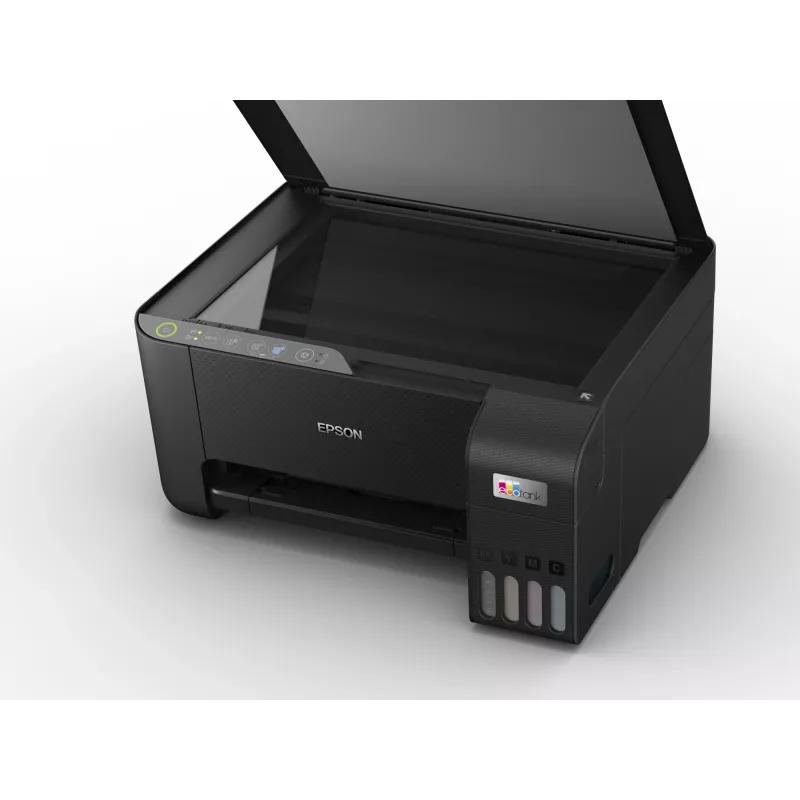
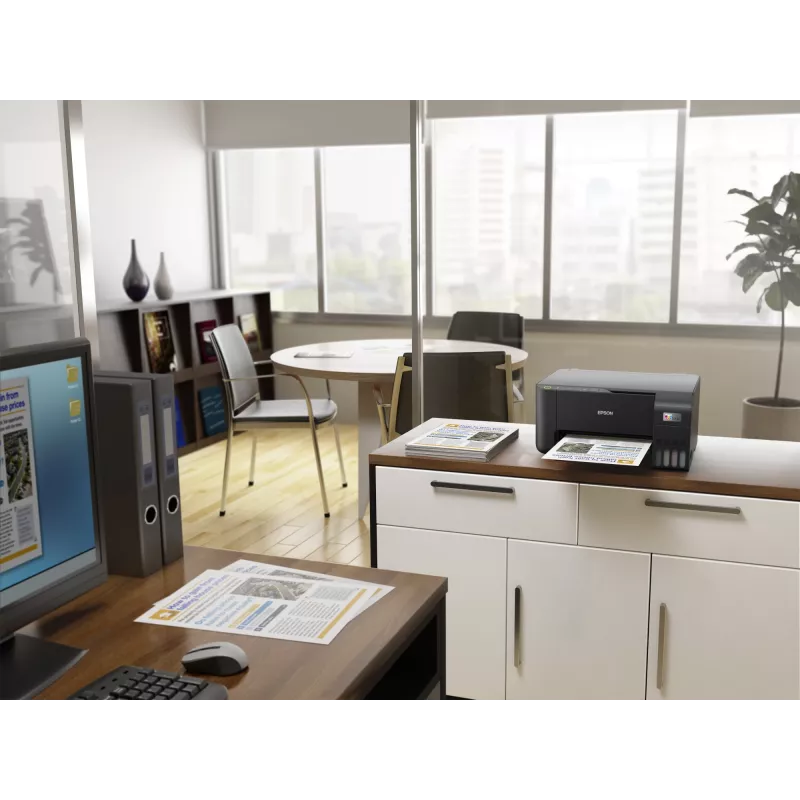
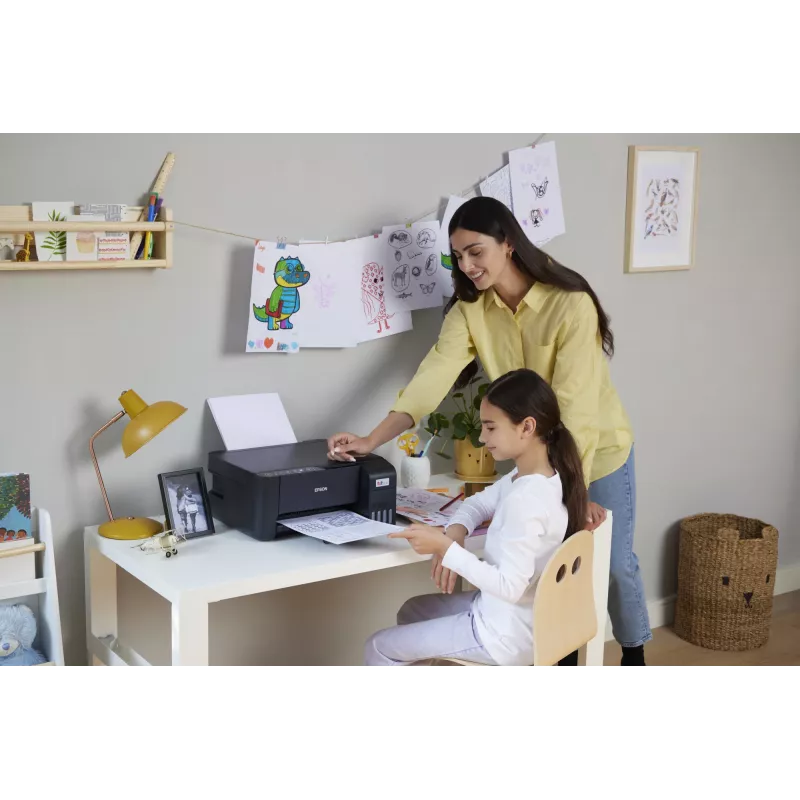
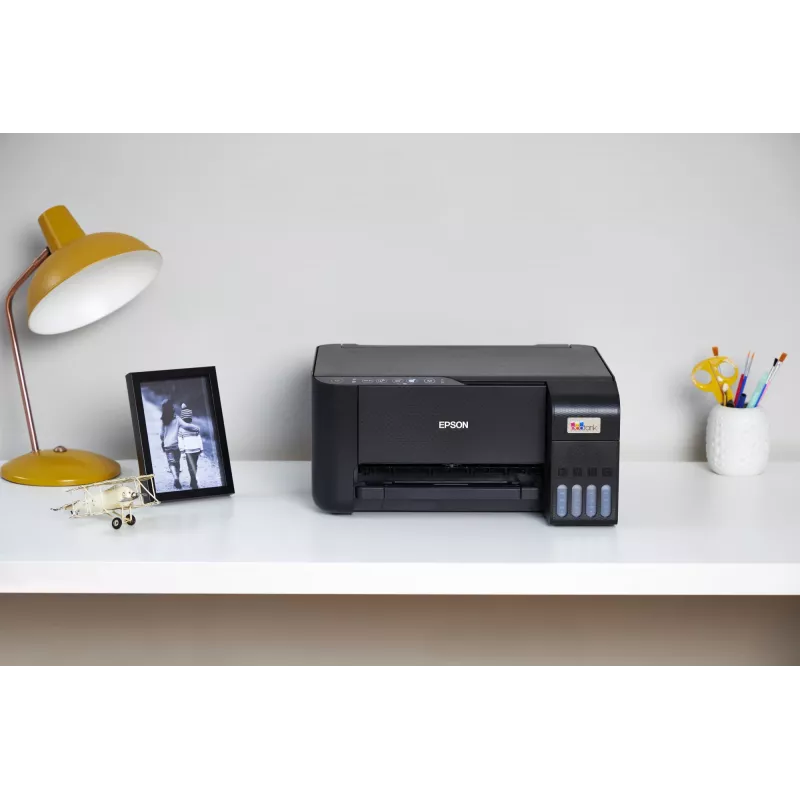
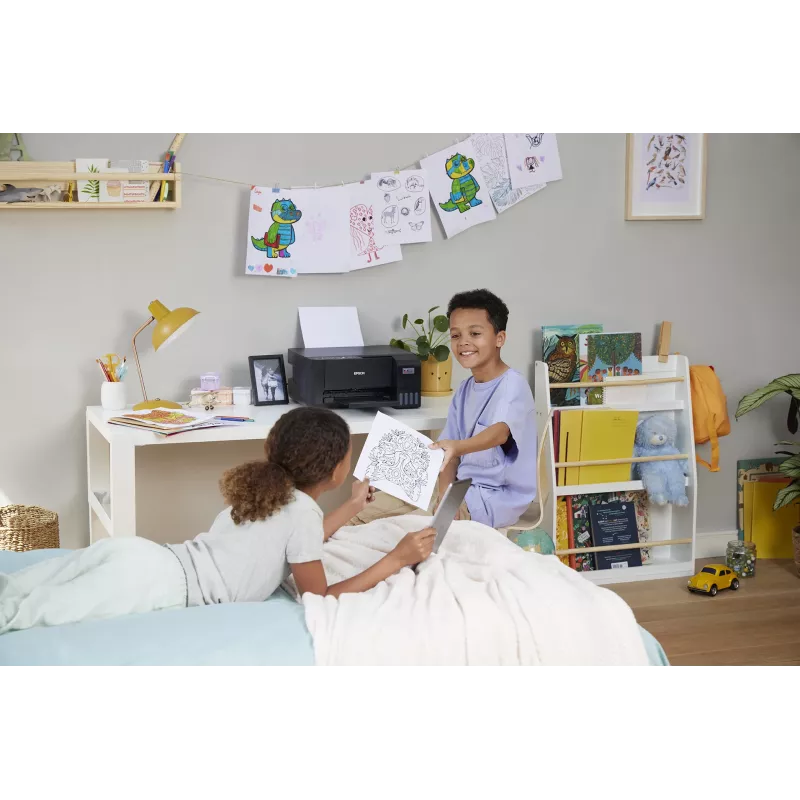
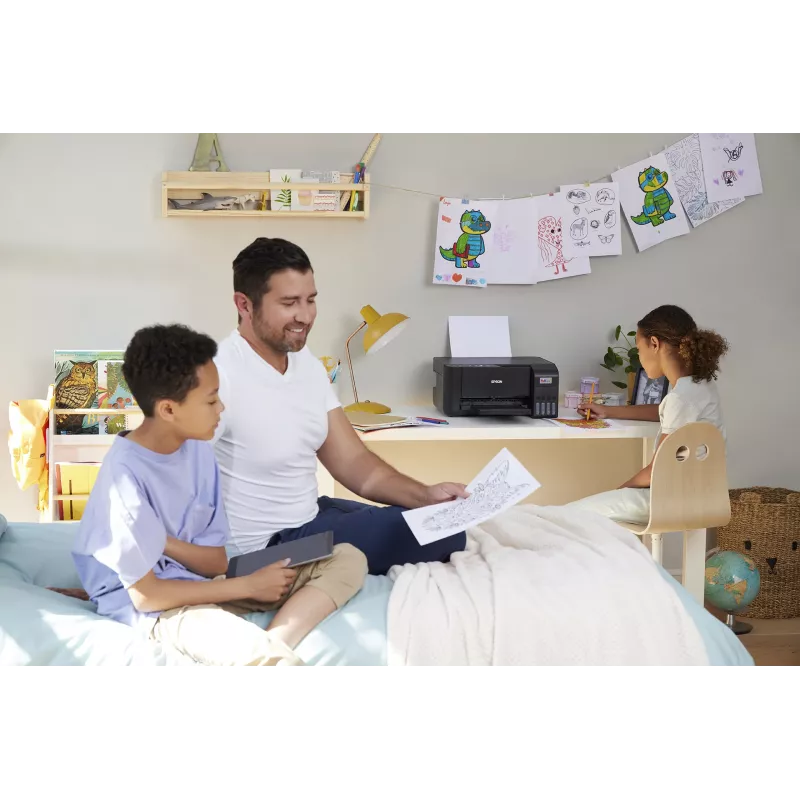
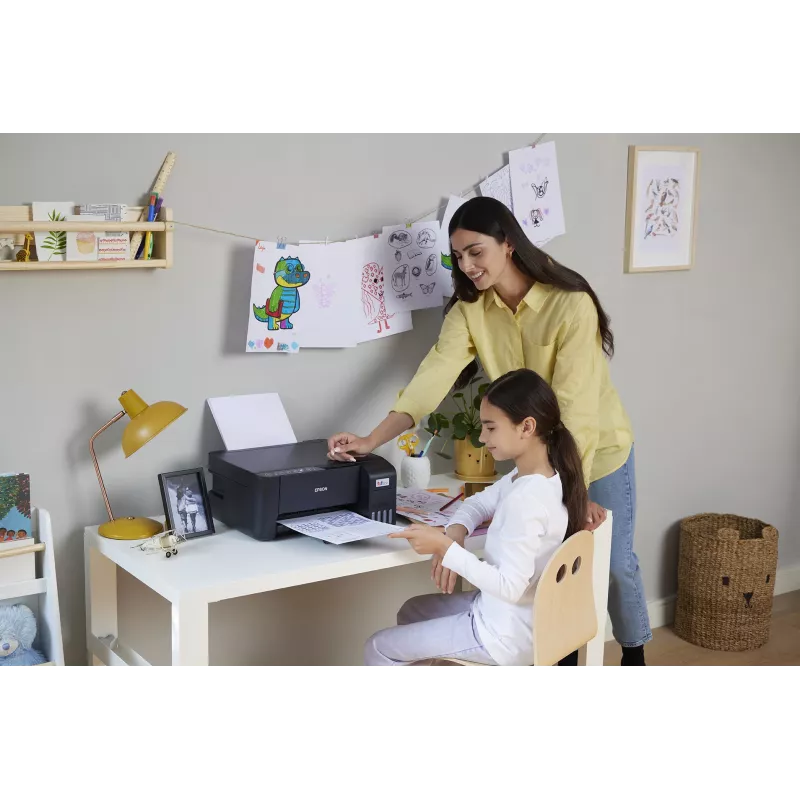
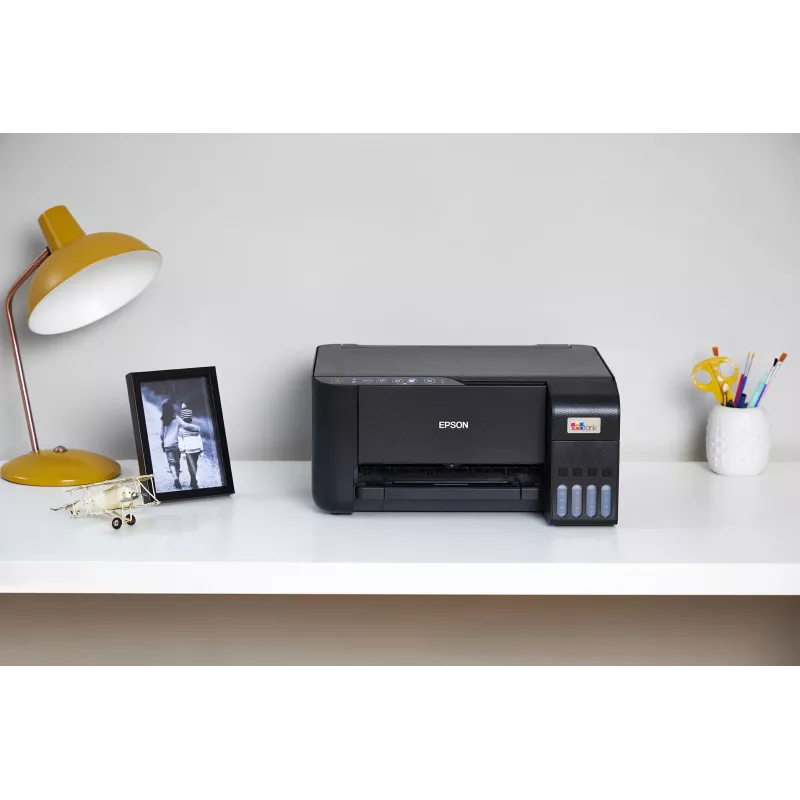
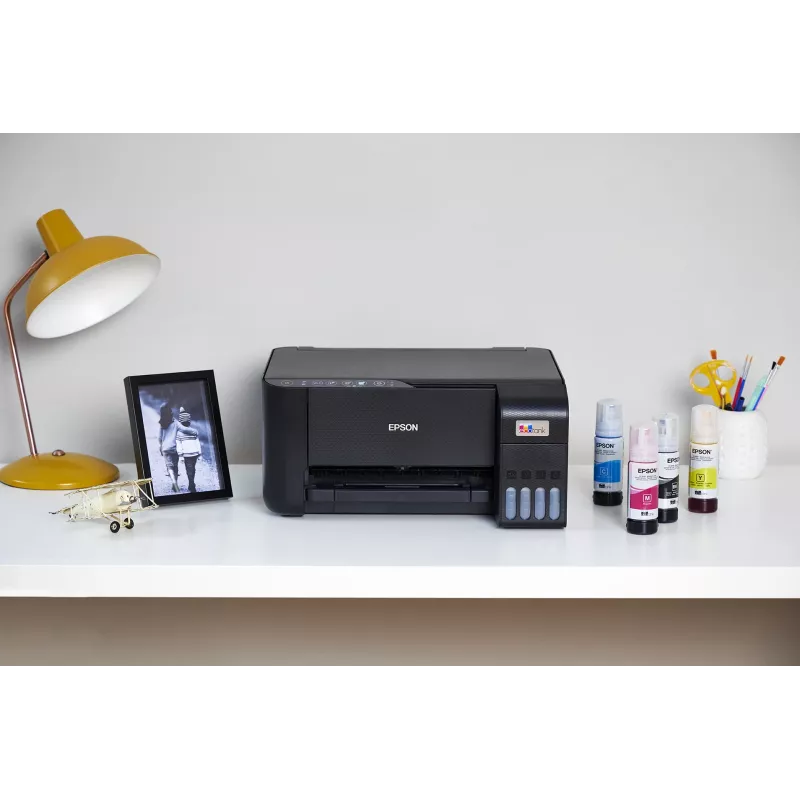
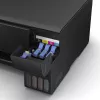
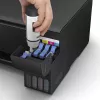
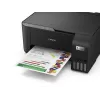
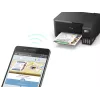
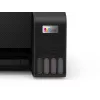
The Epson EcoTank ET-2815 is a compact A4 multifunction inkjet printer designed for home use. It uses ultra-high-capacity refillable ink tanks to reduce running costs and avoid cartridge replacements. The front ink level display and keyed ink bottles make refilling orderly and reduce the chance of inserting the wrong colour. The printer supports colour printing, copying and scanning, offers Wi-Fi and Wi-Fi Direct connectivity, and includes a pre-installed printhead for straightforward setup.

Advantages

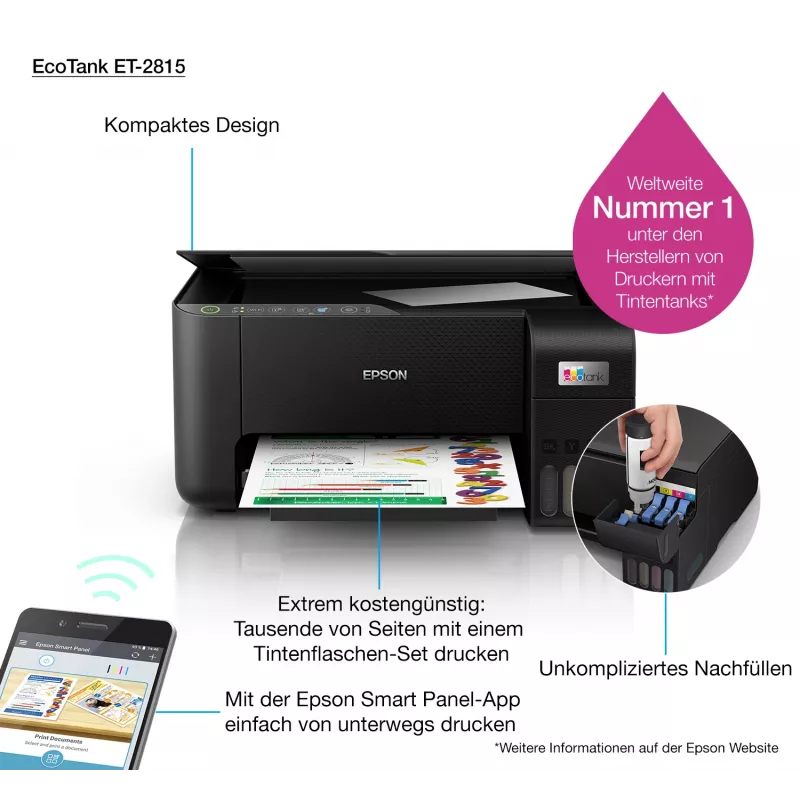
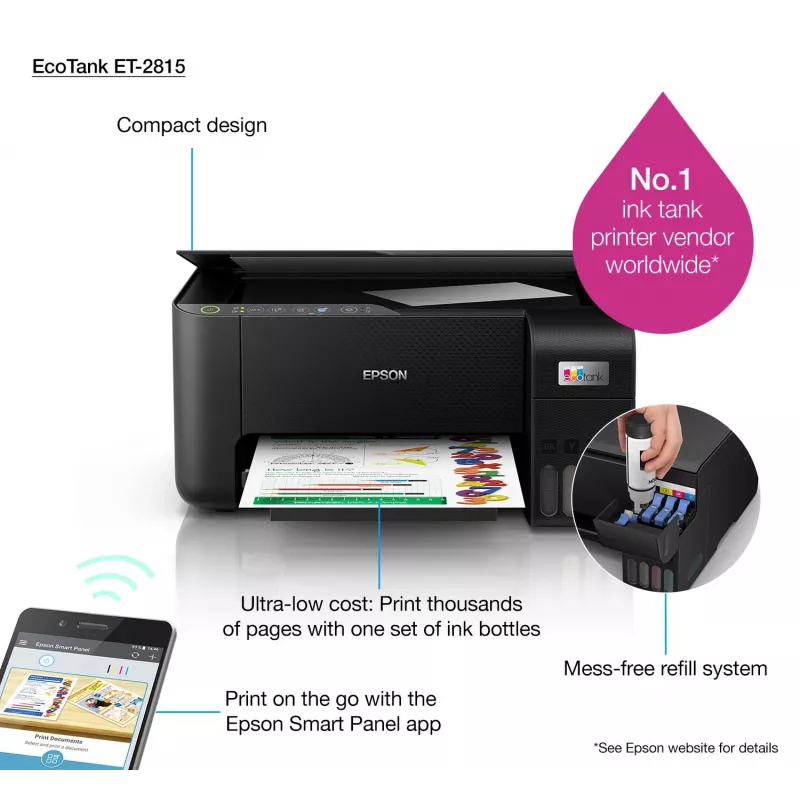
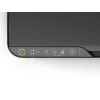
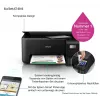
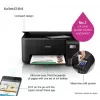
EcoTank technology delivers a very low cost per page by using refillable ink tanks that come with up to three years’ worth of ink included in the box. Key benefits include mess-free refills, a visible front ink level indicator, compatibility with the Epson Smart Panel app for mobile control, and Micro Piezo Heat-Free Technology for reduced energy consumption and fewer replacement parts. The unit also supports borderless photo printing (up to 10x15 cm) and has a 100-sheet rear paper tray.

Suitable for

  • Home users who print documents and occasional photos
  • Small home office tasks: colour printing, scanning and copying
  • Users who want low running costs and easy refillable ink

Key specifications

  • Print technology: Inkjet
  • Printing: Colour printing
  • Maximum resolution: 5760 x 1440 dpi
  • Print speed (black, normal quality, A4/US Letter): 33 ppm
  • Copying: Colour copying
  • Scanning: Colour scanning; optical resolution 1200 x 2400 dpi
  • Maximum paper size: A4
  • Duplex: Print duplex supported
  • Connectivity: Wi‑Fi, Wi‑Fi Direct (no Ethernet)
  • Weight: 3.9 kg
  • Colour: Black

How to use

Install the printer on a stable, level surface and connect it to your home Wi‑Fi network or use Wi‑Fi Direct for a direct mobile connection. Remove the pre-installed printhead and follow the enclosed instructions to fit the keyed ink bottles into their matching tank ports, watching the front ink level indicator as you fill. Use the Epson Smart Panel app on your smartphone or tablet to set up, print, copy and scan, and to monitor ink levels and perform basic troubleshooting.

Recommendations

For reliable results, use genuine Epson EcoTank ink bottles and follow the manufacturer’s guidance for storage and handling of inks. Keep the printer firmware and the Epson Smart Panel app updated. If the device will be unused for an extended period, perform occasional test prints to prevent nozzle clogging.

Key Highlights
  • Home users who print documents and occasional photos
  • Small home office tasks: colour printing, scanning and copying
  • Users who want low running costs and easy refillable ink
  • Print technology: Inkjet
  • Printing: Colour printing
  • Maximum resolution: 5760 x 1440 dpi
  • Print speed (black, normal quality, A4/US Letter): 33 ppm
  • Copying: Colour copying
  • Scanning: Colour scanning; optical resolution 1200 x 2400 dpi
  • Maximum paper size: A4
  • Duplex: Print duplex supported
  • Connectivity: Wi‑Fi, Wi‑Fi Direct (no Ethernet)
  • Weight: 3.9 kg
  • Colour: Black
Specifications
AC input frequency
50 - 60 Hz
AC input voltage
220 - 240 V
Borderless printing
Yes
Built-in display
No
Cables included
AC
Copying
Colour copying
Country of origin
Philippines
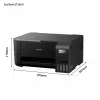
Depth
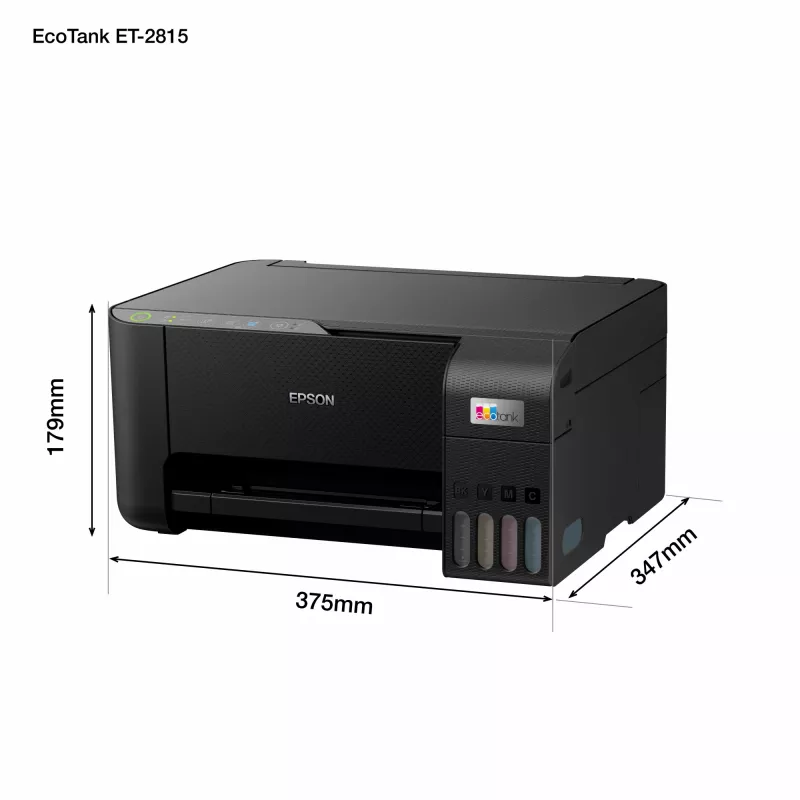
347 mm
Direct printing
Yes
Duplex functions
Print
Duplex printing
Yes
Duplex printing mode
Manual
Duplex scanning
No
Energy Star Typical Electricity Consumption (TEC)
0.15 kWh/week
Envelopes sizes
10, C6, DL
Ethernet LAN
No
Faxing
No
Harmonized System (HS) code
84433100
Height
179 mm
Image formats supported
BMP, JPEG, PICT, TIFF, PNG
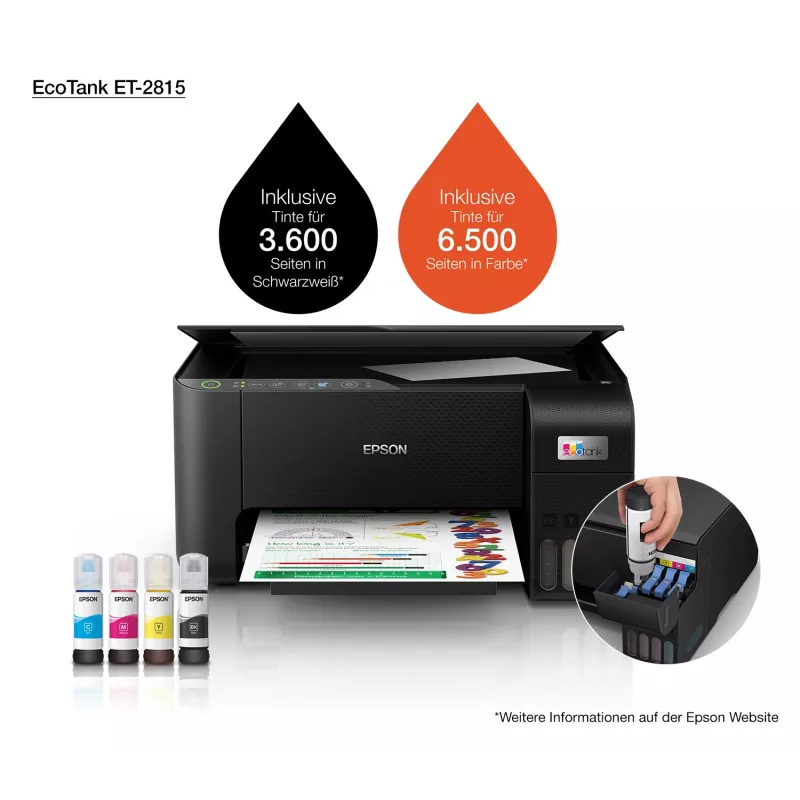
Included cartridge capacity (black)
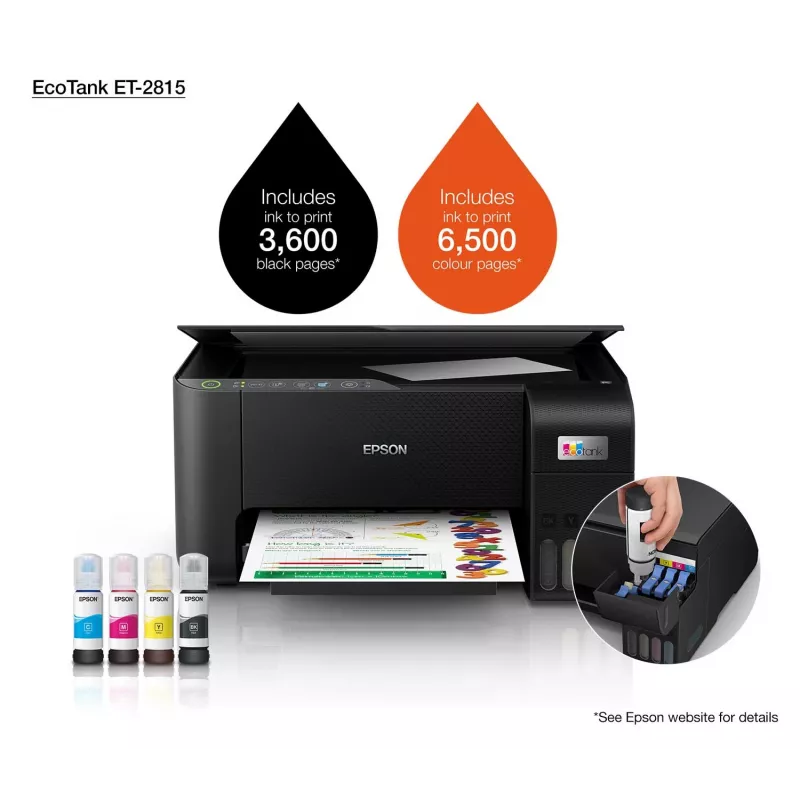
3600 pages
Included cartridge capacity (CMY)
6500 pages
ISO A-series sizes (A0...A9)
A4, A5, A6
ISO B-series sizes (B0...B9)
B5, B6
Mac operating systems supported
Mac OS X 10.7 Lion, Mac OS X 10.8 Mountain Lion, Mac OS X 10.9 Mavericks, Mac OS X 11.0 Big Sur
Market positioning
Home & office
Maximum ISO A-series paper size
A4
Maximum resolution
5760 x 1440 DPI
Number of print cartridges
4
Number of users
2 user(s)
Optical scanning resolution
1200 x 2400 DPI
Package depth
445 mm
Package height
230 mm
Package weight
5.96 kg
Package width
405 mm
Pallet gross weight
0 g
Pallet weight (UK)
0 g
Paper tray media types
Photo paper, Plain paper
Photo paper sizes
9x13,10x15,13x20
Power consumption (copying)
12 W
Power consumption (off)
0.2 W
Power consumption (ready)
4.5 W
Power consumption (sleep)
0.7 W
Print head nozzles
180 nozzles black, 59 nozzles per colour
Print speed (black, normal quality, A4/US Letter)
33 ppm
Print speed (colour, normal quality, A4/US Letter)
15 ppm
Print speed (ISO/IEC 24734) black
10 ppm
Print speed (ISO/IEC 24734) colour
5 ppm
Print technology
Inkjet
Printing
Colour printing
Printing colours
Black
Printing method
Epson Micro Piezo
Product colour
Black
Products per pallet
35 pc(s)
Products per pallet (UK)
50 pc(s)
Quantity per pack
1 pc(s)
Scan technology
CIS
Scanner type
Flatbed scanner
Scanning
Colour scanning
Security algorithms
64-bit WEP, 128-bit WEP, WPA-PSK, WPA-TKIP, WPA-AES
Server operating systems supported
Windows Server 2003 R2, Windows Server 2008 R2, Windows Server 2012 R2, Windows Server 2016
Time to first page (black, normal)
10 s
Time to first page (colour, normal)
16 s
Total input capacity
100 sheets
Total number of input trays
1
Total output capacity
30 sheets
USB port
Yes
Weight
3.9 kg
Wi-Fi
Yes
Width
375 mm
Windows operating systems supported
Windows 10, Windows 7, Windows 8, Windows 8.1, Windows Vista

Manual

Open Manual

Leaflet

Open Leaflet
Price history over the last 6 months
Multifunction Printer Epson EcoTank ET-2815 Inkjet Colour Printing
Current
R5,611
Lowest
R4,063
Highest
R5,611
Change 24H
+R1,533   +38%
Week
—   
Month
—   
WhatsApp
Hi, I’m DistriNode’s AI assistant. I can help you find products, compare options, create quote PDFs, or open support requests.