Account Contact
Your Cart
Pay the courier with no extra fees.
Need help? DistriNode AI can handle any task on our site.

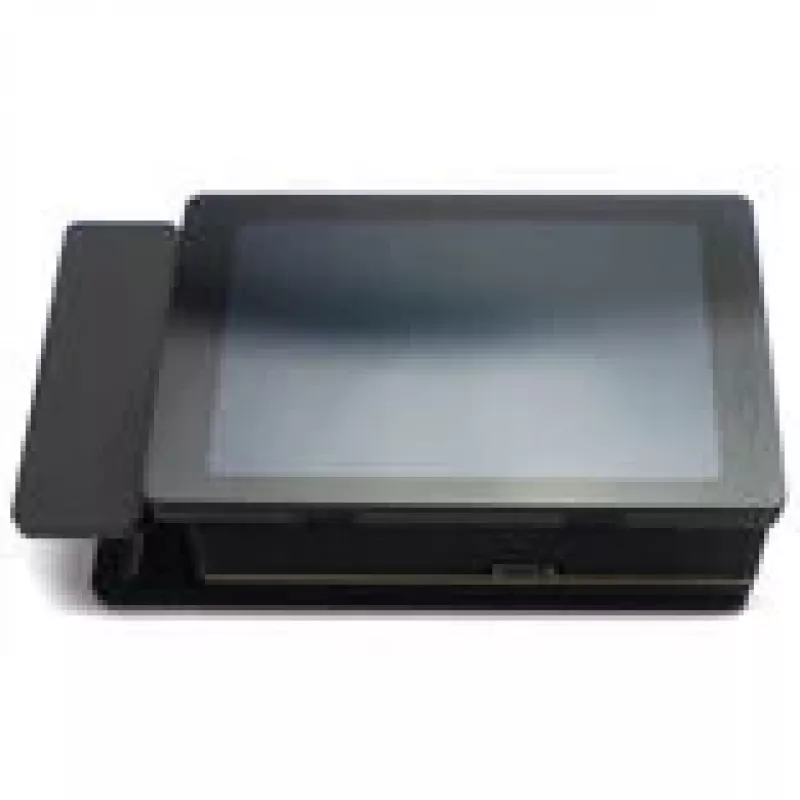
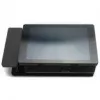
FanGuardian PowerBoard Controller 3.5 inch Touchscreen — Singularity Computers SC-FG-PBC

FanGuardian PowerBoard Controller 3.5 inch Touchscreen — Singularity Computers SC-FG-PBC
R1,274
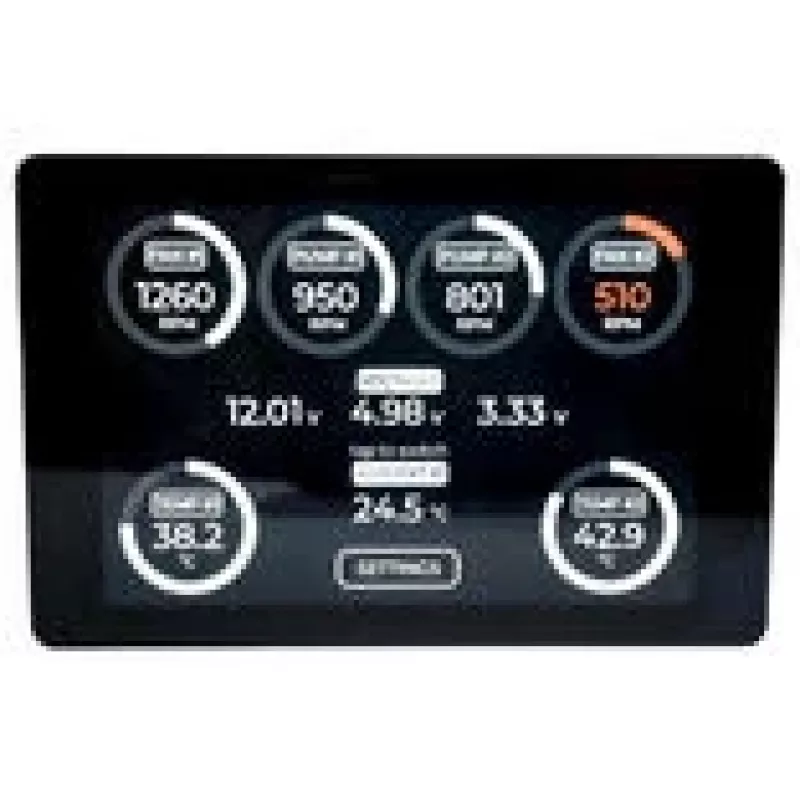
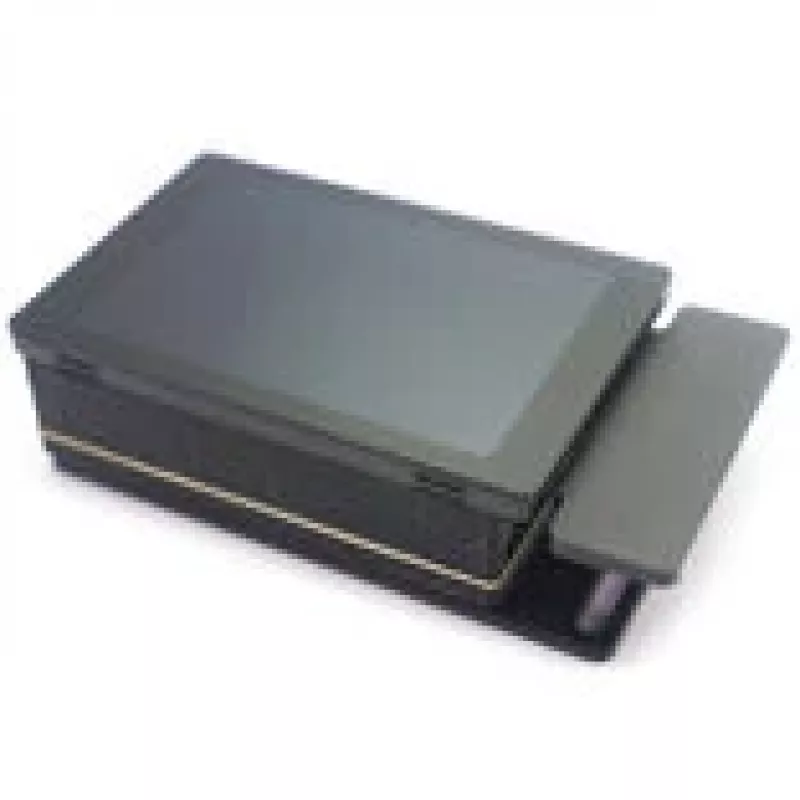
The Singularity Computers FanGuardian PowerBoard Controller SC-FG-PBC is a 3.5" touchscreen control unit designed for in-system fan and power monitoring and management. The compact module integrates into a PC build to provide direct control over fan speeds, monitor thermal and power-related paramete... Read More
Stock Out Of Stock Code 313892 Brand SINGULARITY COMPUTERS Model SC-FG-PBC Warranty 2 Years

Shipping & Returns

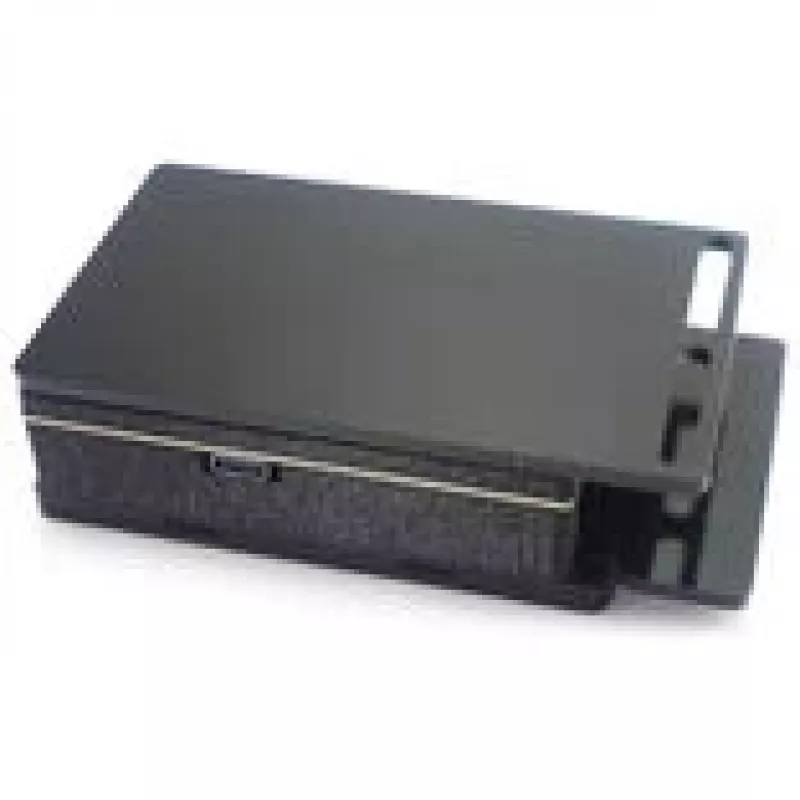
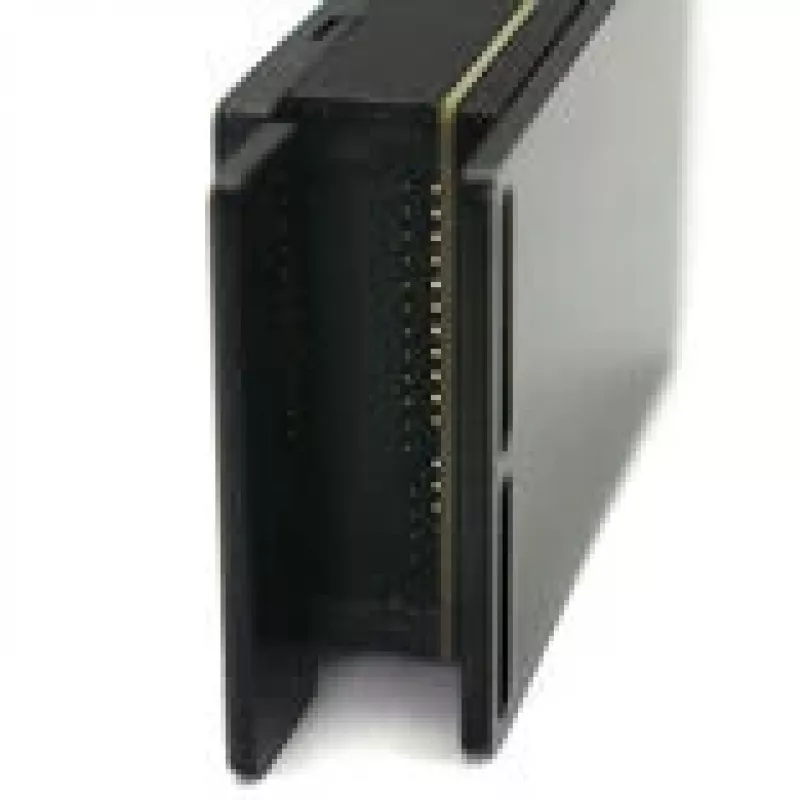
The Singularity Computers FanGuardian PowerBoard Controller SC-FG-PBC is a 3.5" touchscreen control unit designed for in-system fan and power monitoring and management. The compact module integrates into a PC build to provide direct control over fan speeds, monitor thermal and power-related parameters, and adjust operating profiles without the need for external software. The touchscreen interface is intended for enthusiasts and system builders who want accessible, on-case access to cooling and power settings.

Advantages

The 3.5" touchscreen provides a direct, tactile interface for adjusting fan curves, selecting profiles, and viewing live readings. Integration into the front or internal bay of a desktop keeps controls localized and reduces reliance on software-only solutions. The device centralizes fan and power monitoring, allowing users to observe temperatures and voltages in one place and make on-the-fly adjustments to maintain desired acoustics or cooling performance.

Suitable for

  • Custom desktop PCs and enthusiast builds where on-case control is preferred.
  • Systems that require real-time fan speed adjustments and quick access to thermal readings.
  • Modding projects that integrate a visual control panel into the chassis layout.

When it may not be suitable

This controller is intended for installation in compatible 3.5" bays or mounting locations; it may not be suitable for ultra-compact or non-standard cases without provision for a 3.5" unit. Systems that rely exclusively on motherboard software or network-based management may find the physical touchscreen redundant.

Key specifications

  • Display size: 3.5-inch touchscreen
  • Functions: fan speed control, thermal and power monitoring, profile selection
  • Integration: designed for internal chassis mounting
  • Interface: on-device touchscreen controls (software integration dependent on system)

How to use

Install the unit into an available 3.5" bay or designated mounting point inside the chassis following the manufacturer’s mechanical and electrical guidance. Power and data connections must be routed to appropriate headers or controllers as specified by Singularity Computers. Use the touchscreen to navigate menus, set fan curves, select or save profiles, and view live temperature and power readings. Changes made on the device take effect immediately according to the connected fans and sensors.

What to consider before purchase

  • Case compatibility with a 3.5" bay or mounting for the touchscreen module.
  • Required power and header connections on the motherboard or fan controller to enable all features.
  • Whether on-device control is preferred over software or BIOS-based fan management.

Recommendations

For reliable operation, ensure firm mechanical mounting and secure electrical connections. Calibrate fan curves and sensor inputs after installation to match the system’s cooling components and desired noise/temperature balance. Keep firmware and any related software up to date if manufacturer updates are available.

Key Highlights
  • Custom desktop PCs and enthusiast builds where on-case control is preferred.
  • Systems that require real-time fan speed adjustments and quick access to thermal readings.
  • Modding projects that integrate a visual control panel into the chassis layout.
  • Display size: 3.5-inch touchscreen
  • Functions: fan speed control, thermal and power monitoring, profile selection
  • Integration: designed for internal chassis mounting
  • Interface: on-device touchscreen controls (software integration dependent on system)
  • Case compatibility with a 3.5" bay or mounting for the touchscreen module.
  • Required power and header connections on the motherboard or fan controller to enable all features.
  • Whether on-device control is preferred over software or BIOS-based fan management.
Price history over the last 6 months
FanGuardian PowerBoard Controller 3.5 inch Touchscreen — Singularity Computers SC-FG-PBC
Current
R1,274
Lowest
R1,211
Highest
R3,230
Change 24H
+R50   +4%
Week
+R63   +5%
Month
-R484   -28%

Popular products in this category

WhatsApp
Hi, I’m DistriNode’s AI assistant. I can help you find products, compare options, create quote PDFs, or open support requests.