Account Contact
Your Cart
Pay the courier with no extra fees.
Need help? DistriNode AI can handle any task on our site.

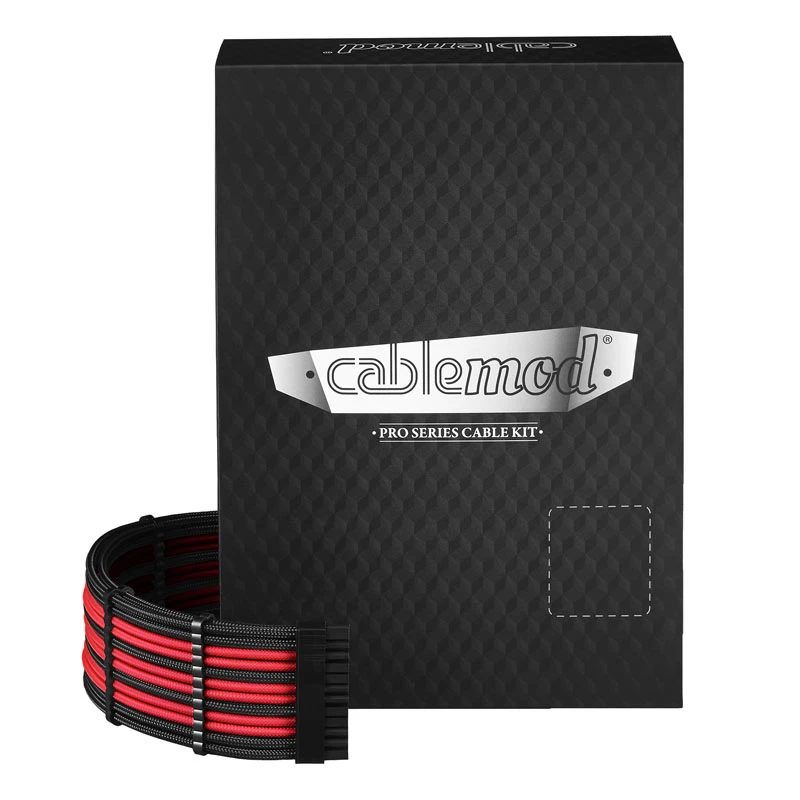
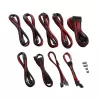
Power cable kit CableMod PRO Series ModMesh C-Series for Corsair RMi/RMx — Black/Red sleeved cables

Power cable kit CableMod PRO Series ModMesh C-Series for Corsair RMi/RMx — Black/Red sleeved cables
R2,120
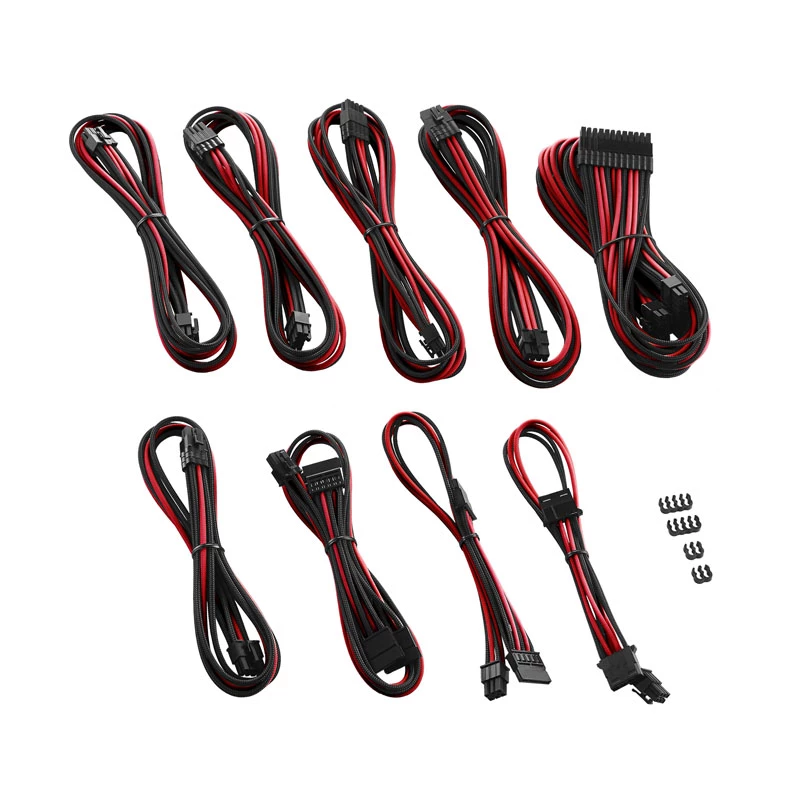
The CableMod PRO Series ModMesh C-Series power cable kit for Corsair RMi and RMx power supplies provides a set of fully sleeved Black/Red cables designed to replace stock wiring in desktop PC builds. This kit includes the main 24‑pin ATX cable, CPU EPS power cable(s), and PCIe/GPU power cables in Mo... Read More
Stock 6 Code 308110 Brand CABLEMOD Model CM-PCSR-FKIT-NKKR-R Warranty 2 Years

Shipping & Returns

Estimated delivery Monday, October 5
You will be kept updated through our detailed tracking system
Payment options
EFTPayFastBank CardSnapScanZapperGoogle PayApple PayMobicredMoreTymePay on Arrival

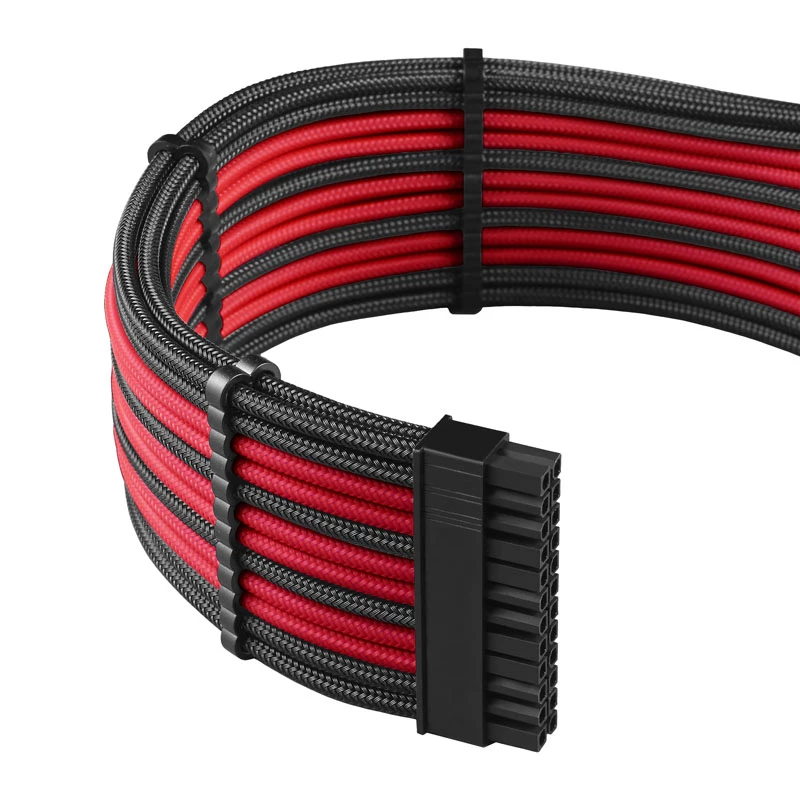
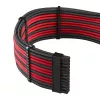
The CableMod PRO Series ModMesh C-Series power cable kit for Corsair RMi and RMx power supplies provides a set of fully sleeved Black/Red cables designed to replace stock wiring in desktop PC builds. This kit includes the main 24‑pin ATX cable, CPU EPS power cable(s), and PCIe/GPU power cables in ModMesh sleeving that combine flexible routing with a striking two‑tone appearance. The cables are sized and pinned to match Corsair RMi/RMx connectors and aim to improve cable management, airflow, and the visual coherence of custom builds.

Advantages

The sleeved ModMesh design offers enhanced durability and abrasion resistance compared with unsleeved stock cables while maintaining flexibility for tight routing. Black and red color accents provide a coordinated look for themed builds and easier identification of power runs. The kit is manufactured to preserve the correct pinout and secure connections with Corsair RMi/RMx PSUs, reducing the risk of loose contacts and simplifying installation in mid-tower and full-tower cases.

Suitable for

  • Custom desktop PC builds using Corsair RMi or RMx power supplies
  • Systems where improved cable routing and airflow are desired
  • Modded or themed builds requiring black and red accent cables
  • Upgrading from factory sleeved or stock power supply cables

Key specifications

  • Compatible connectors: 24‑pin ATX main, 4+4 CPU EPS, 6+2 PCIe GPU (as required for Corsair RMi/RMx)
  • Sleeving type: ModMesh fully sleeved cables
  • Color scheme: Black outer with red accent sleeving
  • Construction: Individually sleeved wires with reinforced connector ends for strain relief
  • Cable lengths: tailored for standard ATX case routing (lengths vary per cable type to suit typical builds)

How to use

Power off and unplug the system before replacing any cables. Remove the side panel and access the power supply area. Unplug the stock Corsair RMi/RMx cables from the PSU and motherboard or devices, noting connector positions. Plug the CableMod 24‑pin ATX cable into the motherboard main power socket and the matching 24‑pin connector on the PSU. Connect the 4+4 CPU EPS cable to the CPU power socket(s) on the motherboard and to the corresponding PSU connector. Attach 6+2 PCIe cables to GPU(s) as required. Ensure each connector is fully seated and latched. Route cables behind the motherboard tray or through case grommets to optimize airflow and tidy appearance, then reassemble the case and reconnect mains power.

Recommendations

Check connector compatibility with your exact Corsair RMi/RMx model and plan cable routing before installation. Avoid sharp bends near connector ends and use cable ties or Velcro straps to secure runs and improve airflow. For high‑power multi‑GPU systems, use separate PCIe connectors as supplied rather than daisy‑chaining where recommended by your power supply documentation.

Key Highlights
  • Custom desktop PC builds using Corsair RMi or RMx power supplies
  • Systems where improved cable routing and airflow are desired
  • Modded or themed builds requiring black and red accent cables
  • Upgrading from factory sleeved or stock power supply cables
  • Compatible connectors: 24‑pin ATX main, 4+4 CPU EPS, 6+2 PCIe GPU (as required for Corsair RMi/RMx)
  • Sleeving type: ModMesh fully sleeved cables
  • Color scheme: Black outer with red accent sleeving
  • Construction: Individually sleeved wires with reinforced connector ends for strain relief
  • Cable lengths: tailored for standard ATX case routing (lengths vary per cable type to suit typical builds)
Price history over the last 6 months
Power cable kit CableMod PRO Series ModMesh C-Series for Corsair RMi/RMx — Black/Red sleeved cables
Current
R2,120
Lowest
R1,974
Highest
R2,120
Change 24H
+R23   +1%
Week
+R131   +7%
Month
+R119   +6%

Popular products in this category

WhatsApp
Hi, I’m DistriNode’s AI assistant. I can help you find products, compare options, create quote PDFs, or open support requests.